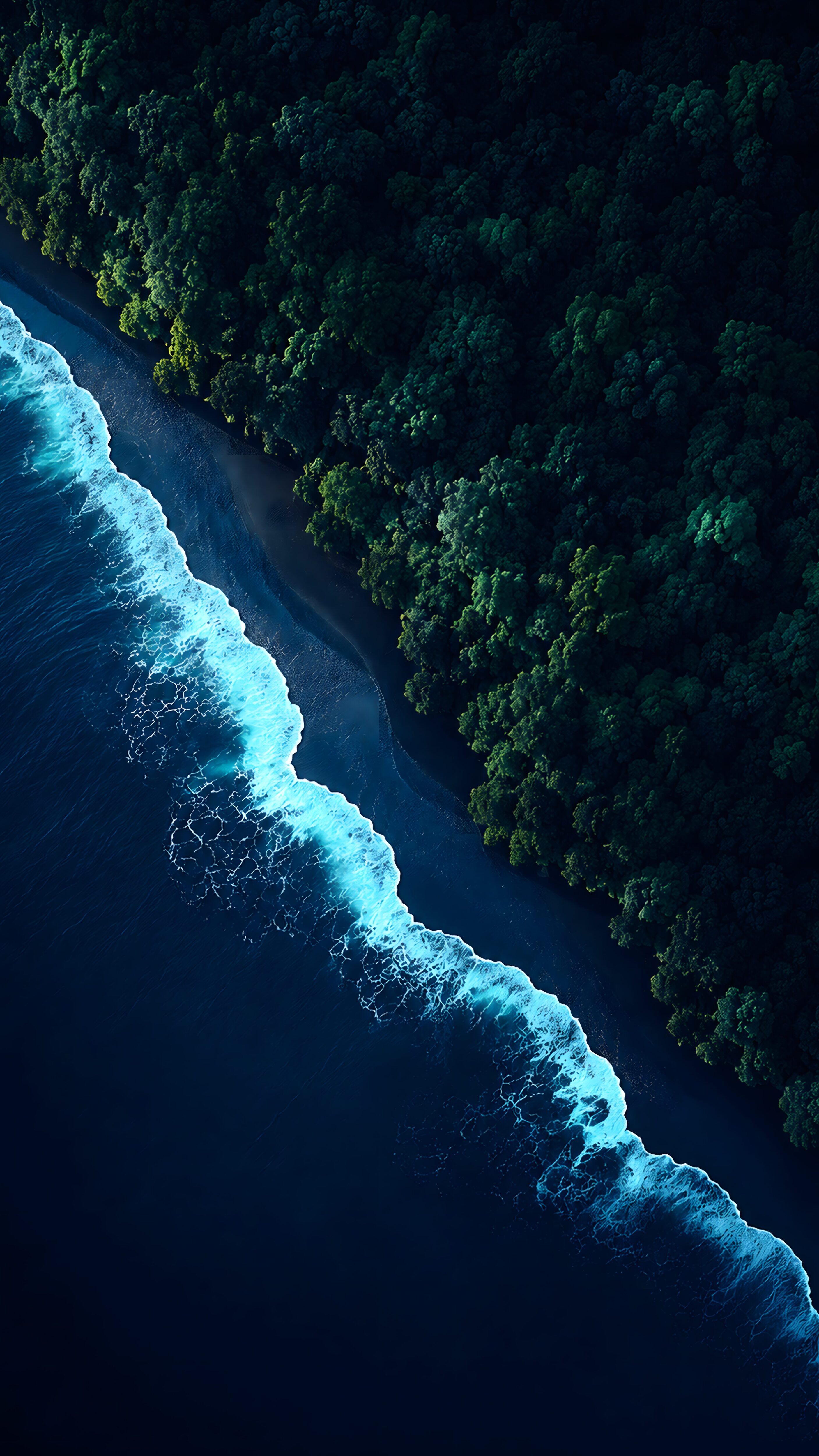
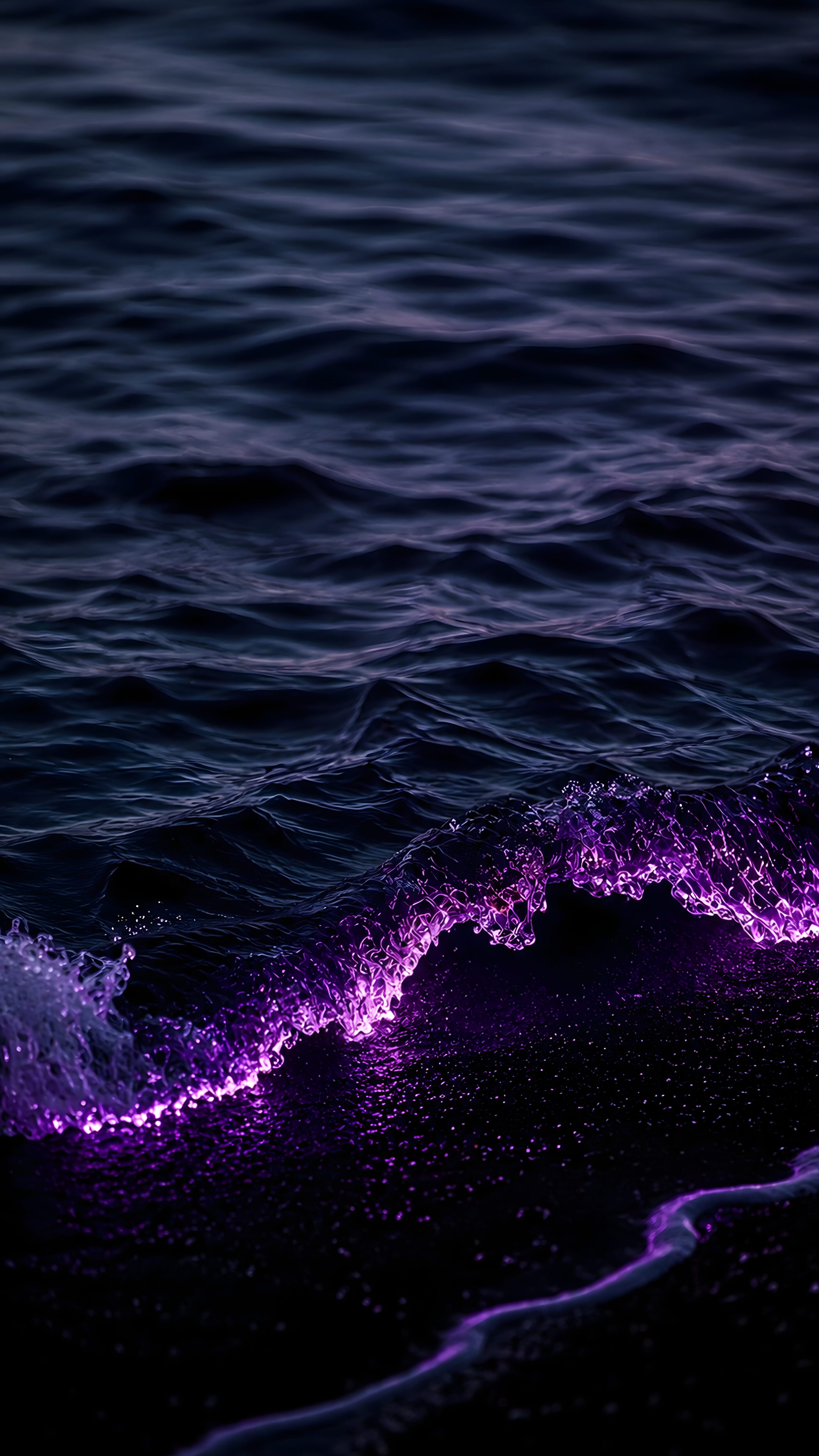
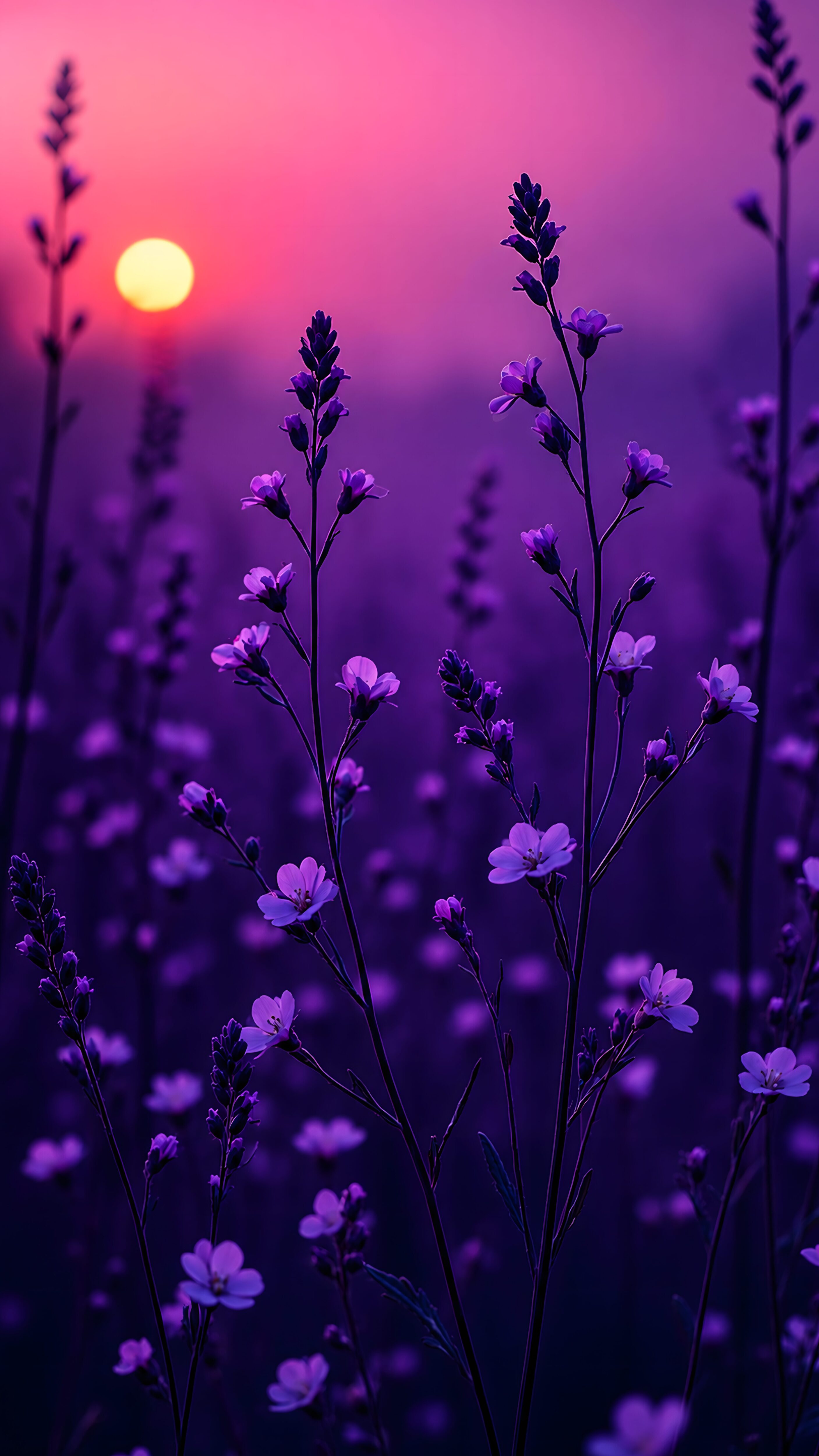
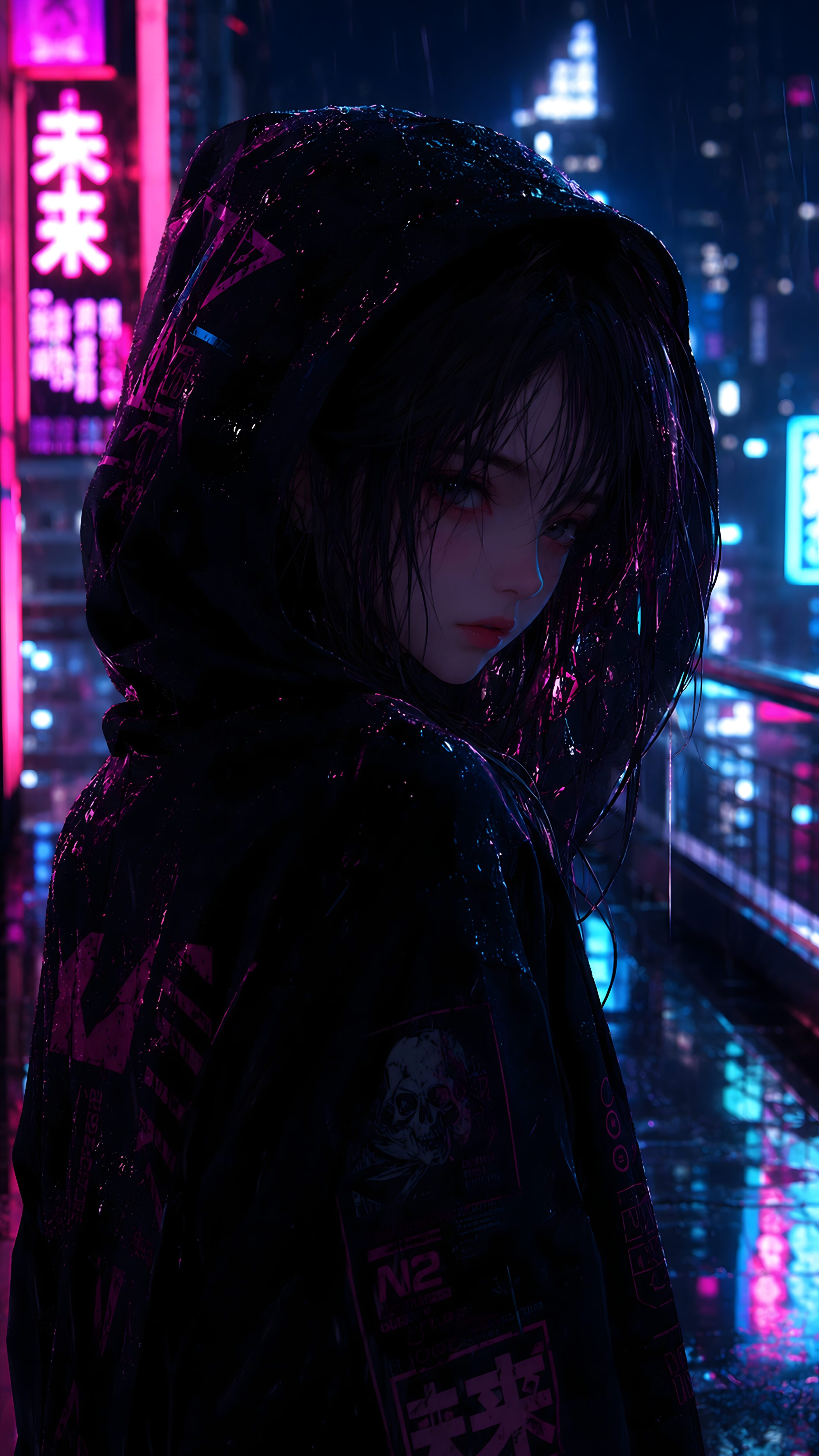
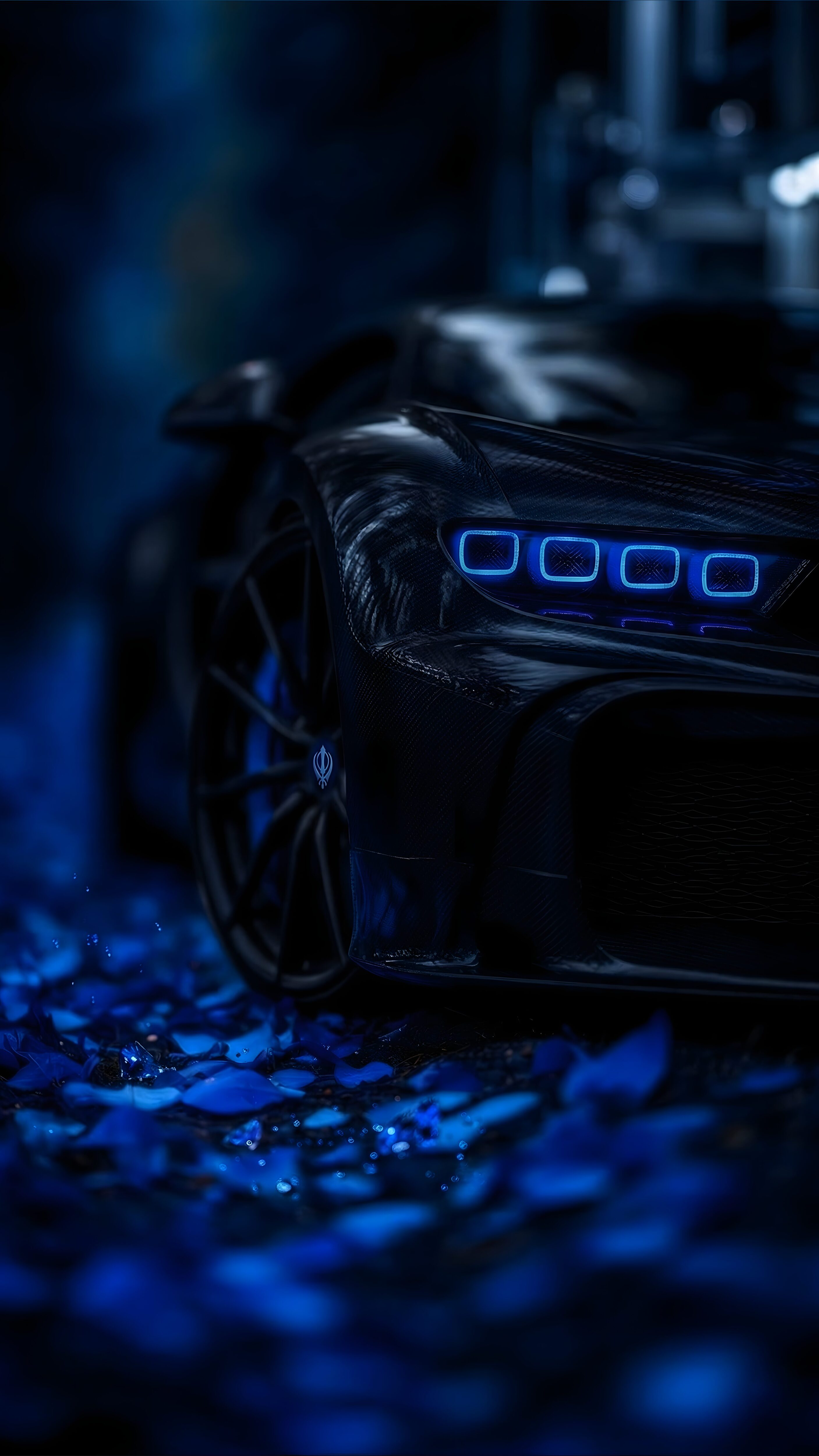
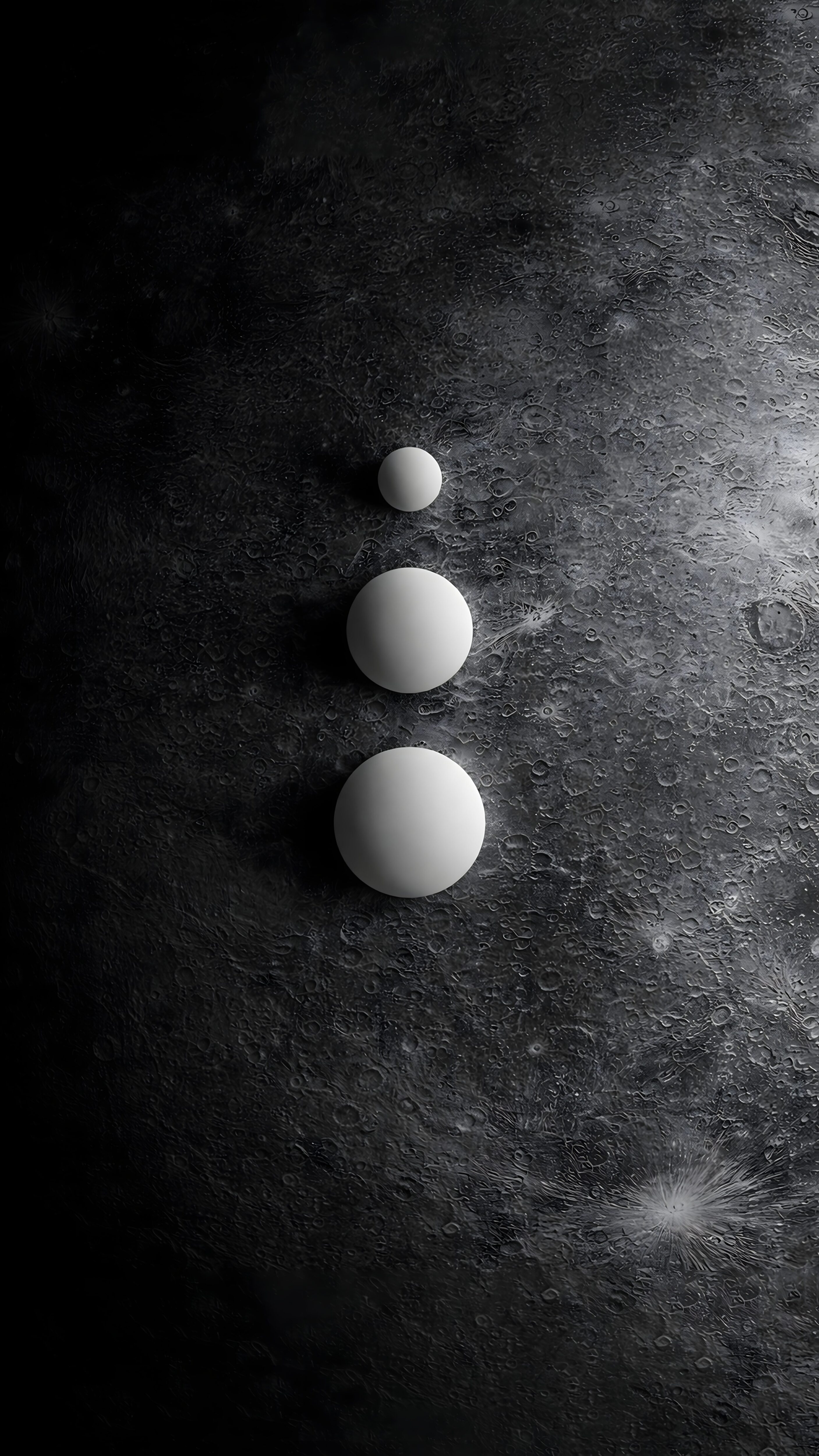
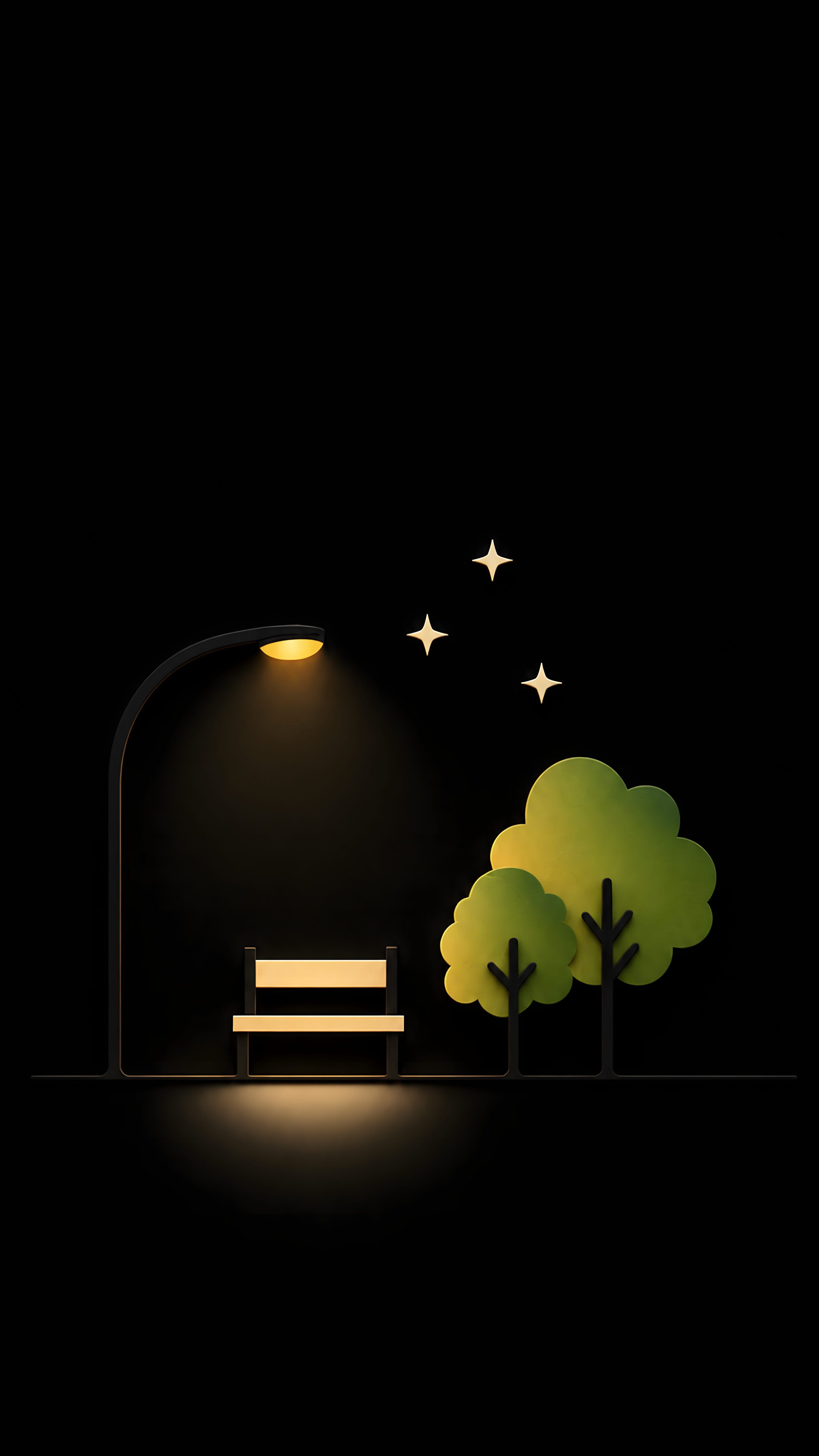
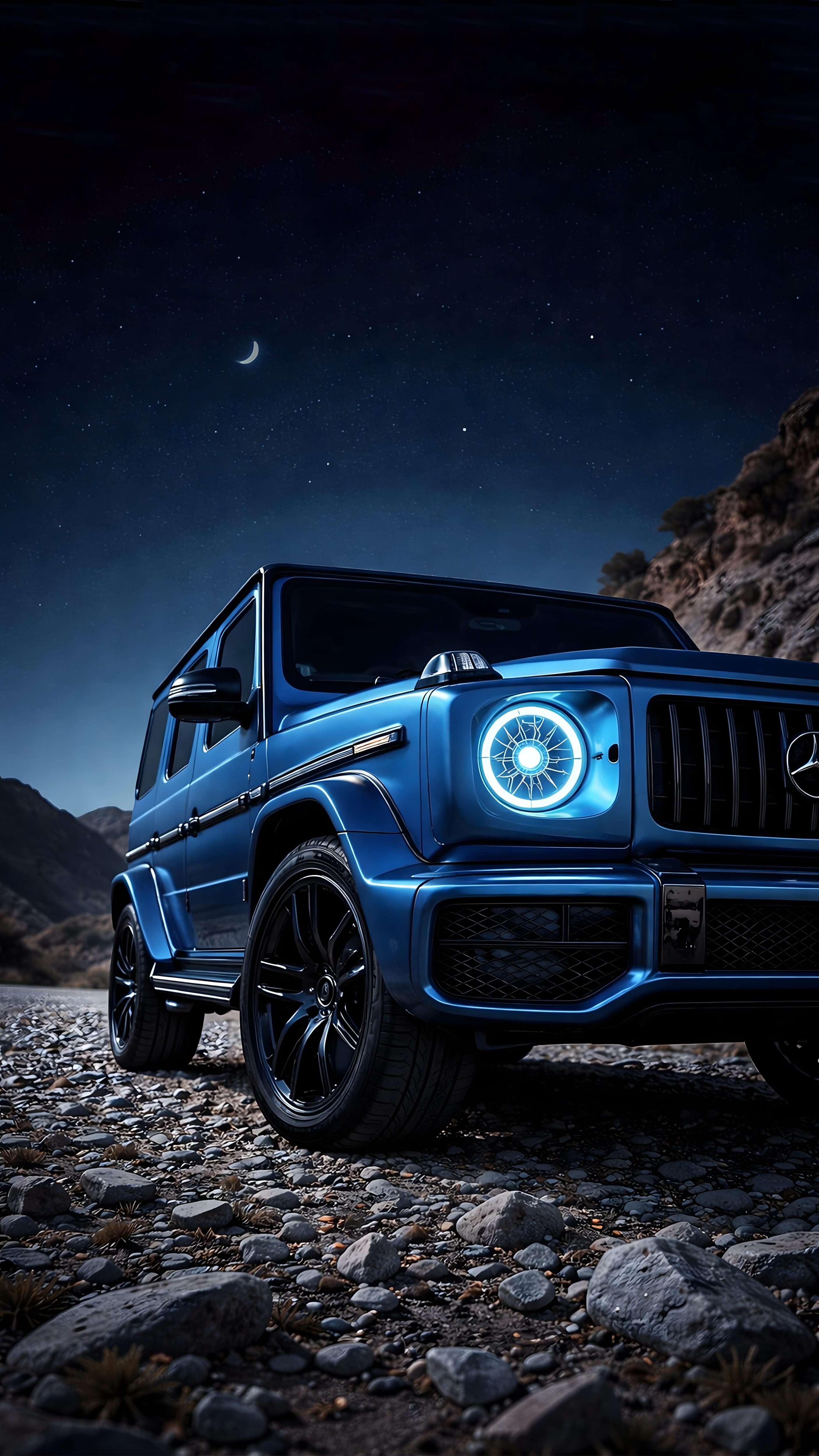
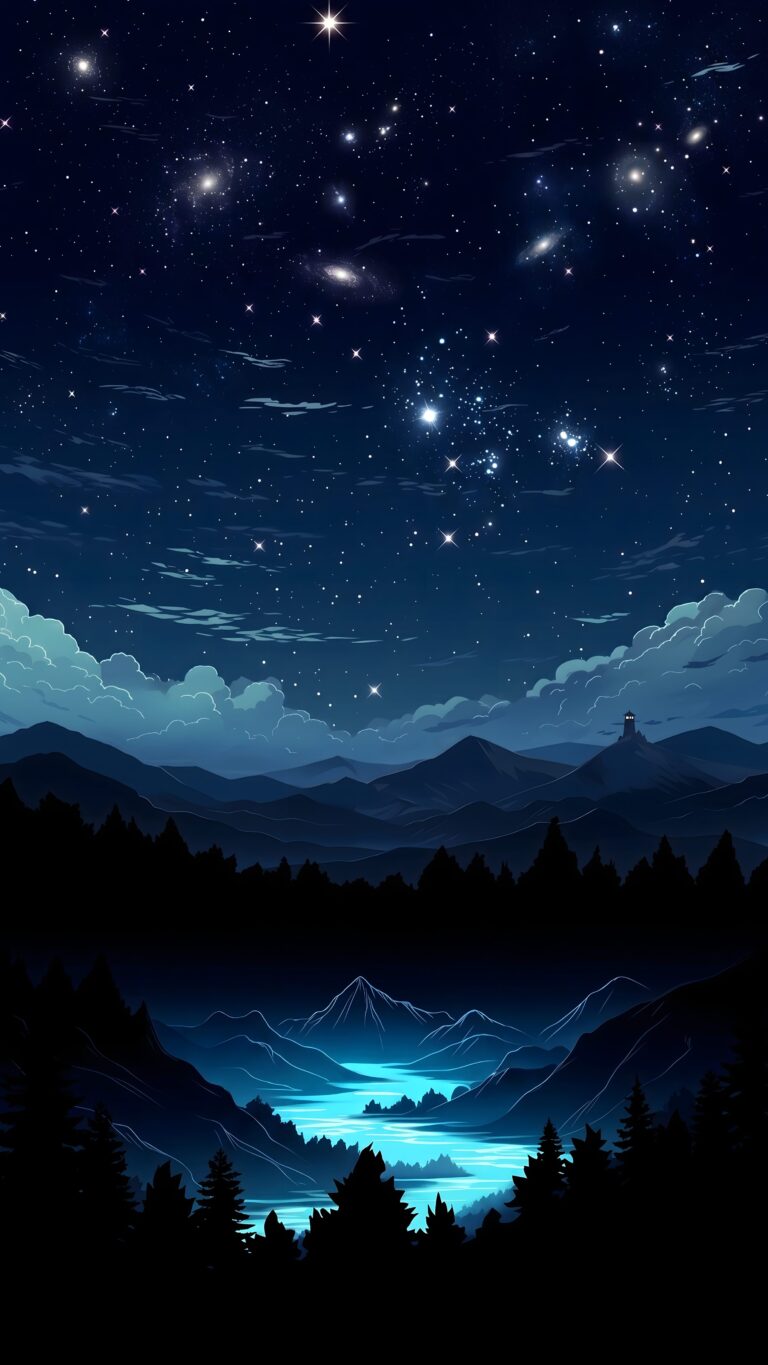
Aesthetic Starry Night Sky & Glowing River 4K Mobile Wallpaper
📥 Download Wallpaper
👁️ 51
⬇️ 4
🔗
⚙️
Customize Wallpaper?
Open Editor Studio to adjust this image to your perfect fit.
Yes, Start Editing
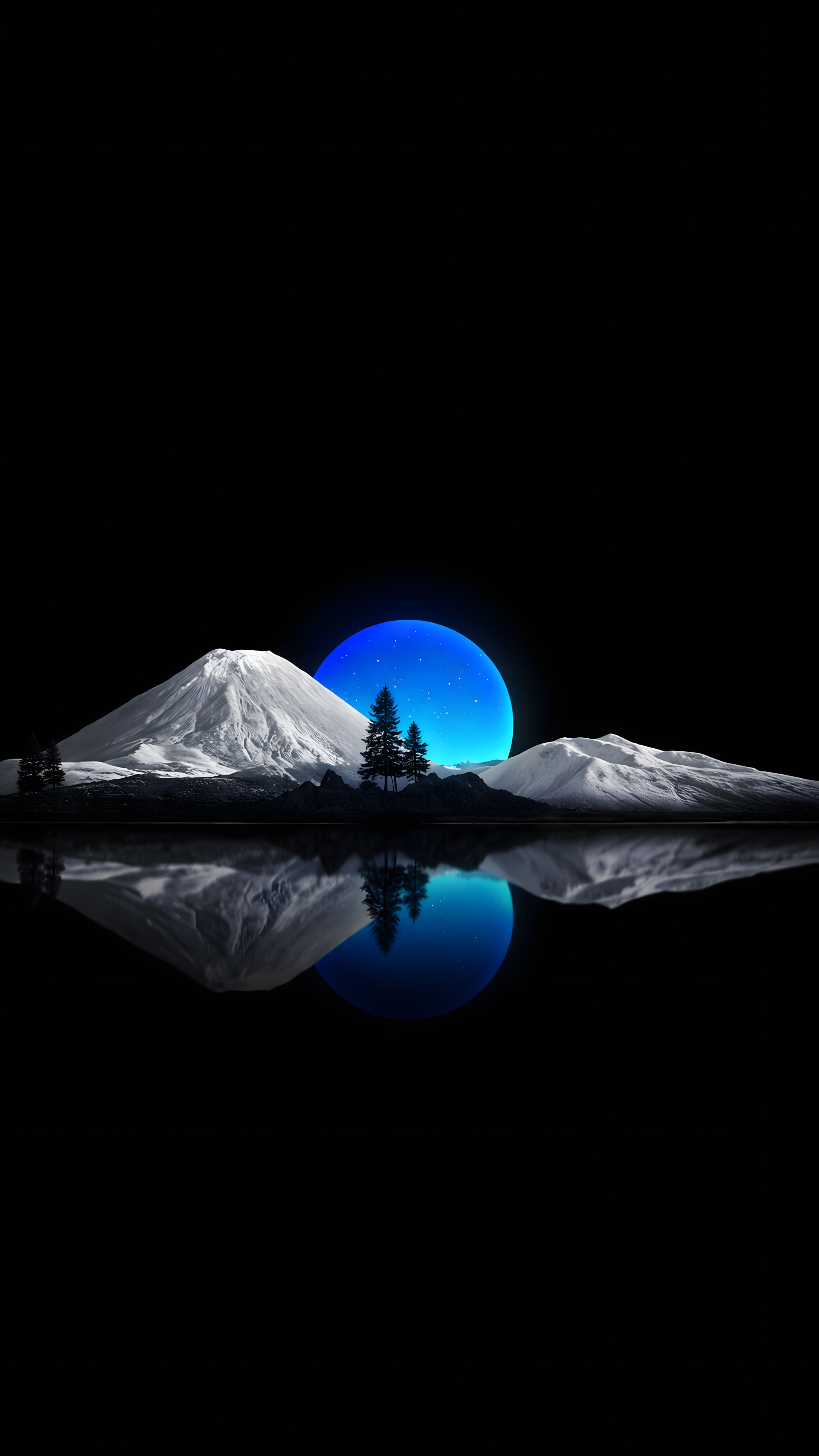
Is there anything more relaxing than looking up at a crystal-clear night sky? I absolutely love how this artwork captures that peaceful midnight vibe, blending a universe filled with sparkling constellations and swirling galaxies over a quiet mountain range. The way the glowing blue river cuts through the dark silhouettes of the forest down below gives it this magical, almost anime-like dreamscape feel that makes me want to just get lost in the scenery.
Because this vertical background leans so heavily into deep, inky blacks and vibrant cyan highlights, it is going to look completely unreal on a modern smartphone display. Whether you are rocking an iPhone with a crisp Super Retina screen or an Android with a true-black AMOLED panel, those stars will practically pop right off the glass. Grab this high-res aesthetic download below and give your lockscreen the glowing upgrade it deserves.
Technical Specifications & Quality Details
Ultra HD Lossless 4K
Native Resolution
2160 × 3840 (4K UHD)
Pixel Density
483 PPI (Retina)
Display Calibration
10-Bit DCI-P3 Color
Color Palette
💡 Design Overview & Display Advice
With its deep tonal spectrum and precision rendering, Aesthetic Starry Night Sky & Glowing River stands out as a top-tier choice for AMOLED smartphone screens. On flagship displays with peak brightness capabilities, the highlights stand out dramatically against the inky black backdrop, producing an authentic HDR viewing experience. For optimal results, keep your most important apps in a single bottom dock row to let the expansive true-black canvas breathe.
How to Apply in Lossless 4K Without Compression
1
Save Original File
Tap the Download button above to save the full 4K PNG/JPG directly to your Photos or Gallery app.
2
Align on Lock Screen
Open wallpaper settings, select the image, and ensure perspective zoom / depth effect is positioned cleanly around your clock.
3
Set Home Screen Blur (Optional)
For better icon readability, apply a subtle blur or pairing wallpaper on your Home Screen using our free online tool.
❓ Frequently Asked Questions
Does this wallpaper drain battery on smartphones?
No, in fact it actively saves battery. Because this wallpaper has a 96% black pixel area, OLED panels turn off those specific pixels, reducing display energy consumption by up to 20%.
Will this fit my specific phone model?
Yes, this wallpaper is produced in universal 9:16 vertical 4K resolution (2160x3840), ensuring a pixel-perfect fit across all Apple iPhones, Samsung Galaxy, Google Pixel, and OnePlus models.
Can I use this for lock screen depth effect?
Absolutely. High contrast subjects with clear top-margin spacing seamlessly activate the iOS 16/17/18 and Android lock screen clock depth effect.