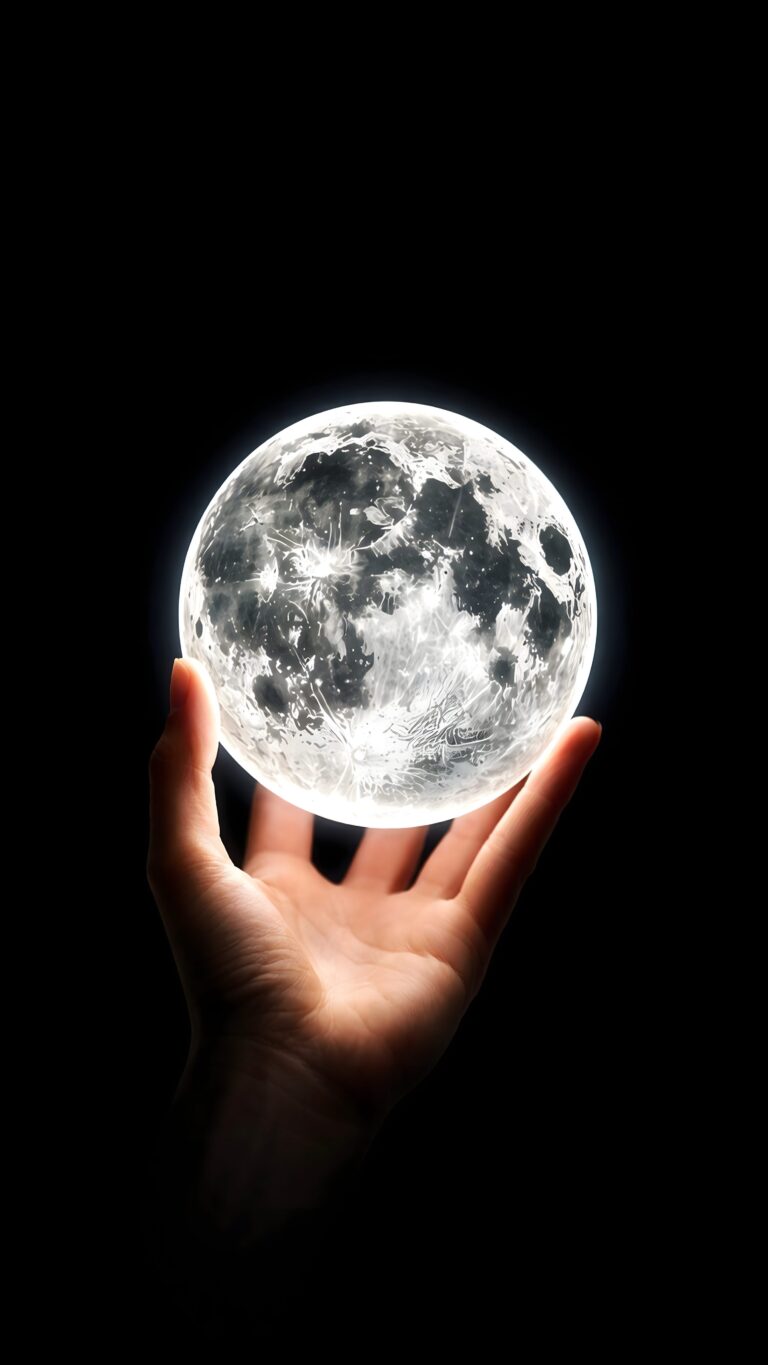
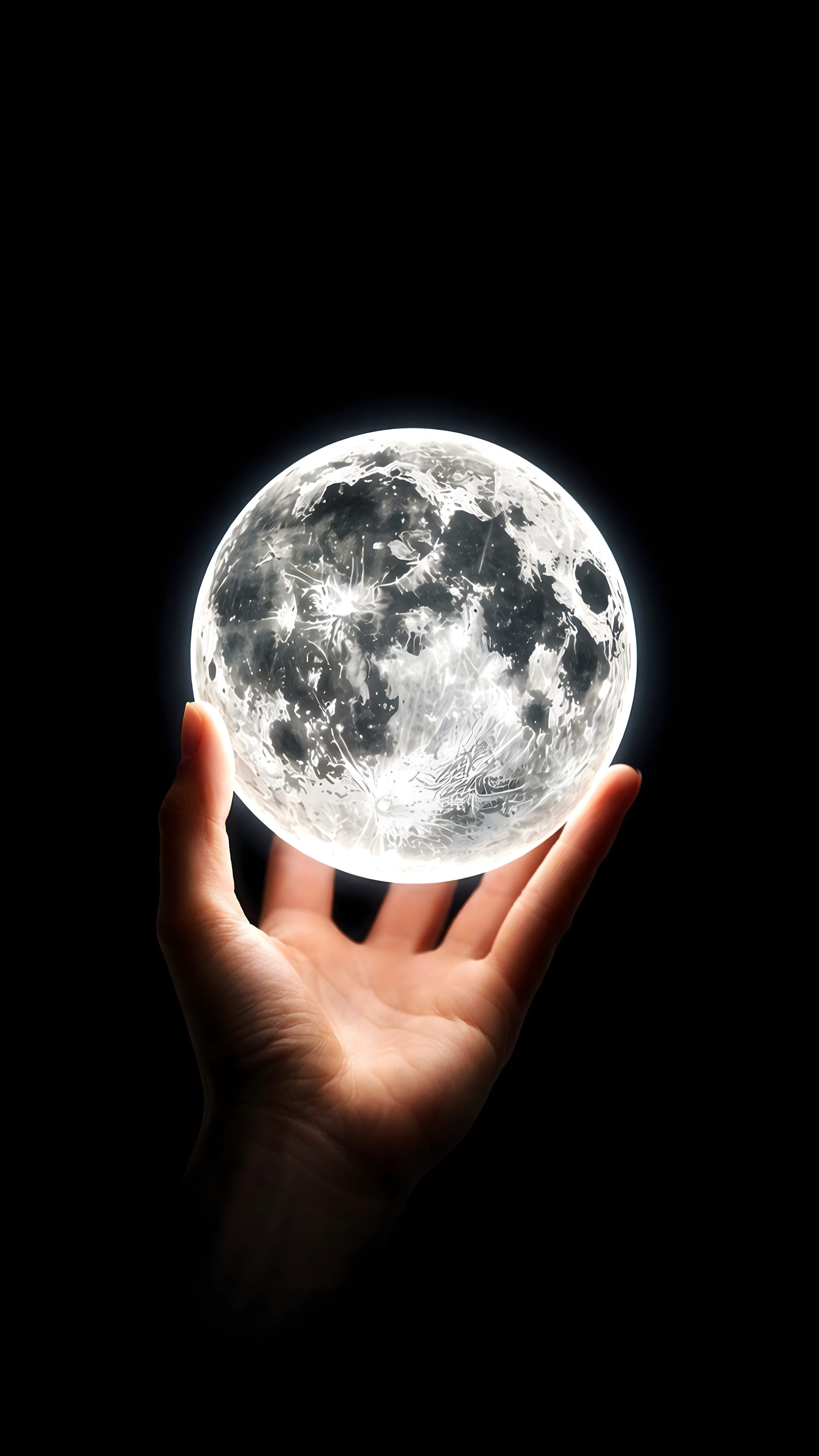
Glowing Moon in Hand Aesthetic Lockscreen | 4K iPhone Wallpaper
📥 Download Wallpaper
Customize Wallpaper?
Open Editor Studio to adjust this image to your perfect fit.
Yes, Start Editing
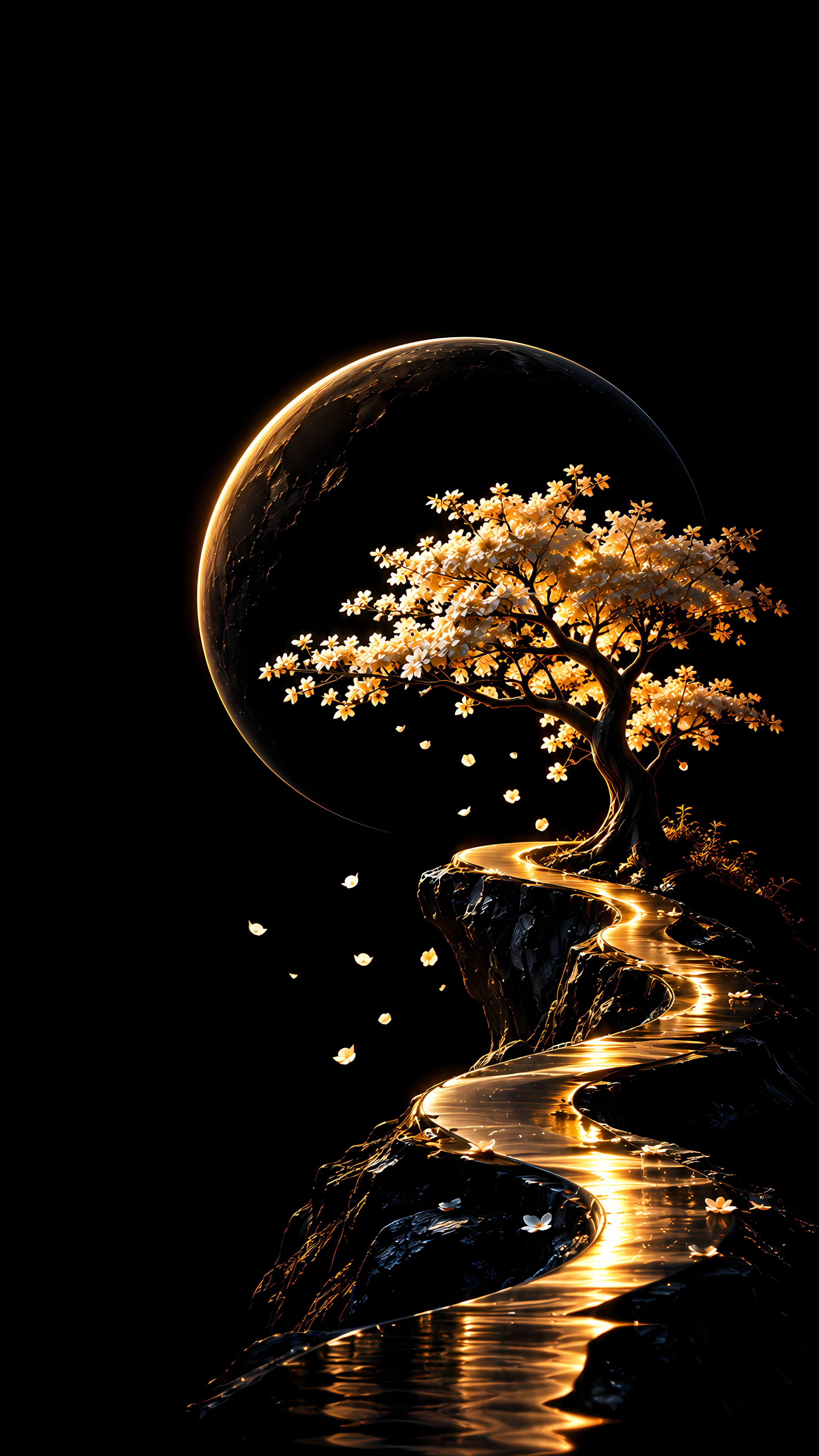
I couldn’t stop staring when I first saw this piece; there’s just something incredibly magical about holding the cosmos right in the palm of your hand. The striking contrast between the pitch-black void and the intensely detailed, glowing lunar surface instantly pulls you in, giving off a serene yet powerful vibe that feels like pure nighttime magic.
Why This Belongs On Your Screen:
- True Black Depth: The completely dark background is perfect for making your aesthetic lockscreen pop without feeling cluttered.
- Surreal Vibes: It beautifully blends a touch of fantasy with ultra-realistic lunar craters and glowing textures.
- Centered Subject: The hand and moon are perfectly positioned in the lower center, ensuring your clock and notifications won’t be obstructed.
Because this artwork leans so heavily on deep blacks and a brilliant white glow, it looks absolutely phenomenal on modern AMOLED and Super Retina displays. The deep contrast literally shines, turning your phone into a tiny portal to the stars. Grab this stunning background below and give your device a celestial upgrade today!
![Purple Neon Wallpaper displaying a straight vertical laser beam on a pitch-black background[cite: 1].](https://4kmobilewallpapers.com/wp-content/uploads/2026/11/Purple-Neon-Wallpaper.jpg)
![Minimalist sunset wallpaper showing a tropical island silhouette with palm trees and a bright orange sun over water[cite: 1].](https://4kmobilewallpapers.com/wp-content/uploads/2026/10/Minimalist-Sunset-Wallpaper.jpg)