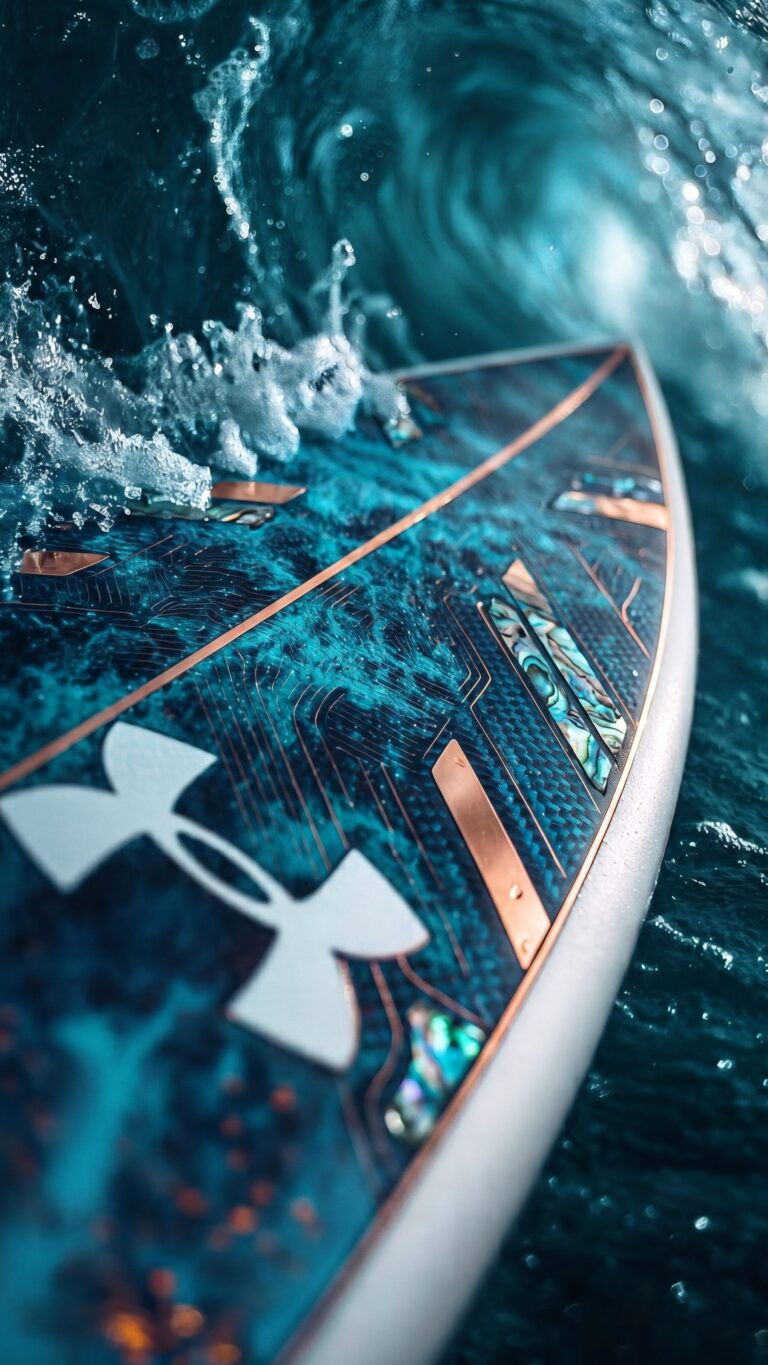
Epic Under Armour Surfboard Ocean Wave 4K iPhone Wallpaper
📥 Download Wallpaper

👁️ 32 ⬇️ 4 🔗 0
⚙️

Customize Wallpaper?

Open Editor Studio to adjust this image to your perfect fit.

Yes, Start Editing

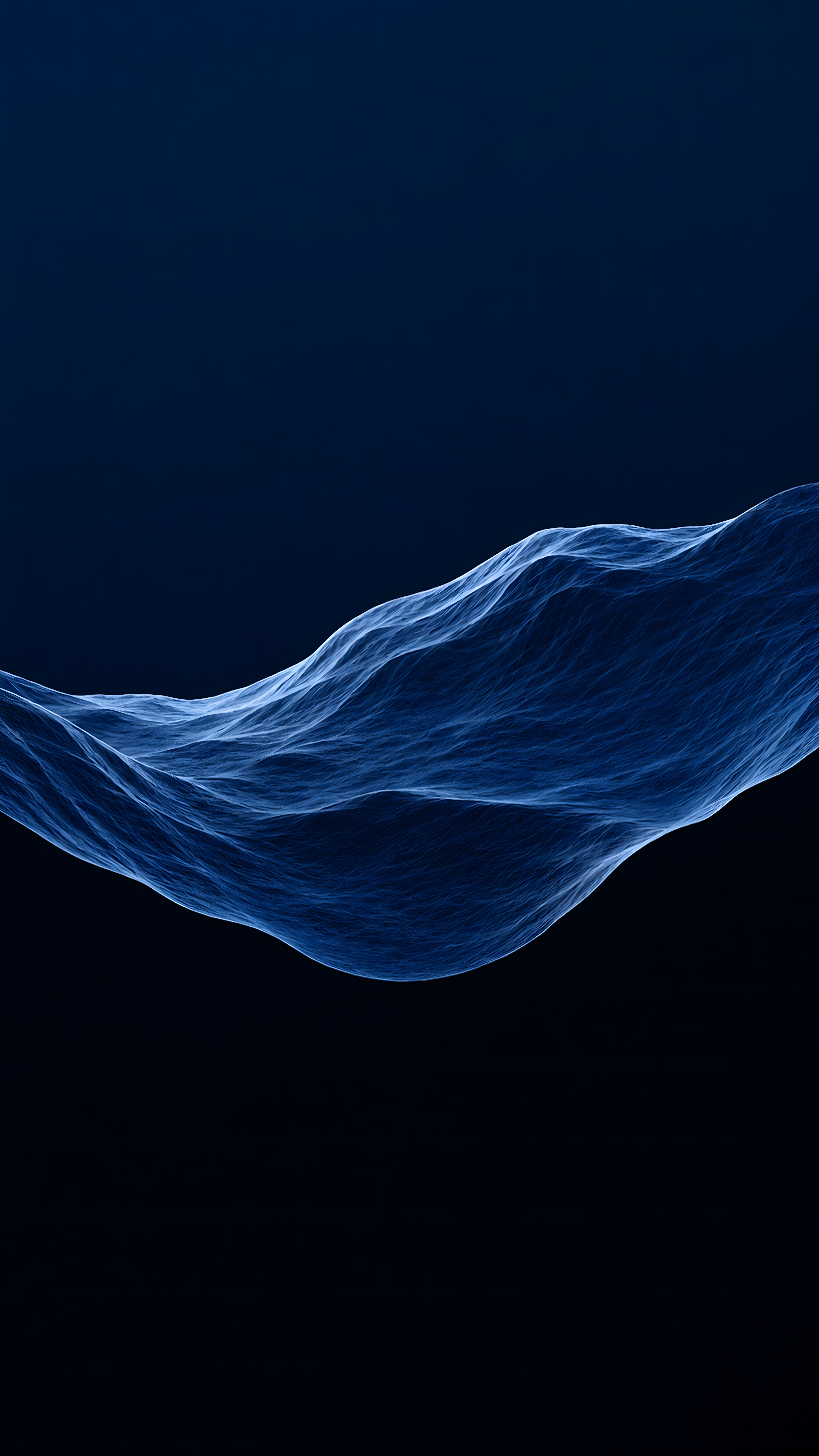
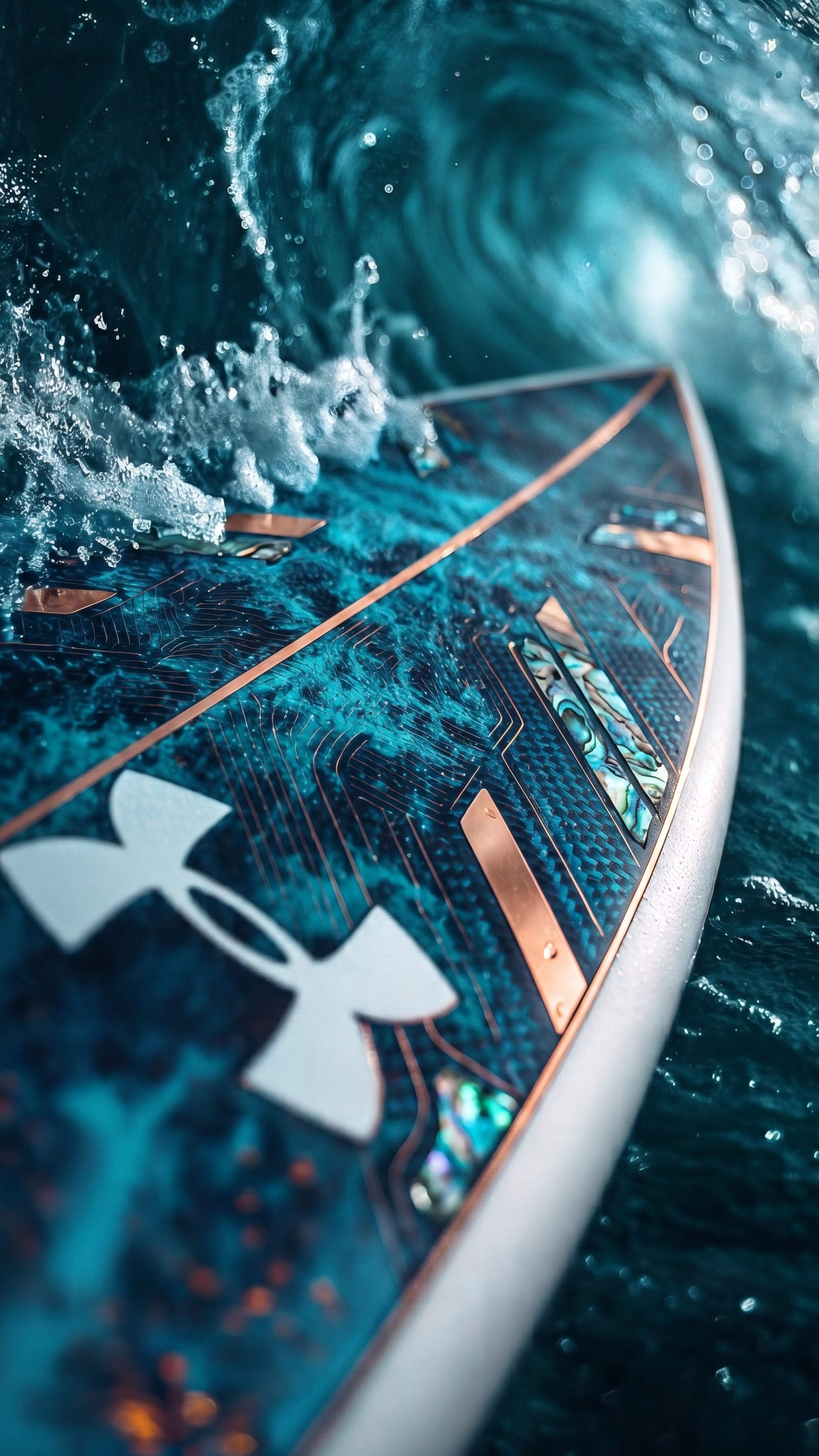
I am absolutely obsessed with the raw energy coming off this shot! If you love hitting the beach or just appreciate slick sports gear, this futuristic surfboard cutting through a massive ocean swell is going to blow your mind. The crazy attention to detail—from those glowing copper circuitry lines and shiny abalone inlays to the crisp, freezing water droplets splashing against the crisp Under Armour logo—gives off a serious high-performance, luxury athletic vibe that instantly amps up your mood every time you check your phone.

Because of those deep, moody teal waters and the sharp metallic contrasts, this is exactly the kind of aesthetic background that absolutely pops on an OLED or Super Retina display. The dark oceanic shadows help save battery, while those bright cresting splashes practically jump right off your glass, making your lockscreen look incredibly premium and deep. Go ahead and grab this high-res download below to give your smartphone that fresh, dynamic edge it deserves.

Technical Specifications & Quality Details

Ultra HD Lossless 4K
📐 Native Resolution 2160 × 3840 (4K UHD)
📱 Pixel Density 477 PPI (Retina)
Display Calibration 10-Bit DCI-P3 Color
🎨 Color Palette
93% (High Efficiency)

💡 Design Overview & Display Advice

Every glance at Epic Under Armour Surfboard Ocean Wave reveals clean negative space specifically engineered to prevent visual overload on handheld screens. Because 82% of the pixels are pure black (#000000), compatible OLED displays physically shut down individual lighting diodes in those zones, resulting in near-zero power draw. This wallpaper is a must-have for anyone seeking to maximize their phone's OLED battery efficiency while enjoying an impeccably clean look.

How to Apply in Lossless 4K Without Compression

1
Save Original File
Tap the Download button above to save the full 4K PNG/JPG directly to your Photos or Gallery app.
2
Align on Lock Screen
Open wallpaper settings, select the image, and ensure perspective zoom / depth effect is positioned cleanly around your clock.
3
Set Home Screen Blur (Optional)
For better icon readability, apply a subtle blur or pairing wallpaper on your Home Screen using our free online tool.

❓ Frequently Asked Questions

Does this wallpaper drain battery on smartphones?
No, in fact it actively saves battery. Because this wallpaper has a 82% black pixel area, OLED panels turn off those specific pixels, reducing display energy consumption by up to 20%.
Will this fit my specific phone model?
Yes, this wallpaper is produced in universal 9:16 vertical 4K resolution (2160x3840), ensuring a pixel-perfect fit across all Apple iPhones, Samsung Galaxy, Google Pixel, and OnePlus models.
Can I use this for lock screen depth effect?
Absolutely. High contrast subjects with clear top-margin spacing seamlessly activate the iOS 16/17/18 and Android lock screen clock depth effect.

Preparing Studio...

Optimizing pixels for your device

🔍

Pro Tip: Drag the wallpaper to adjust positioning

12:00
Friday, January 1