Rocky Coast Sunset and Tide Pools – 4K Desktop Background
📥 Download Wallpaper
Customize Wallpaper?
Open Editor Studio to adjust this image to your perfect fit.
Yes, Start Editing
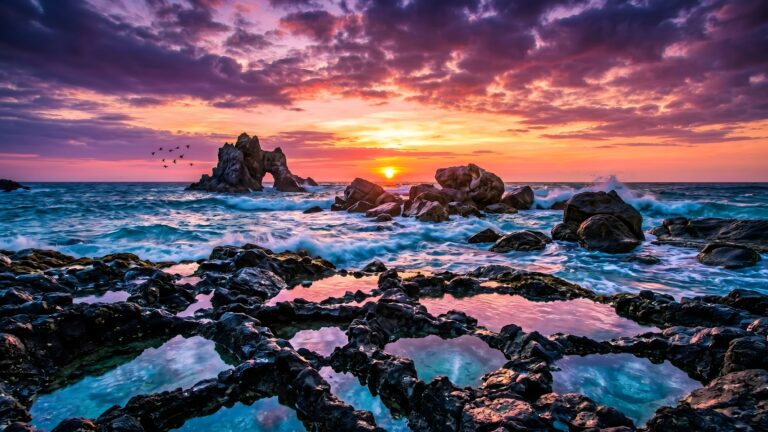
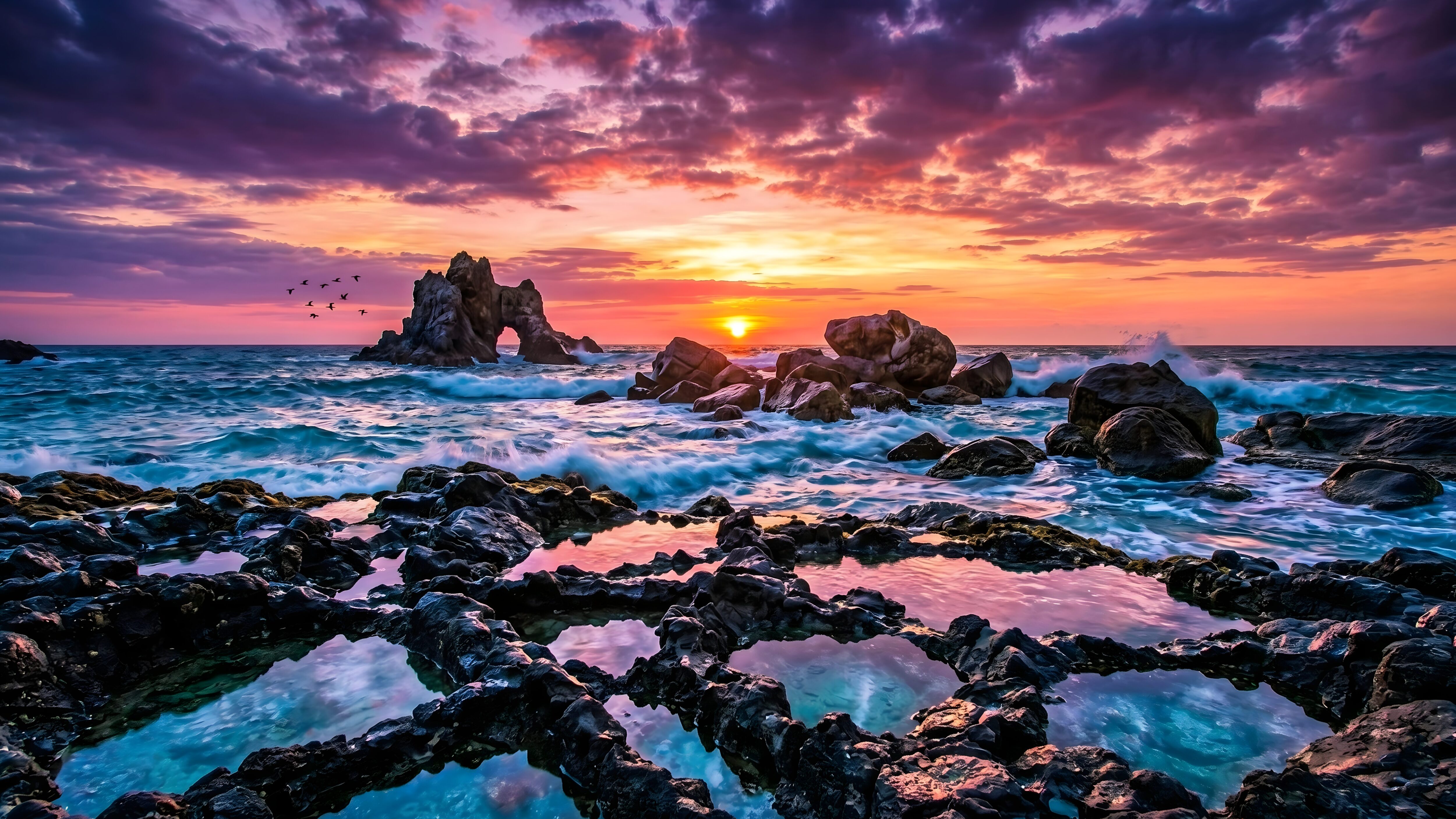
Vibrant Rocky Coast Sunset Wallpaper
The colors in this sunset are just crazy. If you are looking for a striking rocky coast sunset wallpaper, this scene hits the mark perfectly. The sky is completely filled with heavy purple and orange clouds, and the sun is dipping into the horizon right behind that giant rock arch in the ocean.
Why This 4K Desktop Background Works
The best part of this landscape is actually the foreground. It has a lot of natural contrast that makes the image stand out:
- Reflective Tide Pools: Those jagged black rocks trap little pools of calm water, perfectly reflecting the bright pink sky from above.
- Crashing Waves: Right behind the calm pools, you get the chaotic, white-water energy of the ocean waves crashing violently against the stones.
- Dark Contrast: The dark rocks keep the bright sunset grounded, making the colors look way more intense.
A Perfect Setup for Your PC Monitor
For a computer monitor, this is a really solid layout. You can easily toss all your desktop icons and folders down into the dark, rocky areas at the bottom of the screen so they don’t block the actual view of the sunset. The crashing water gives your screen a ton of life, but the dark foreground makes sure it doesn’t hurt your eyes when you are working late at night.
![Purple Neon Wallpaper displaying a straight vertical laser beam on a pitch-black background[cite: 1].](https://4kmobilewallpapers.com/wp-content/uploads/2026/11/Purple-Neon-Wallpaper.jpg)

![Minimalist sunset wallpaper showing a tropical island silhouette with palm trees and a bright orange sun over water[cite: 1].](https://4kmobilewallpapers.com/wp-content/uploads/2026/10/Minimalist-Sunset-Wallpaper.jpg)