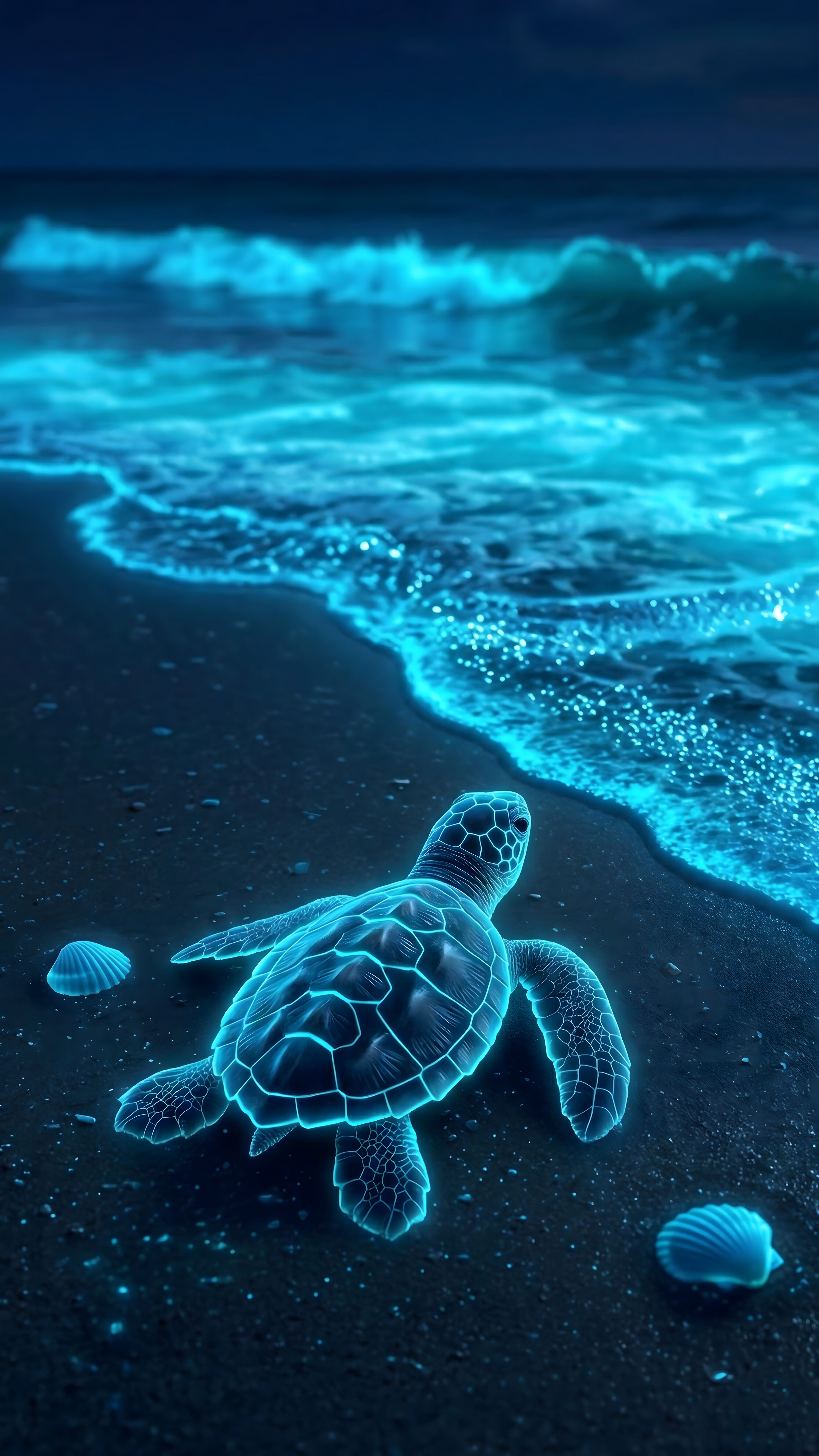
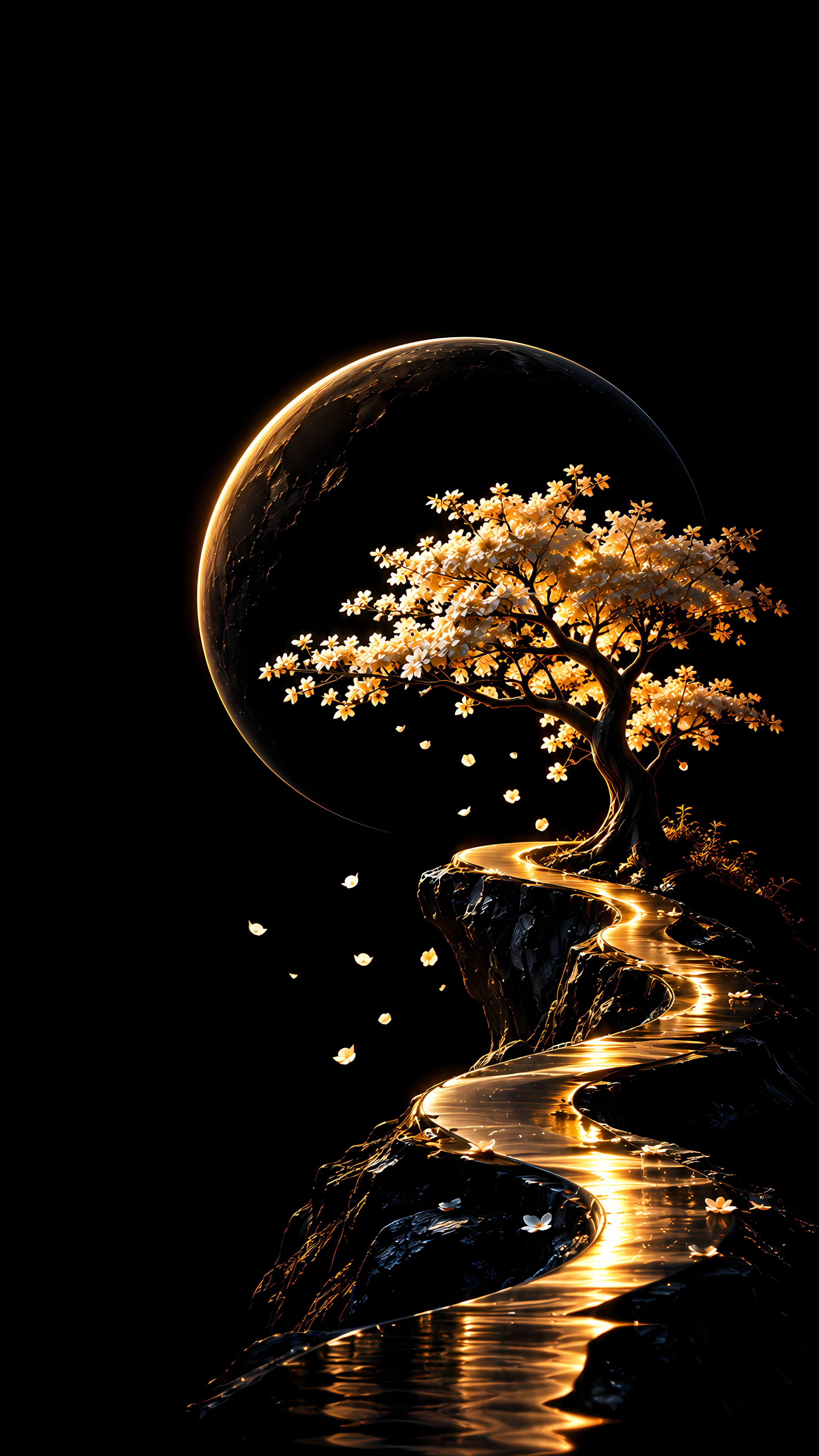
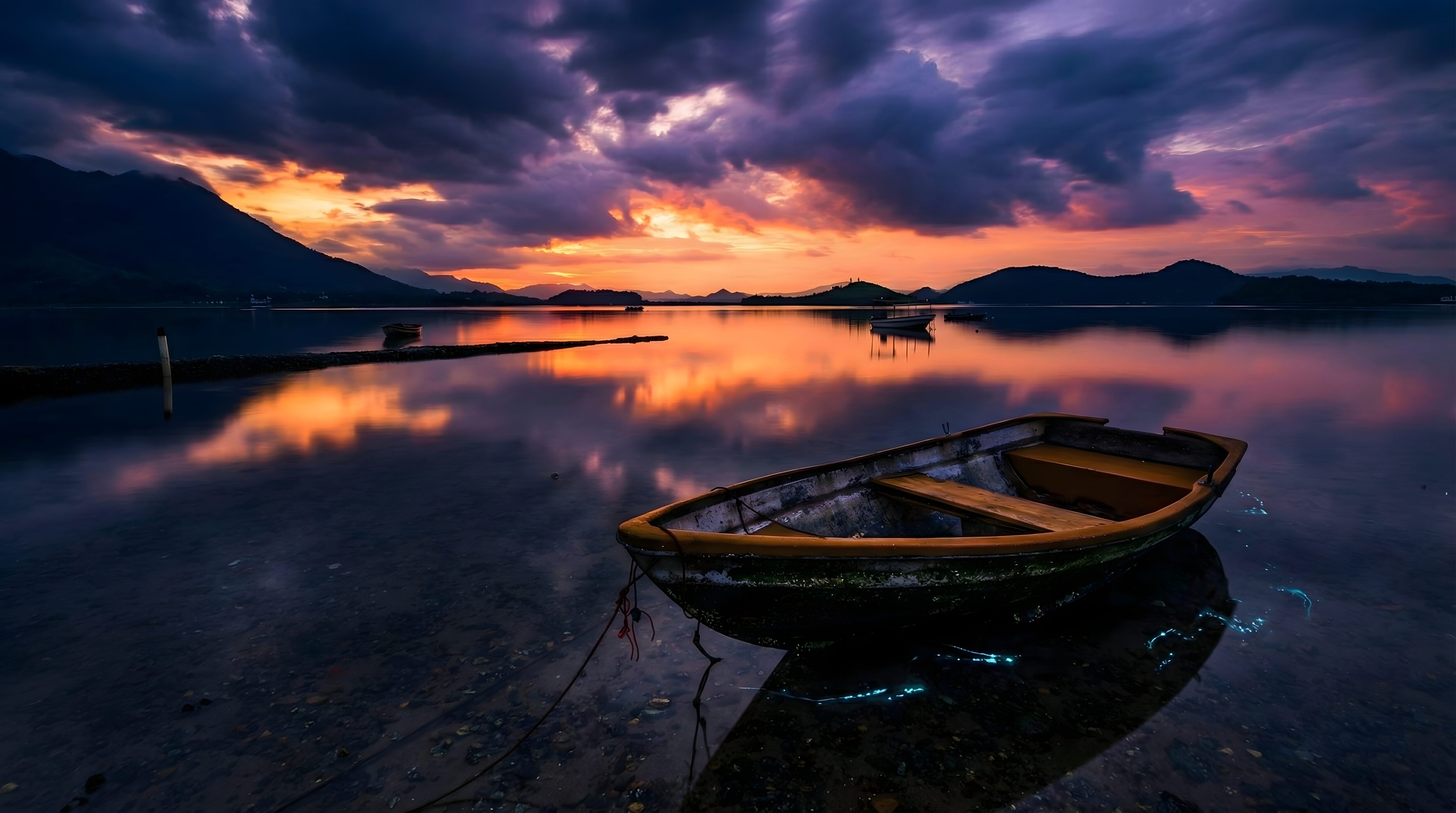
Peaceful Sunset Lake Boat: 4K Bioluminescent PC Desktop Background

📥 Download Wallpaper

👁️ 75 ⬇️ 0 🔗 0
⚙️

Customize Wallpaper?

Open Editor Studio to adjust this image to your perfect fit.

Yes, Start Editing
📸 Res: 4K Ultra HD (Desktop)
📁 Cat: Nature / Landscape
🖼️ Fmt: High-Res .PNG
✨ Quality: High-Quality Processed

🖼️ About This Wallpaper

Give your workspace a profoundly calming, incredibly peaceful, and highly cinematic upgrade with this breathtaking digital artwork. This perfectly optimized 4K Ultra HD PC desktop background from 4K Mobile Wallpapers features a spectacular landscape illustration of a quiet sunset over a serene lake. A lonely wooden boat rests gently on the water, surrounded by a magical bioluminescent glow, while the dramatic purple and orange sky reflects perfectly on the calm surface. Professionally enhanced and optimized to deliver rich colors and crisp environmental details, this relaxing nature masterpiece is the ultimate choice for high-resolution monitors and ultrawide displays worldwide, creating the perfect soothing desktop setup.
💻 Best Fit For (Recommended Devices)

4K UHD Monitors (Dell, LG, Samsung, BenQ)
Apple iMac & MacBook Pro/Air series
Gaming Laptops (ROG, Alienware, Legion)
Windows Desktop Setups & Ultrawide Displays

Technical Specifications & Quality Details

Ultra HD Lossless 4K
📐 Native Resolution 2160 × 3840 (4K UHD)
📱 Pixel Density 490 PPI (Retina)
Display Calibration 10-Bit DCI-P3 Color
🎨 Color Palette
88% (Standard Display)

💡 Design Overview & Display Advice

The nuanced texture transitions in Peaceful Sunset Lake Boat offer an effortlessly sophisticated background for creative professionals. Carefully calculated negative space allows you to organize your home screen apps and widgets in clean, modular grid layouts. Pairing this with an outline or monochrome icon pack gives your phone the bespoke polish of a high-end designer lookbook.

How to Apply in Lossless 4K Without Compression

1
Save Original File
Tap the Download button above to save the full 4K PNG/JPG directly to your Photos or Gallery app.
2
Align on Lock Screen
Open wallpaper settings, select the image, and ensure perspective zoom / depth effect is positioned cleanly around your clock.
3
Set Home Screen Blur (Optional)
For better icon readability, apply a subtle blur or pairing wallpaper on your Home Screen using our free online tool.

❓ Frequently Asked Questions

Does this wallpaper drain battery on smartphones?
No. The static 4K image is optimized for mobile GPUs, consuming virtually zero processing overhead compared to live or video backgrounds.
Will this fit my specific phone model?
Yes, this wallpaper is produced in universal 9:16 vertical 4K resolution (2160x3840), ensuring a pixel-perfect fit across all Apple iPhones, Samsung Galaxy, Google Pixel, and OnePlus models.
Can I use this for lock screen depth effect?
Absolutely. High contrast subjects with clear top-margin spacing seamlessly activate the iOS 16/17/18 and Android lock screen clock depth effect.

Preparing Studio...

Optimizing pixels for your device

🔍

Pro Tip: Drag the wallpaper to adjust positioning

12:00
Friday, January 1