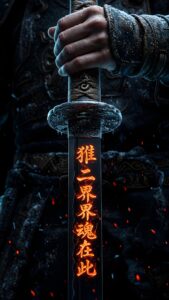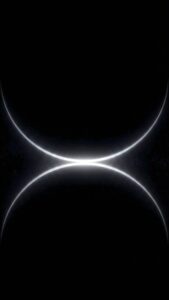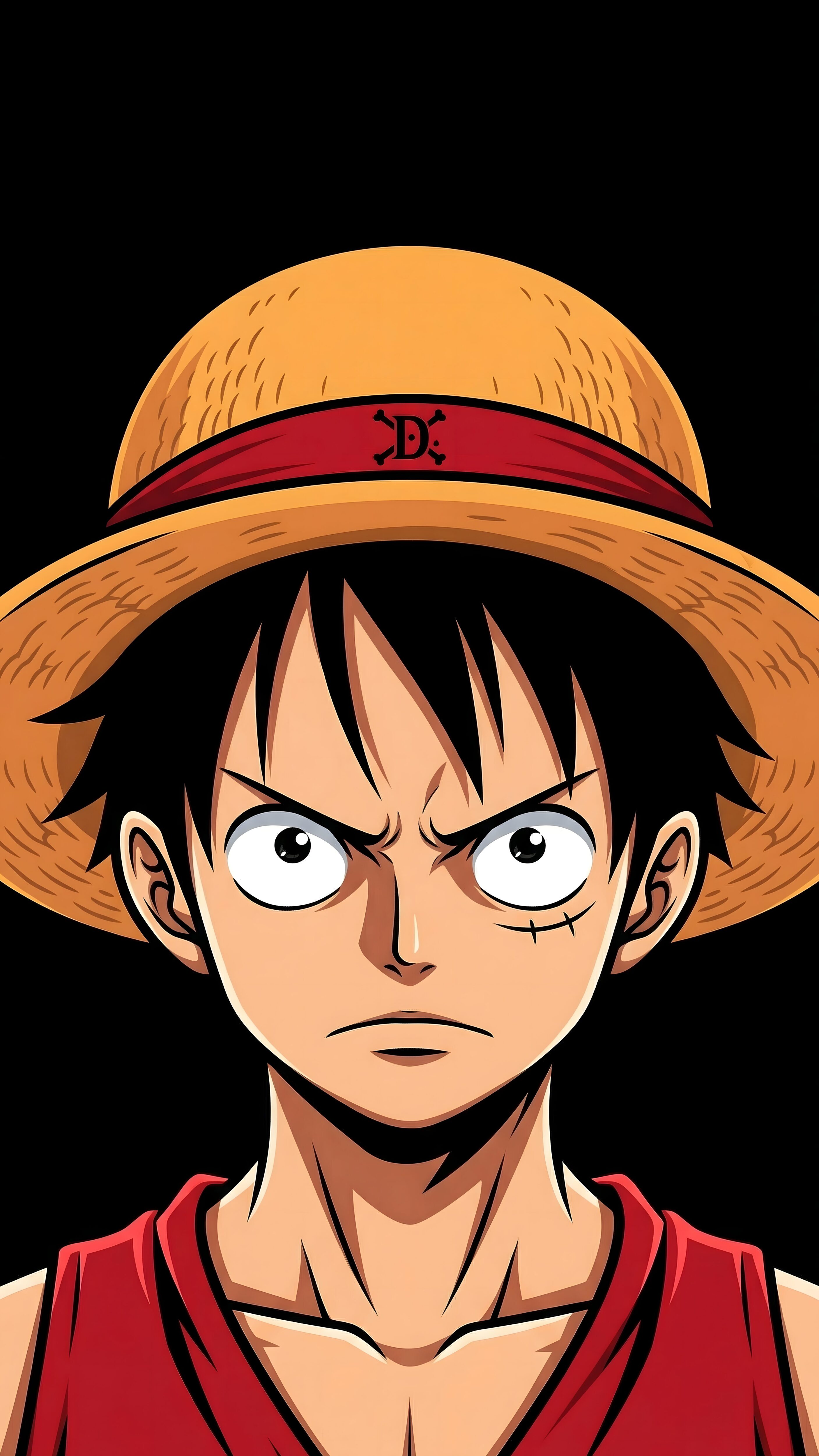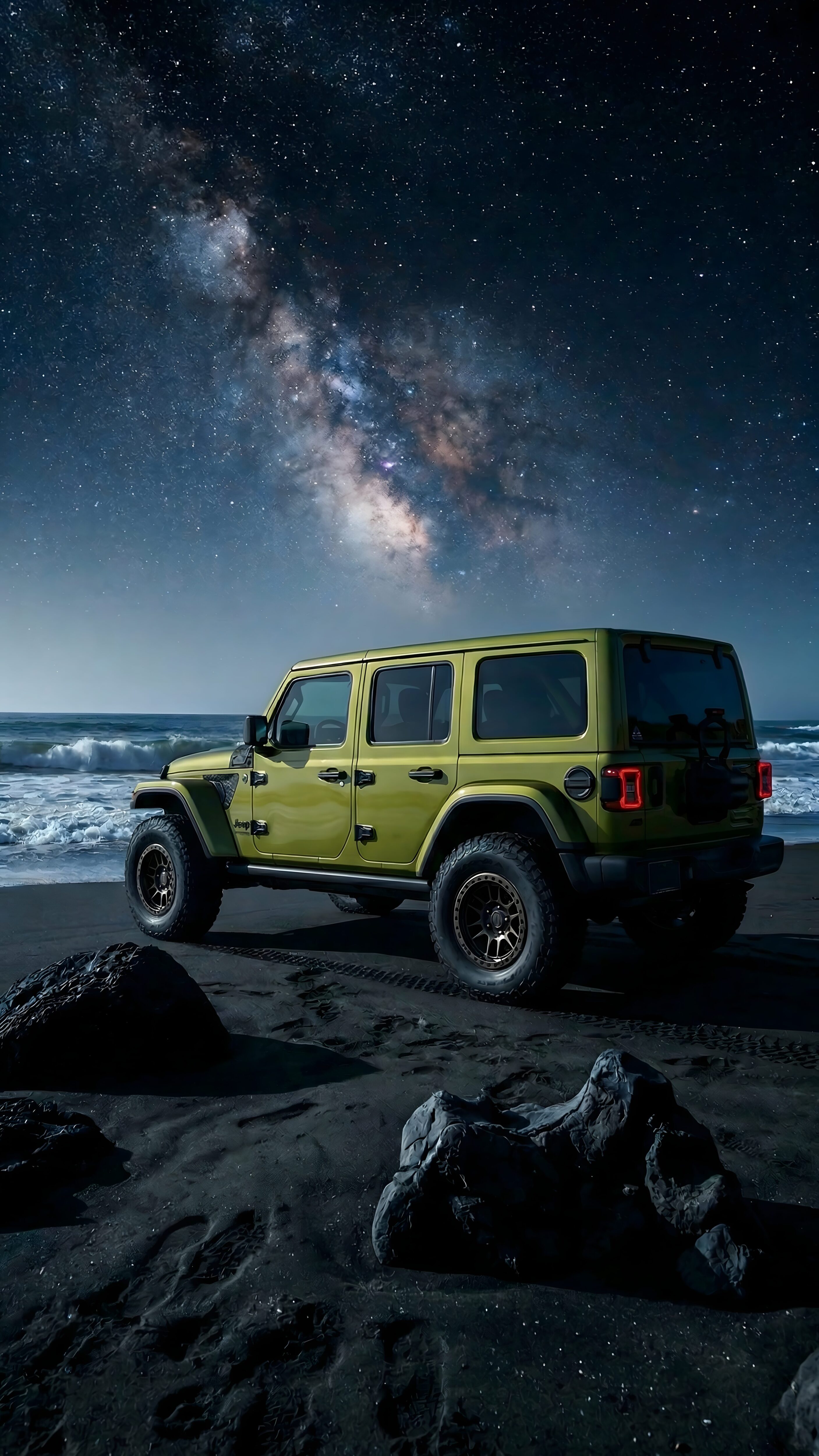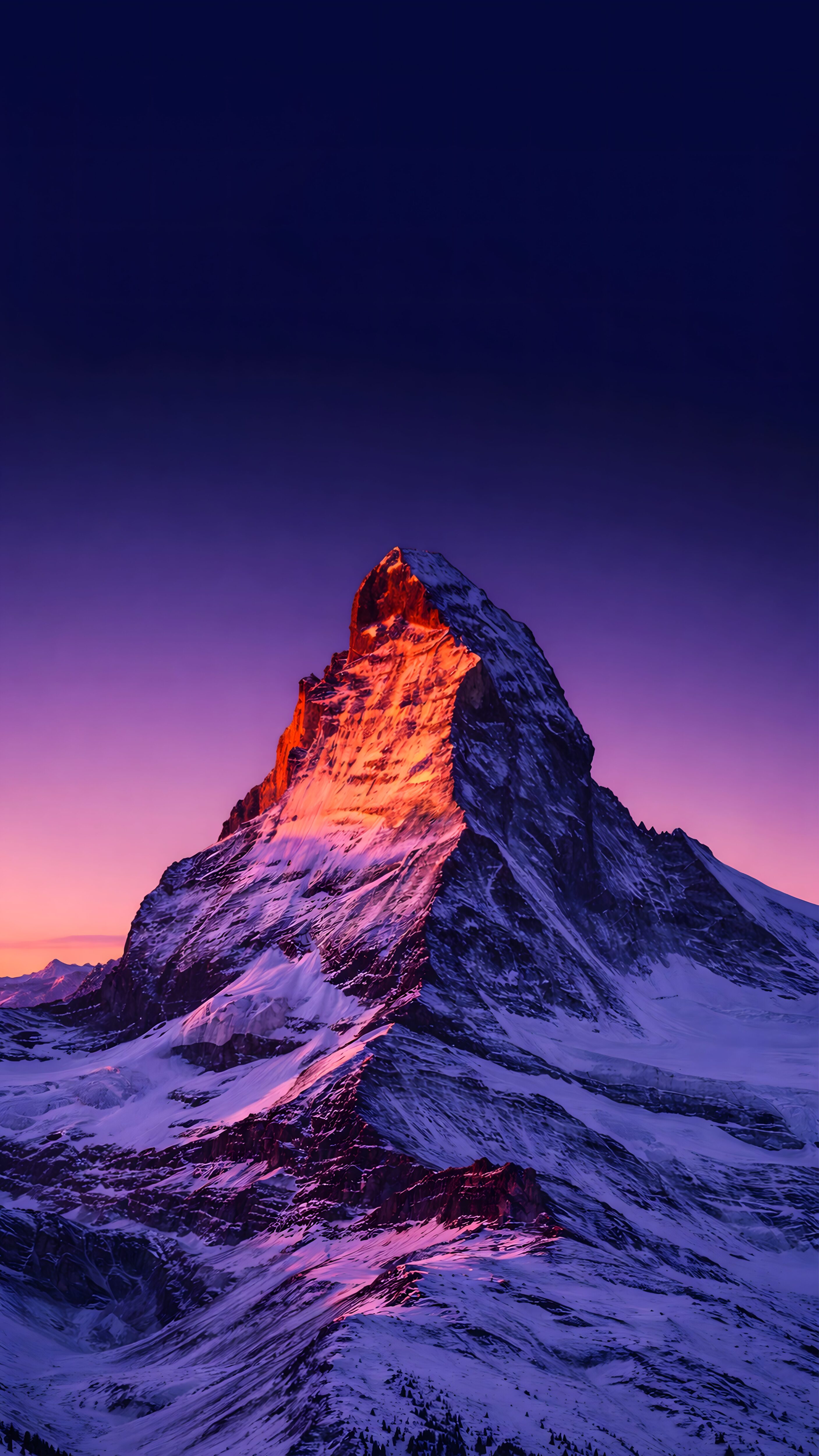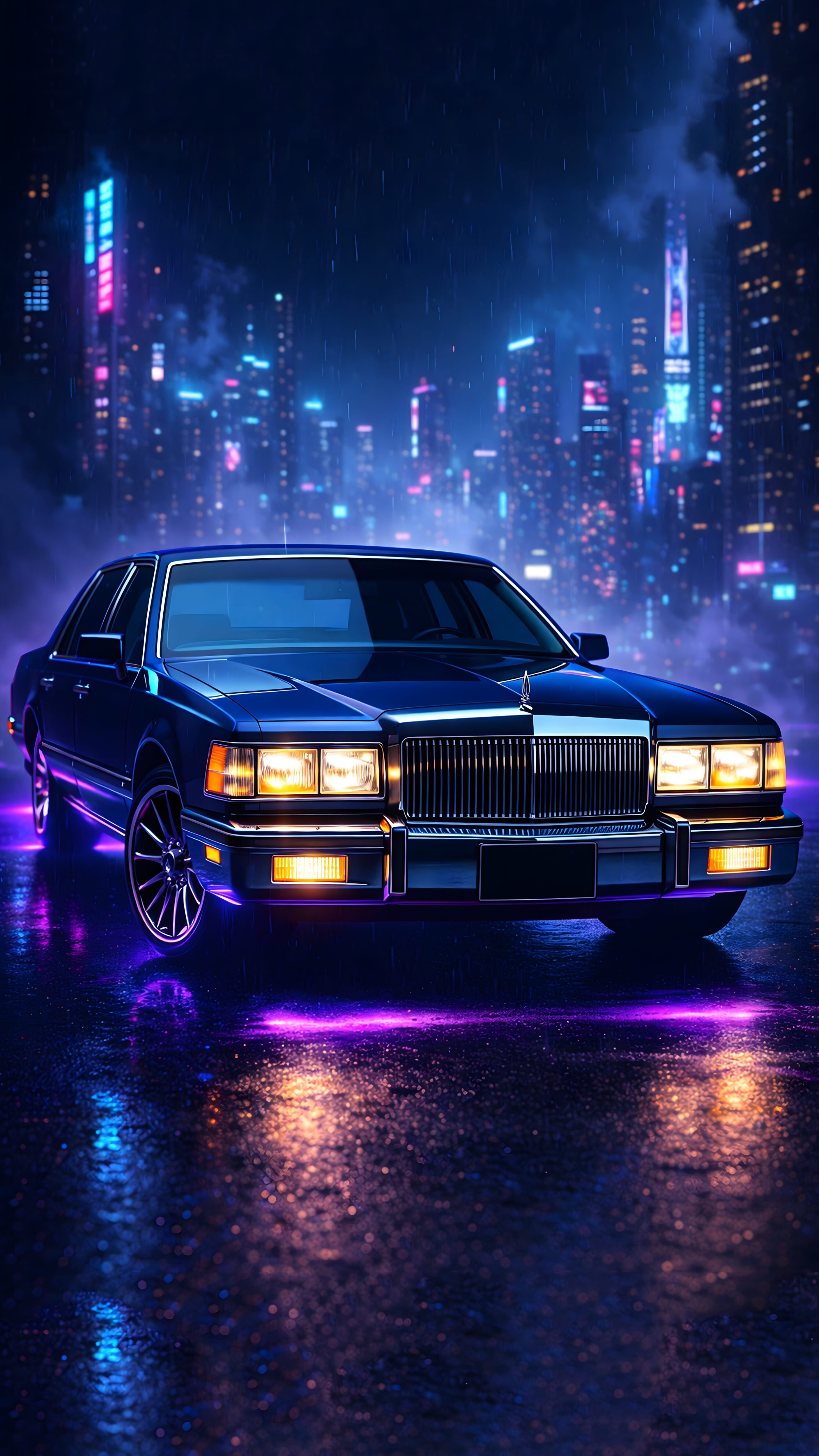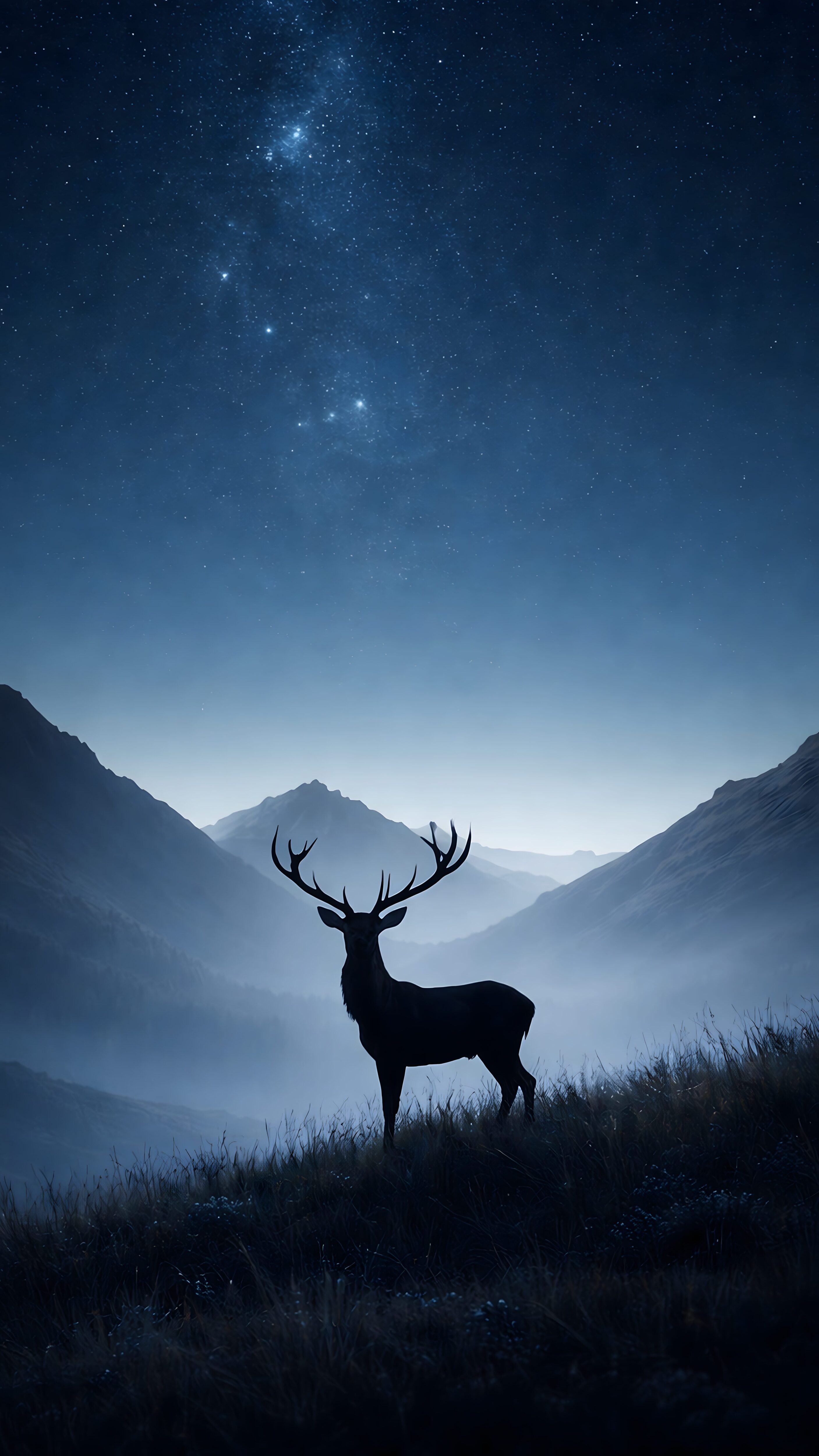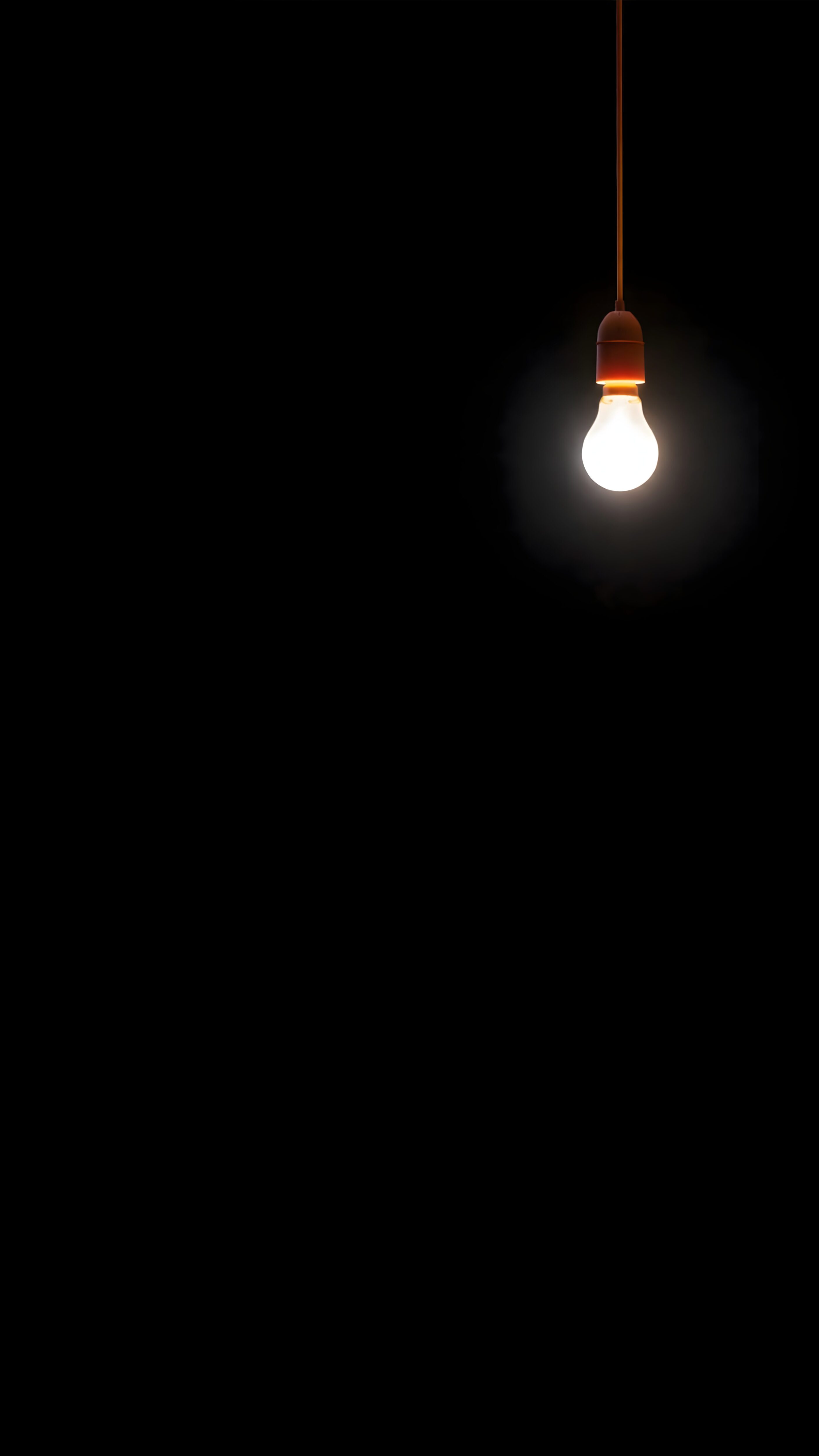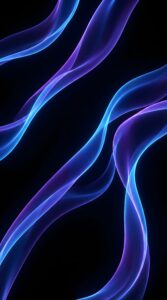
Neon Velvet Flux: Premium 4K Abstract Ai Art (Upscaled & Edited)

DIGITAL ART SERIES // 042

Neon Velvet Flux

PREMIUM UPSCALE

Immerse your screen in the digital elegance of Neon Velvet Flux. This artwork represents the intersection of fluidity and digital precision, featuring volumetric waves of electric violet and deep cyan that mimic the movement of light through fiber optics.

The composition is anchored by a “True Black” background (#000000), making it technically superior for OLED and AMOLED displays. The high contrast ratio ensures that the neon colors pop vividly while the black pixels remain turned off, conserving battery life on modern smartphones.

Transparency Note: This image is a result of a multi-stage creative process:

  • Step 1 (AI Generation): Initial concepts were visualized using Midjourney v6 algorithms to achieve unique fluid dynamics.
  • Step 2 (4K Upscaling): The raw render was processed through Topaz Gigapixel AI to enhance resolution without losing texture details.
  • Step 3 (Manual Editing): Final color grading, noise reduction, and artifact removal were performed manually in Adobe Lightroom to ensure a professional, clean finish.

The vertical flow of lines guides the eye naturally, making this an unobtrusive backdrop for:
• Smartphone Lock Screens (iOS/Android)
• WhatsApp Chat Backgrounds
• Minimalist Home Screen Setups

#Abstract #AMOLED #Cyberpunk #EditedArt
Resolution 4K (2160 x 3840)
File Format High-Bitrate JPG
Color Depth 16-bit / sRGB
Aspect Ratio 9:16 (Vertical)
Base Engine Midjourney v6.1
Upscaler Topaz Gigapixel
Edit Software Adobe Lightroom
“Abstract flowing neon waves, electric blue and purple color palette, pure black background, silky smooth texture, 8k resolution, volumetric lighting, bioluminescent aesthetics –ar 9:16 –stylize 750 –v 6.0”
“Macro shot of fiber optic light strands, depth of field, futuristic data flow, dark mode wallpaper, high contrast, cyan and violet gradients, hyper-realistic, octane render –ar 9:16”

📥 Select Resolution:

⚙️ Establishing Secure Connection...

1
Connecting to server...
2
Optimizing image quality...
3
Preparing your file...
4
Generating secure link...
I am not a robot
👁️ 17 ⬇️ 0 🔗 0
⚙️

Customize Wallpaper?

Open Editor Studio to adjust this image.


Yes, Start Editing

Preparing Studio...

Optimizing pixels for your device

🔍

Pro Tip: Drag the wallpaper to adjust positioning

12:00
Friday, January 1