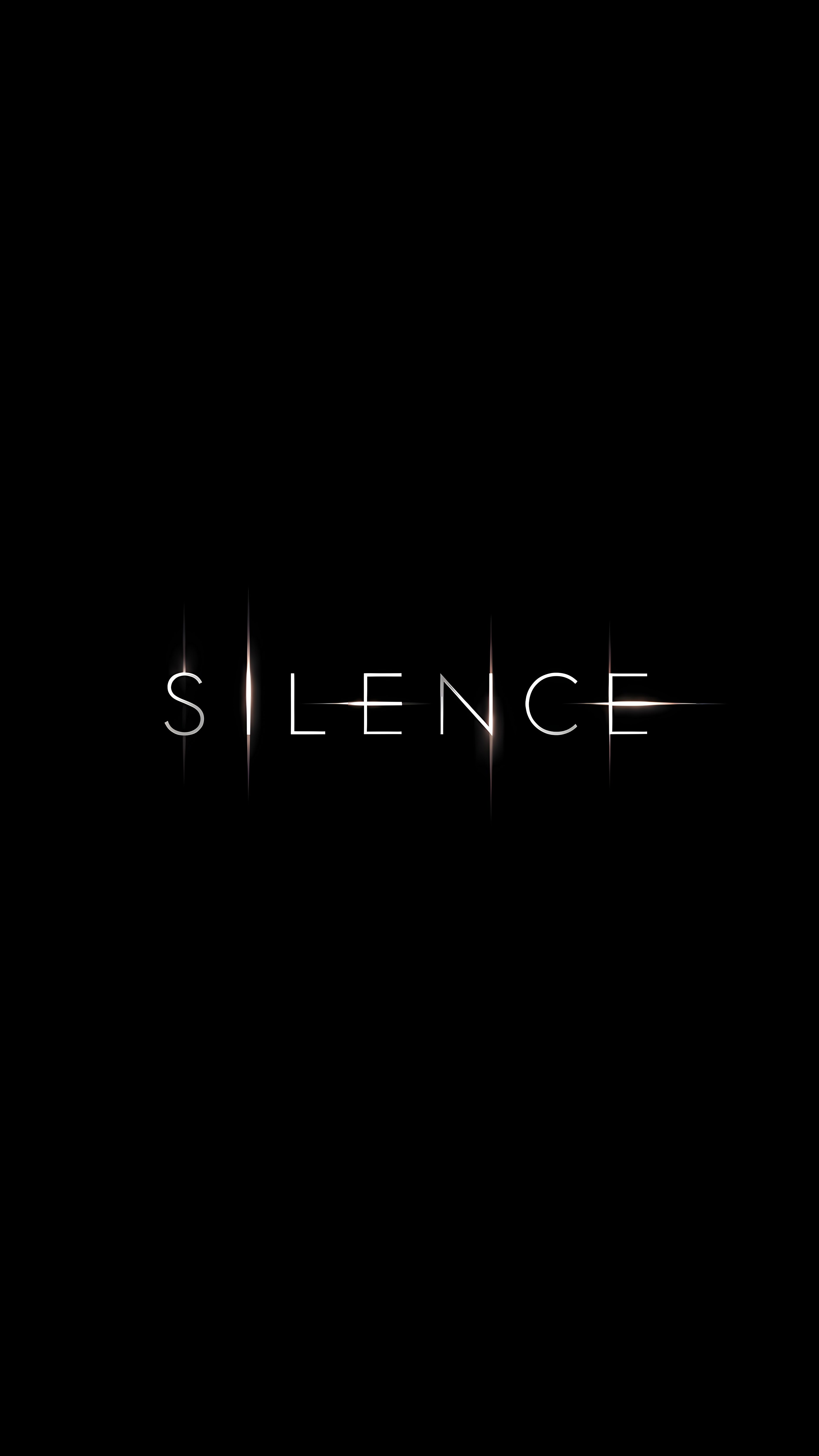
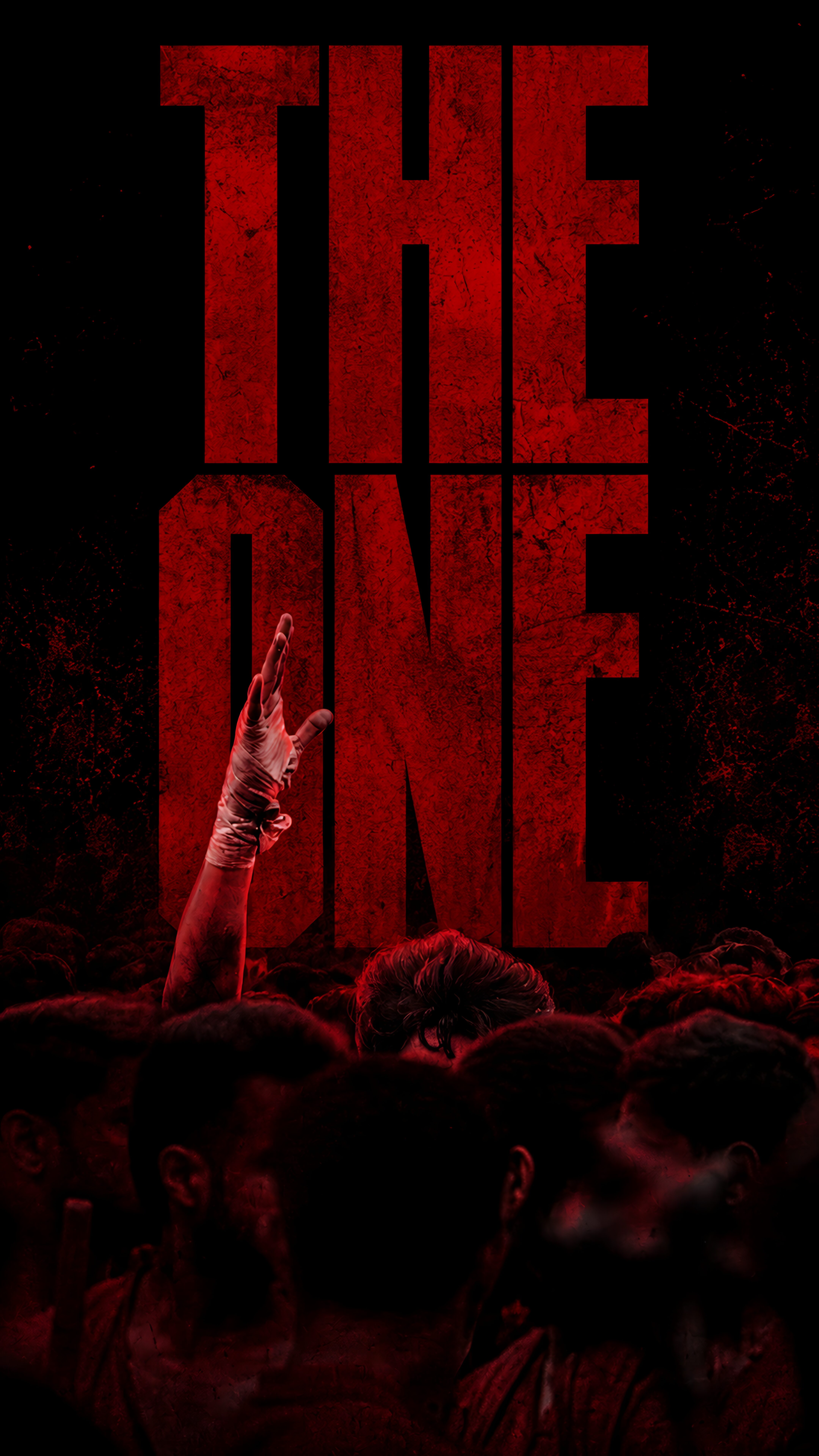
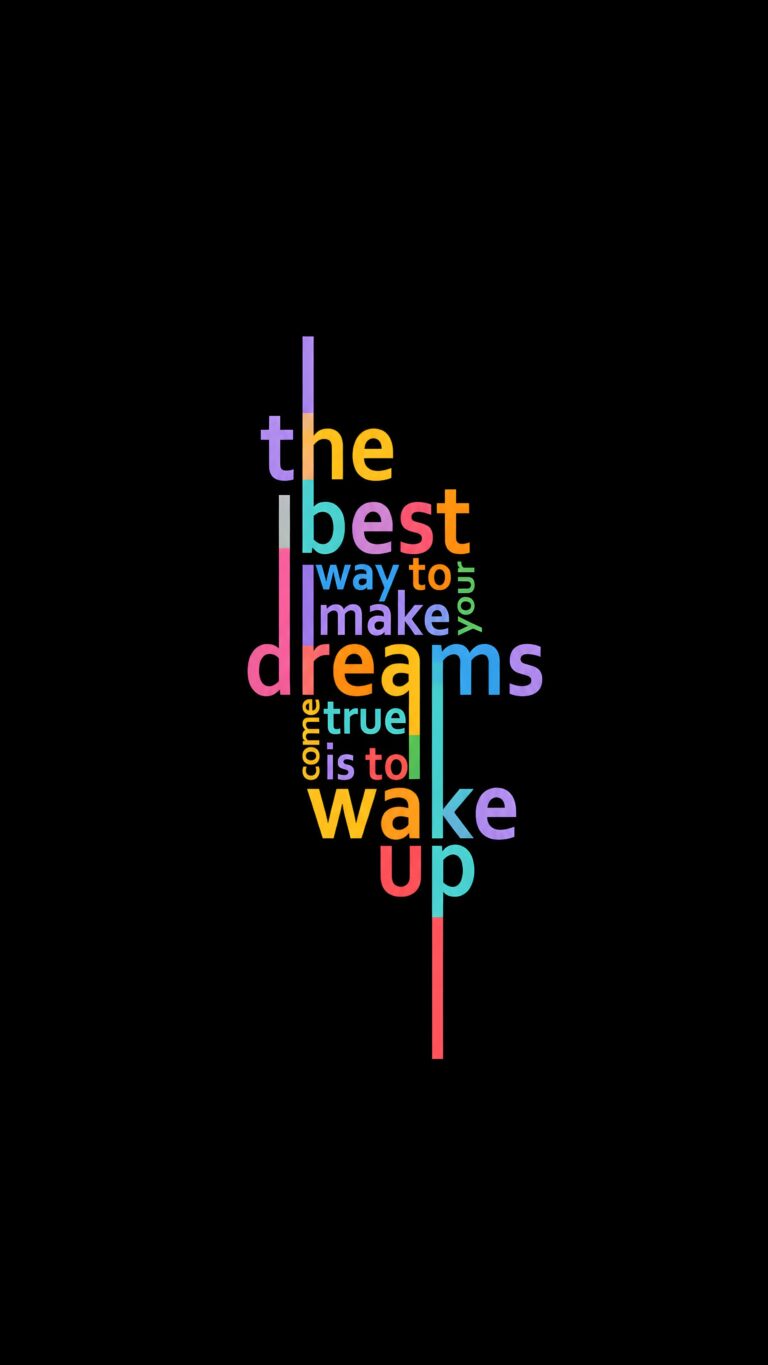
Motivational Quotes iPhone Wallpaper HD – Aesthetic Typography Lockscreen
📥 Download Wallpaper

👁️ 40 ⬇️ 1 🔗 0
⚙️

Customize Wallpaper?

Open Editor Studio to adjust this image to your perfect fit.

Yes, Start Editing

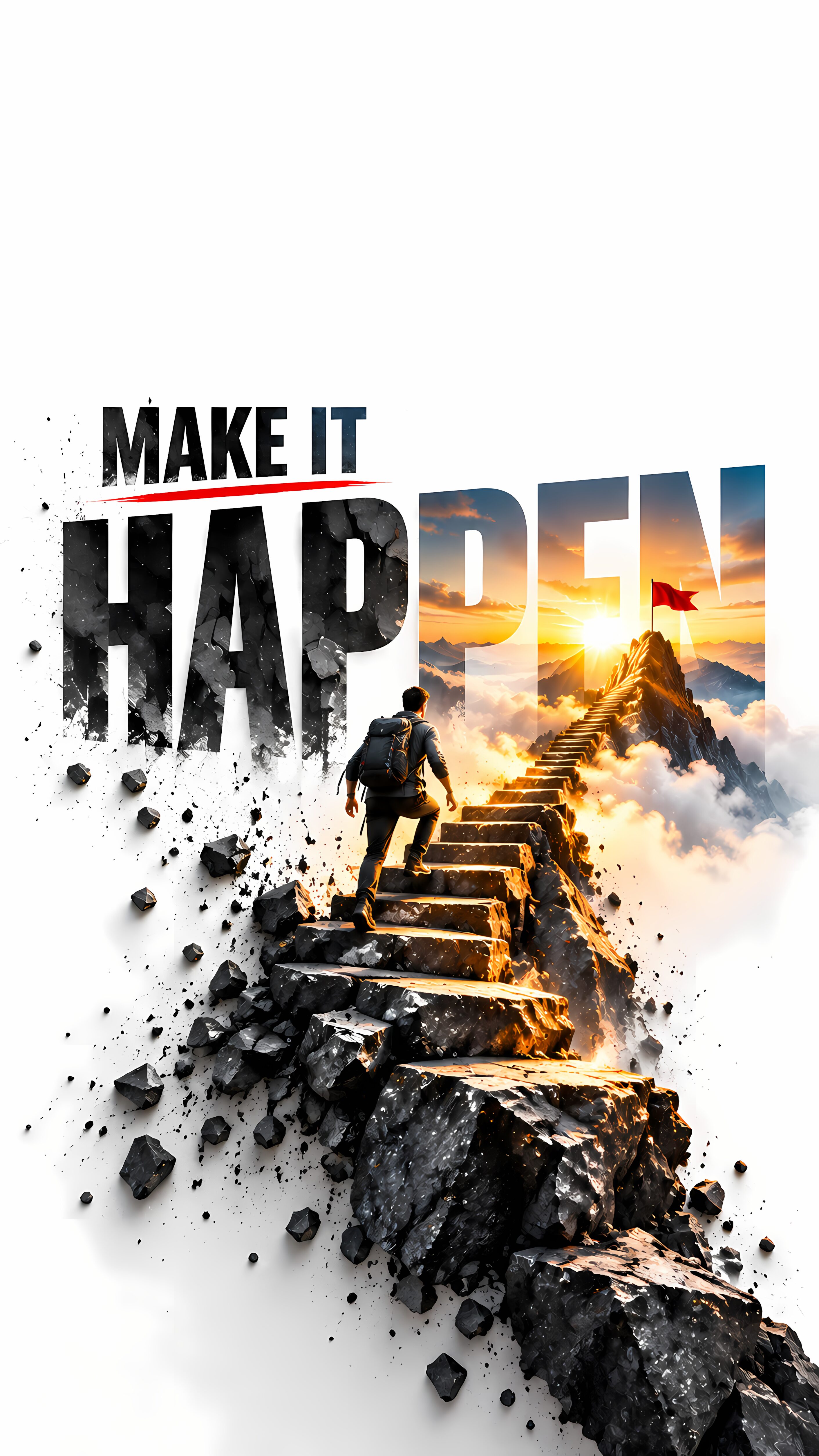
Ready to give your home screen a massive visual upgrade? I put together this clean, typographic design specifically for anyone who needs a quick, colorful spark of inspiration every time they glance at their phone. The vibrant, multi-colored lettering completely pops against the deep black canvas, creating a perfect balance between minimalist style and a bold, energetic message. It is a fantastic daily reminder to stop just dreaming and start actively making things happen.

Because the background is entirely pure black, this setup looks absolutely phenomenal on modern OLED and AMOLED smartphone displays, saving your battery while keeping your interface incredibly crisp. The vertical alignment is tailored seamlessly for iOS and Android lockscreens alike, ensuring the text stays beautifully centered and easy to read around your clock widget. Go ahead and hit that download link to give your mobile device a fresh, empowering vibe today!

Technical Specifications & Quality Details

Ultra HD Lossless 4K
📐 Native Resolution 2160 × 3840 (4K UHD)
📱 Pixel Density 482 PPI (Retina)
Display Calibration 10-Bit DCI-P3 Color
🎨 Color Palette
98% (Ultra Battery Saver)

💡 Design Overview & Display Advice

The stark contrast ratios in Motivational Quotes highlight the vivid edge definition between foreground details and the deep void background. The deep black framing ensures that your clock typography and home screen widgets stand out with remarkable contrast without competing against complex backdrop colors. Setting this on both your Lock Screen and Home Screen provides a seamless, distraction-free visual transition when unlocking your phone.

How to Apply in Lossless 4K Without Compression

1
Save Original File
Tap the Download button above to save the full 4K PNG/JPG directly to your Photos or Gallery app.
2
Align on Lock Screen
Open wallpaper settings, select the image, and ensure perspective zoom / depth effect is positioned cleanly around your clock.
3
Set Home Screen Blur (Optional)
For better icon readability, apply a subtle blur or pairing wallpaper on your Home Screen using our free online tool.

❓ Frequently Asked Questions

Does this wallpaper drain battery on smartphones?
No, in fact it actively saves battery. Because this wallpaper has a 73% black pixel area, OLED panels turn off those specific pixels, reducing display energy consumption by up to 20%.
Will this fit my specific phone model?
Yes, this wallpaper is produced in universal 9:16 vertical 4K resolution (2160x3840), ensuring a pixel-perfect fit across all Apple iPhones, Samsung Galaxy, Google Pixel, and OnePlus models.
Can I use this for lock screen depth effect?
Absolutely. High contrast subjects with clear top-margin spacing seamlessly activate the iOS 16/17/18 and Android lock screen clock depth effect.

Preparing Studio...

Optimizing pixels for your device

🔍

Pro Tip: Drag the wallpaper to adjust positioning

12:00
Friday, January 1