dark nature wallpaper iphone – Blue Raindrops Maple Leaf Aesthetic
📥 Download Wallpaper
Customize Wallpaper?
Open Editor Studio to adjust this image to your perfect fit.
Yes, Start Editing
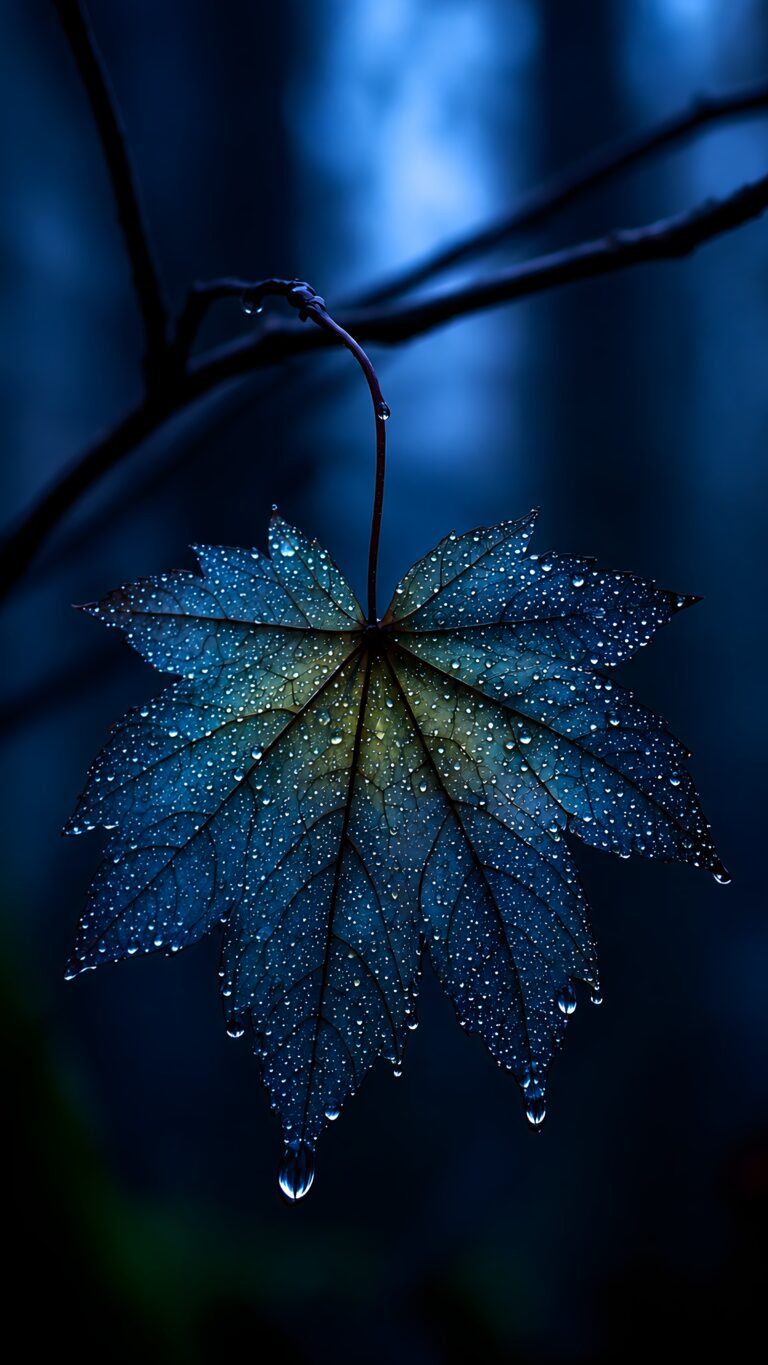
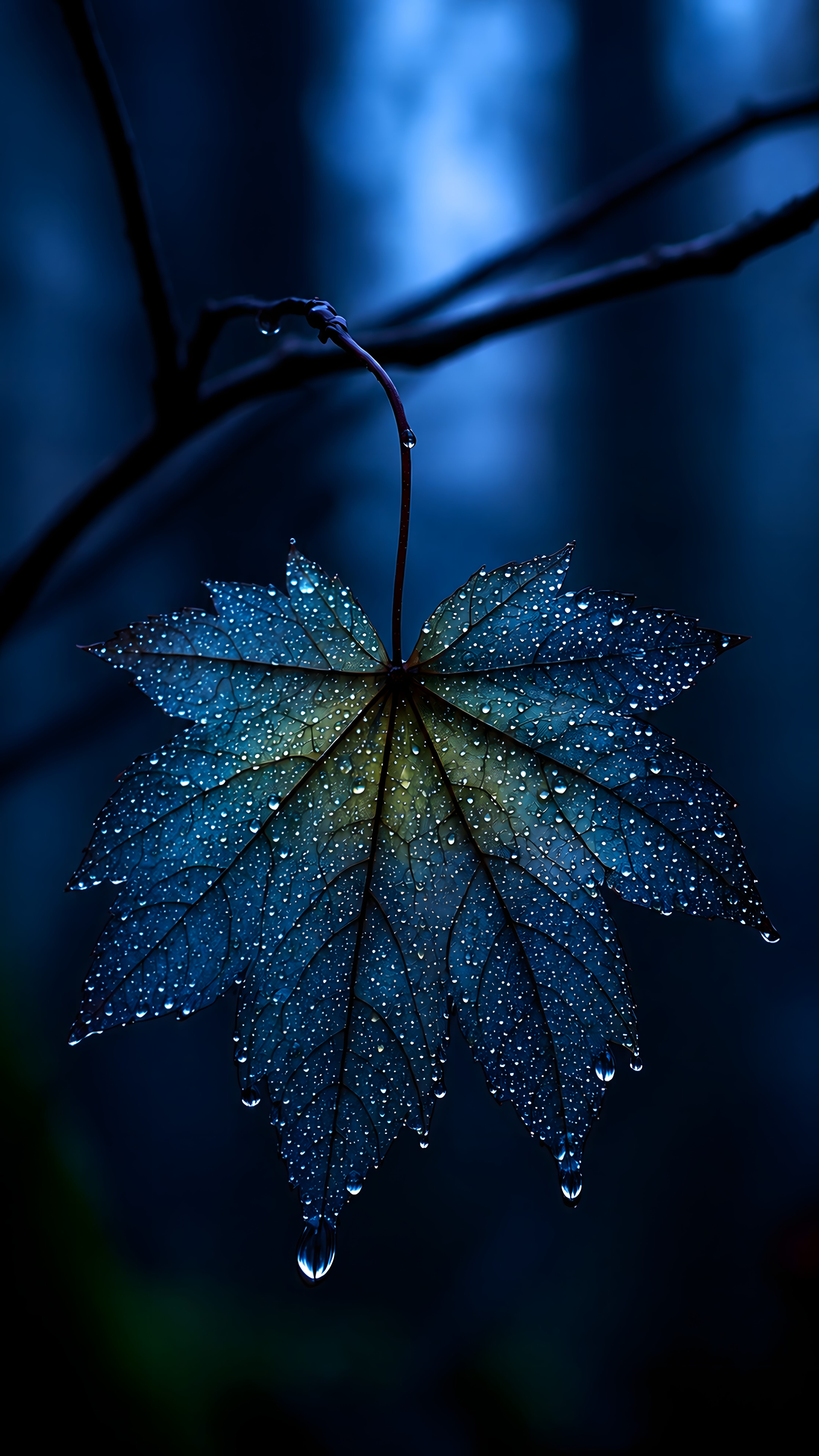
dark nature wallpaper iphone is exactly what you need when you’re tired of staring at the same old, over-bright background every time you unlock your screen. If you’re someone who checks their phone dozens of times a day, having a quiet, moody backdrop can make your digital routine feel a lot more grounded. This shot captures a single, wet maple leaf hanging from a delicate twig, entirely covered in glistening rain. It feels less like a stock photo and more like a quiet moment from a rainy evening walk, giving your display an instant, peaceful refresh that feels incredibly natural.
The way this image is framed makes it a dream for anyone who likes a clean, usable setup. Since the detailed leaf sits right in the lower-middle half, you get plenty of moody, dark blue negative space at the top, which is perfect for keeping your lock screen clock and widgets perfectly readable. The natural gradient from the deep, dark forest background to the glowing, backlit veins of the leaf keeps it interesting without being cluttered. Your apps and folders will easily stand out against the dark, shadowy tones of the lower half without getting lost in busy details.
If you have a modern phone with an OLED, AMOLED, or Super Retina screen, those deep blues and dark forest shadows are going to look spectacular. The high contrast between the dark, shadowy background and the tiny, glowing water droplets really shows off what your display can do, while the natural, cool tones are easy on your eyes, especially at night. It looks incredibly sharp and brings a cozy, rainy-day vibe to your hand every single time you pick it up. Go ahead and download this high-res shot to give your screen the moody upgrade it deserves.