Aerial Red Boat on Dark Ocean Water – 4K AMOLED Wallpaper
📥 Download Wallpaper
👁️ 43
⬇️ 3
🔗
⚙️
Customize Wallpaper?
Open Editor Studio to adjust this image to your perfect fit.
Yes, Start Editing
The Ultimate Dark Aesthetic
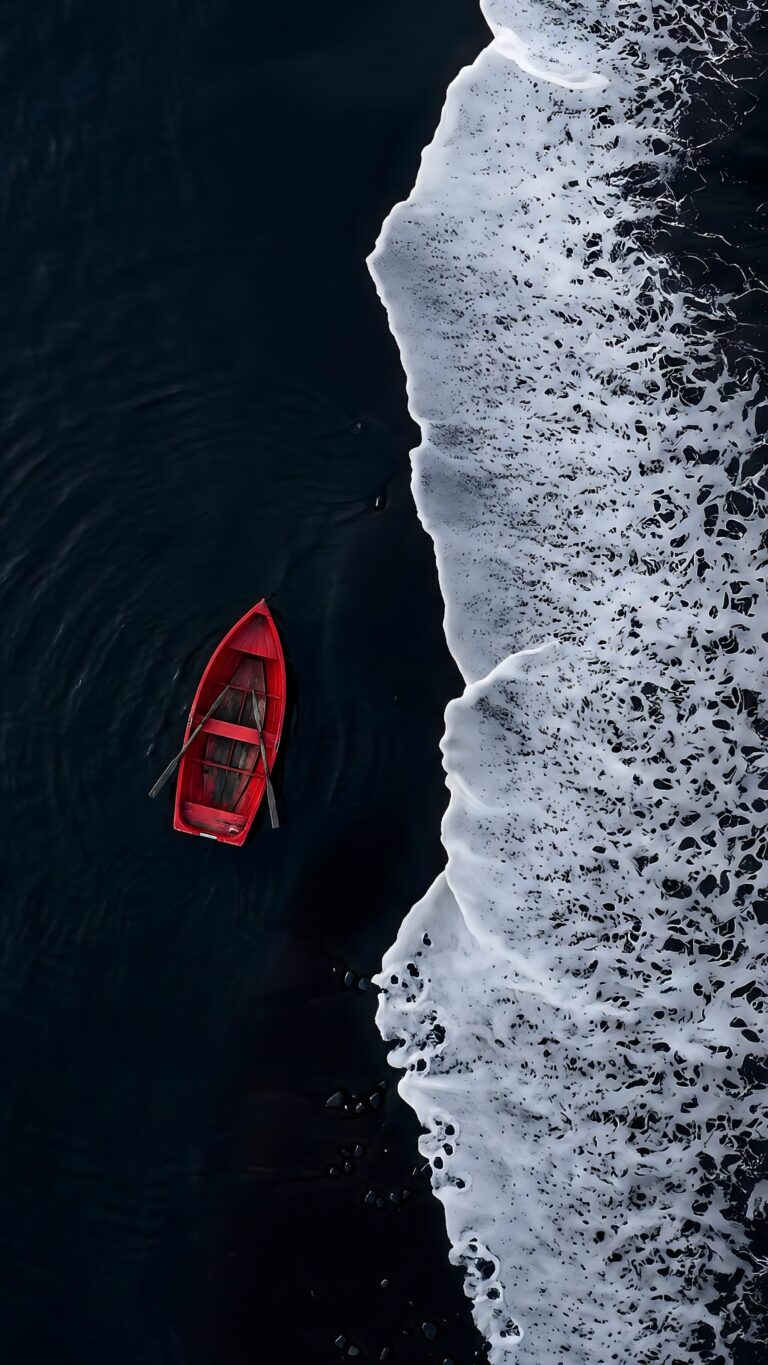
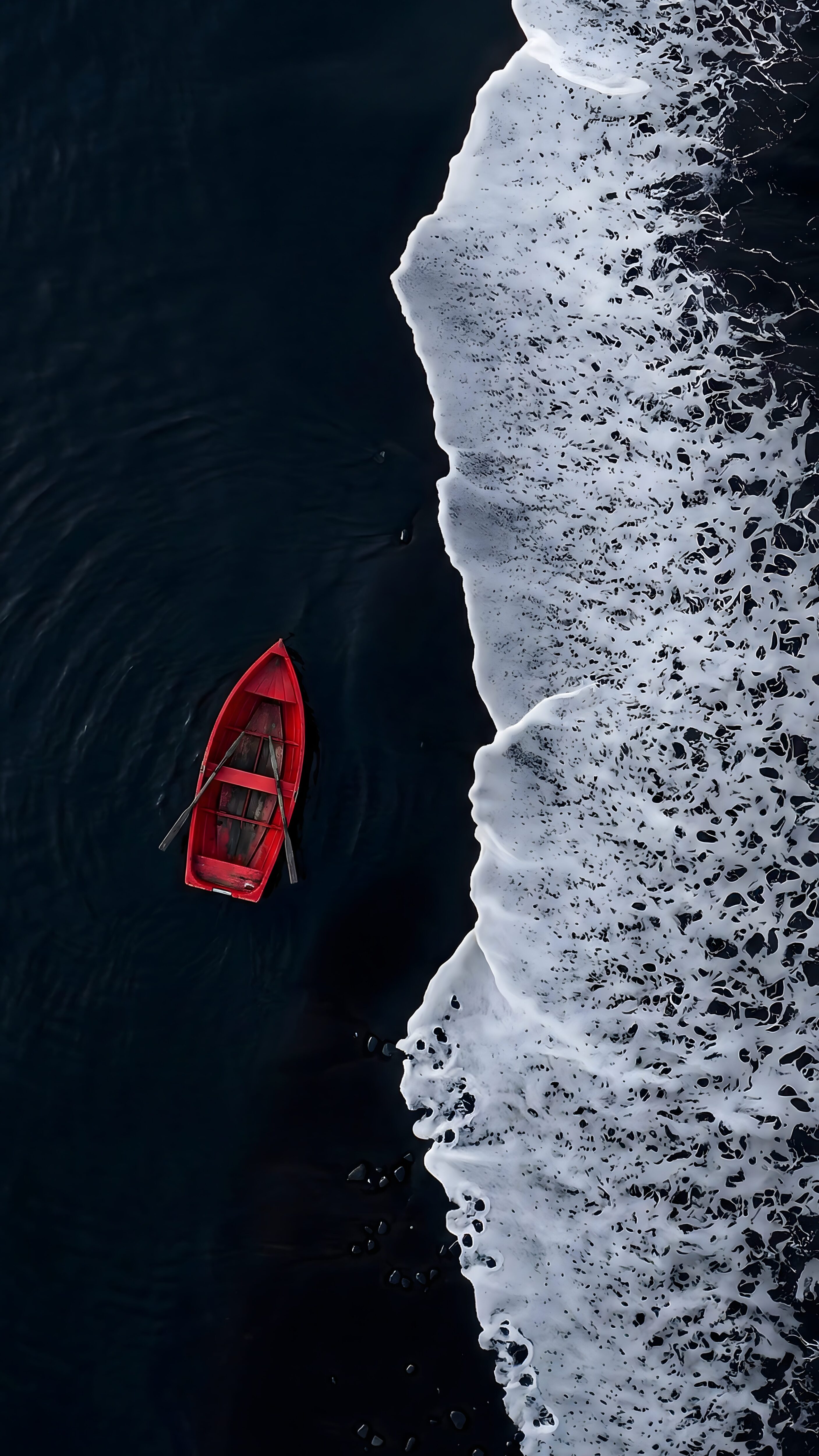
The contrast in this top-down aerial view is simply insane. At first glance, it almost looks like a black-and-white scene until you spot that one bright red rowboat right in the middle.
The water on the left side is incredibly dark—almost like black ink—which makes the red paint of the boat and the two small wooden oars pop out perfectly. Right next to that pure darkness, the white foam from the crashing ocean waves adds a messy, chaotic energy to the whole setup.
Perfect for OLED and AMOLED Screens
If you are looking for a clean, battery-saving background, this image is a perfect fit. Because nearly half of the image is pitch black, it looks amazing on OLED displays.
Here is why it works so well for your phone:
- Clean Screen Space: The solid dark space on the left side is exactly where your lock screen clock and home screen widgets usually sit, making everything super easy to read.
- Battery Efficiency: The true black pixels on the left will actually turn off on AMOLED screens, helping you save battery life throughout the day.
- Natural Framing: The white wave foam just hugs the right edge of your screen. It gives your background some really cool texture without making it look cluttered or confusing.
![Purple Neon Wallpaper displaying a straight vertical laser beam on a pitch-black background[cite: 1].](https://4kmobilewallpapers.com/wp-content/uploads/2026/11/Purple-Neon-Wallpaper.jpg)
![Minimalist sunset wallpaper showing a tropical island silhouette with palm trees and a bright orange sun over water[cite: 1].](https://4kmobilewallpapers.com/wp-content/uploads/2026/10/Minimalist-Sunset-Wallpaper.jpg)