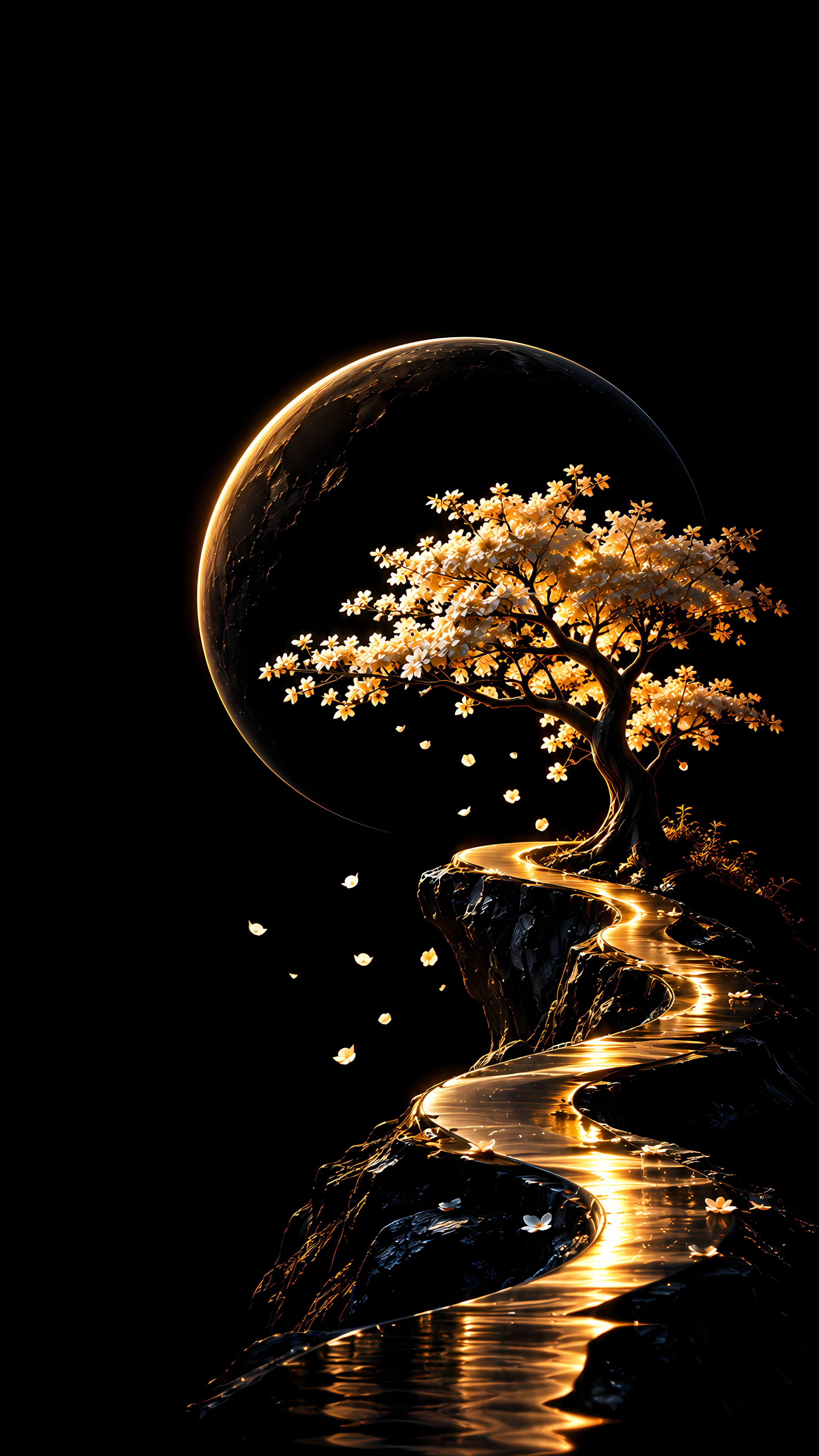
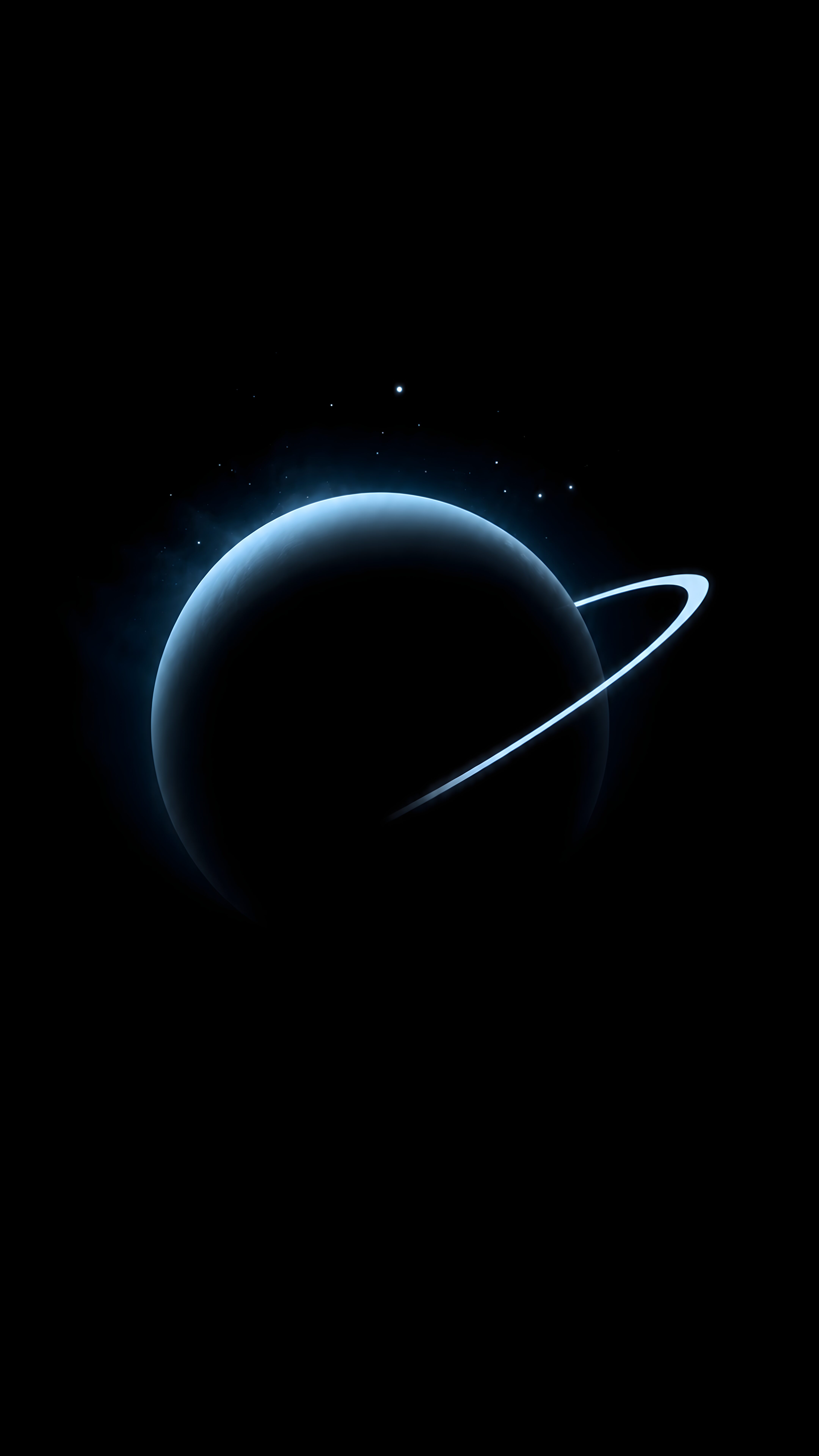
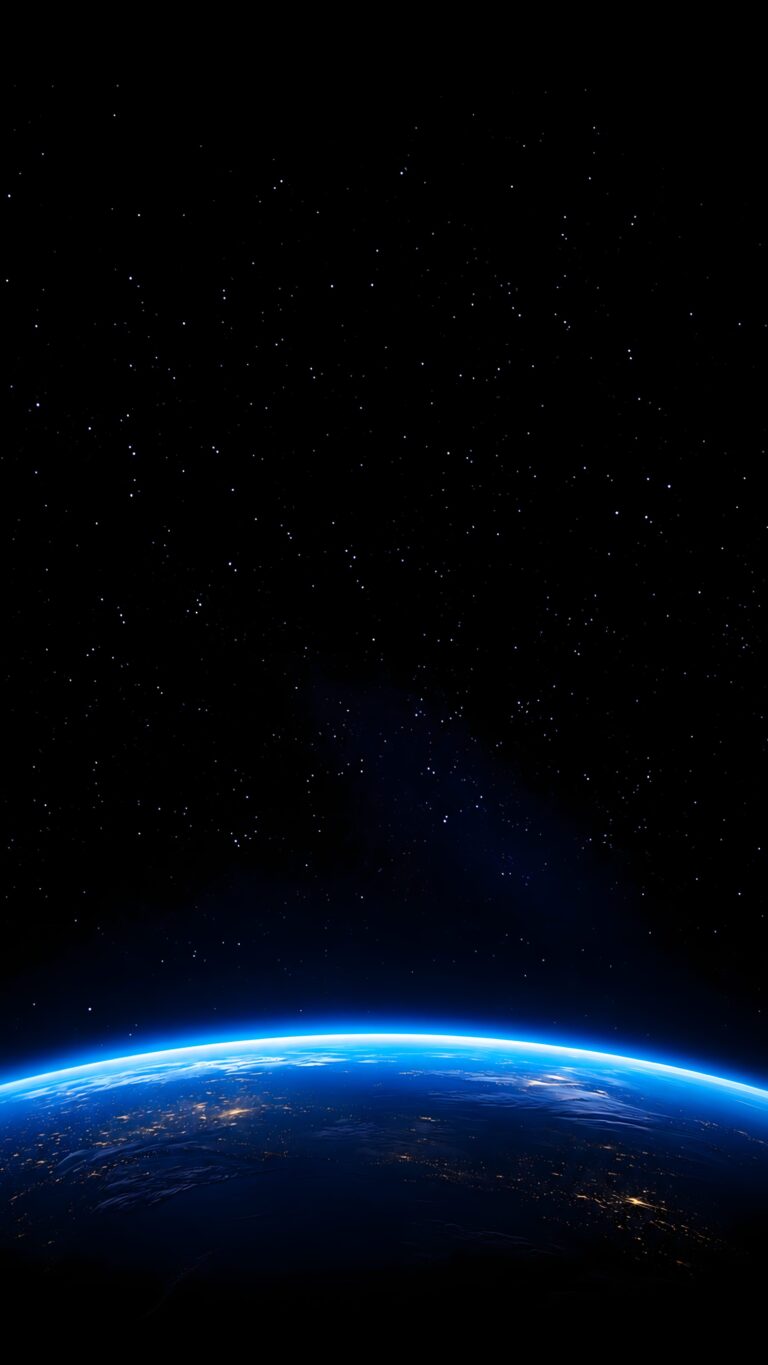
Earth at Night Mobile Wallpaper: Aesthetic Space Background
📥 Download Wallpaper

👁️ 46 ⬇️ 3 🔗 1
⚙️

Customize Wallpaper?

Open Editor Studio to adjust this image to your perfect fit.

Yes, Start Editing

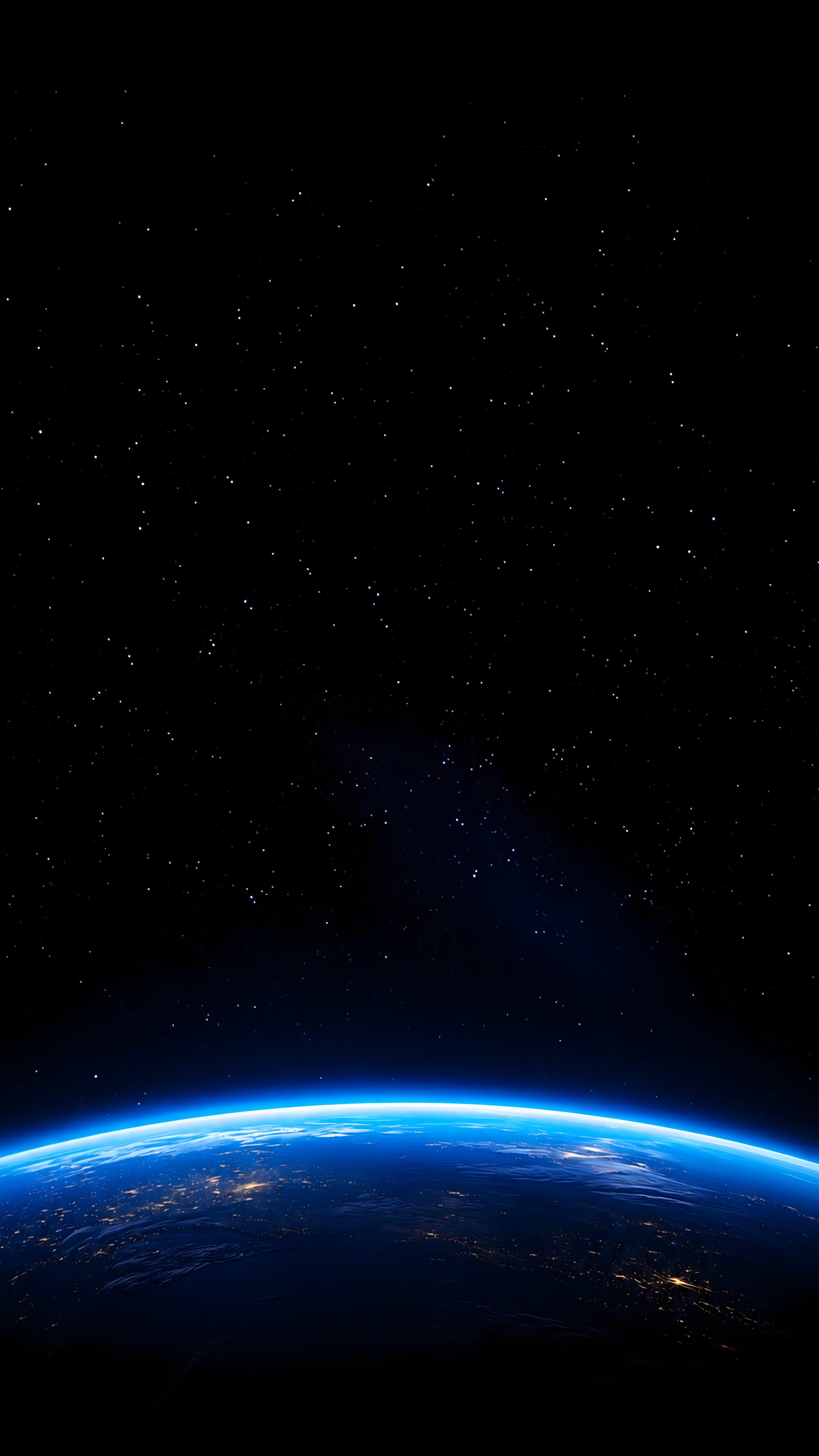
Ever look at your phone and wish you could just escape into the cosmos? There is something incredibly grounding yet humbling about viewing our planet from up above, especially when you see those tiny specks of city lights flickering against the velvet darkness of space. It’s like carrying a quiet piece of the universe right in your pocket, turning your screen into a window that looks out onto the stars whenever you need a moment of peace.

Because this design relies on deep, true blacks, it is an absolute game-changer for OLED and AMOLED screens, making those blue atmospheric glows pop with vibrant intensity. The high-resolution detail ensures everything stays crisp from the curvature of the horizon to the distant stars. If you are ready to give your device a sleek, atmospheric upgrade, go ahead and hit the download button to set this as your new background today.

Technical Specifications & Quality Details

Ultra HD Lossless 4K
📐 Native Resolution 2160 × 3840 (4K UHD)
📱 Pixel Density 470 PPI (Retina)
Display Calibration 10-Bit DCI-P3 Color
🎨 Color Palette
93% (High Efficiency)

💡 Design Overview & Display Advice

Designed to minimize unnecessary backlight emissions, Earth at Night delivers both high visual aesthetics and energy efficiency. The micro-details are calibrated to retain subtle texture in the shadow gradients, preventing the harsh clipping often seen in poorly compressed mobile wallpapers. We recommend pairing this background with a monochrome white or soft amber clock widget to create a stunning high-contrast aesthetic.

How to Apply in Lossless 4K Without Compression

1
Save Original File
Tap the Download button above to save the full 4K PNG/JPG directly to your Photos or Gallery app.
2
Align on Lock Screen
Open wallpaper settings, select the image, and ensure perspective zoom / depth effect is positioned cleanly around your clock.
3
Set Home Screen Blur (Optional)
For better icon readability, apply a subtle blur or pairing wallpaper on your Home Screen using our free online tool.

❓ Frequently Asked Questions

Does this wallpaper drain battery on smartphones?
No, in fact it actively saves battery. Because this wallpaper has a 87% black pixel area, OLED panels turn off those specific pixels, reducing display energy consumption by up to 20%.
Will this fit my specific phone model?
Yes, this wallpaper is produced in universal 9:16 vertical 4K resolution (2160x3840), ensuring a pixel-perfect fit across all Apple iPhones, Samsung Galaxy, Google Pixel, and OnePlus models.
Can I use this for lock screen depth effect?
Absolutely. High contrast subjects with clear top-margin spacing seamlessly activate the iOS 16/17/18 and Android lock screen clock depth effect.

Preparing Studio...

Optimizing pixels for your device

🔍

Pro Tip: Drag the wallpaper to adjust positioning

12:00
Friday, January 1