
This Wallpaper Style Is Trending Worldwide Right Now
What I noticed: For the past few years, everyone just wanted pitch-black or simple gradient wallpapers. But looking at our download analytics this week, a completely new aesthetic has exploded. People are now obsessed with Hyper-Realistic Depth and highly vibrant photography.
If you had asked me six months ago what the most popular wallpaper style was, my answer would have been simple: minimalism. I used to spend hours curating plain dark backgrounds because that’s what everyone was downloading to save battery.
But recently, I was reviewing our global site analytics and noticed a massive, sudden shift. The minimal aesthetic is stepping aside. Suddenly, everyone wants their phone screen to look like a literal window into another dimension. The current global trend is all about Hyper-Realistic 3D Depth and Intense Vibrancy.
Why is this style exploding right now?
I realized there are two main reasons for this sudden shift in taste. First, smartphone displays have gotten insanely good. With peak brightness hitting over 2500 nits on standard devices, people finally want to show off what their screens can actually do. An electric blue sports car or a fiery red mountain peak looks breathtaking on a modern OLED panel.
Second, operating systems like iOS have perfected the “Depth Effect” lock screen. Users want images where the subject (like a majestic jaguar or a tropical island) pops out perfectly in front of the digital clock. They want that 3D, magazine-cover aesthetic.
💡
My Observation: Users aren’t just looking for a “background” anymore. They are looking for a centerpiece. They want high-contrast colors that make their app icons look like they are floating.
The Top 5 Trending Wallpapers Worldwide
To show you exactly what I mean, I pulled the top 5 most downloaded wallpapers from our servers this week. These specific images perfectly capture the high-contrast, deep-focus aesthetic that is dominating right now.
(You can tap on any of the cards below to grab the high-resolution 4K version for your own phone.)
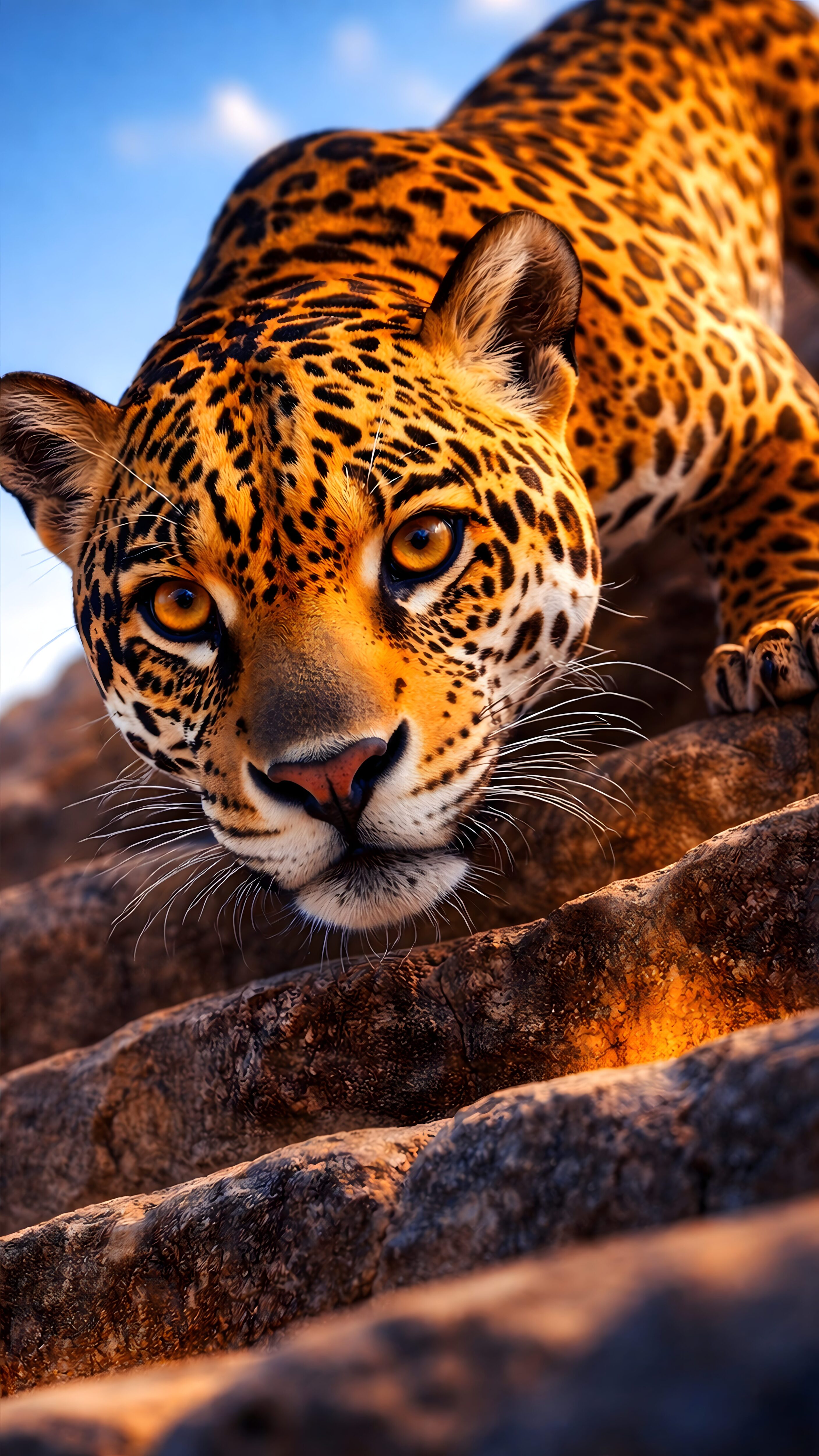
Majestic Jaguar
Wildlife • High Contrast
Get 4K
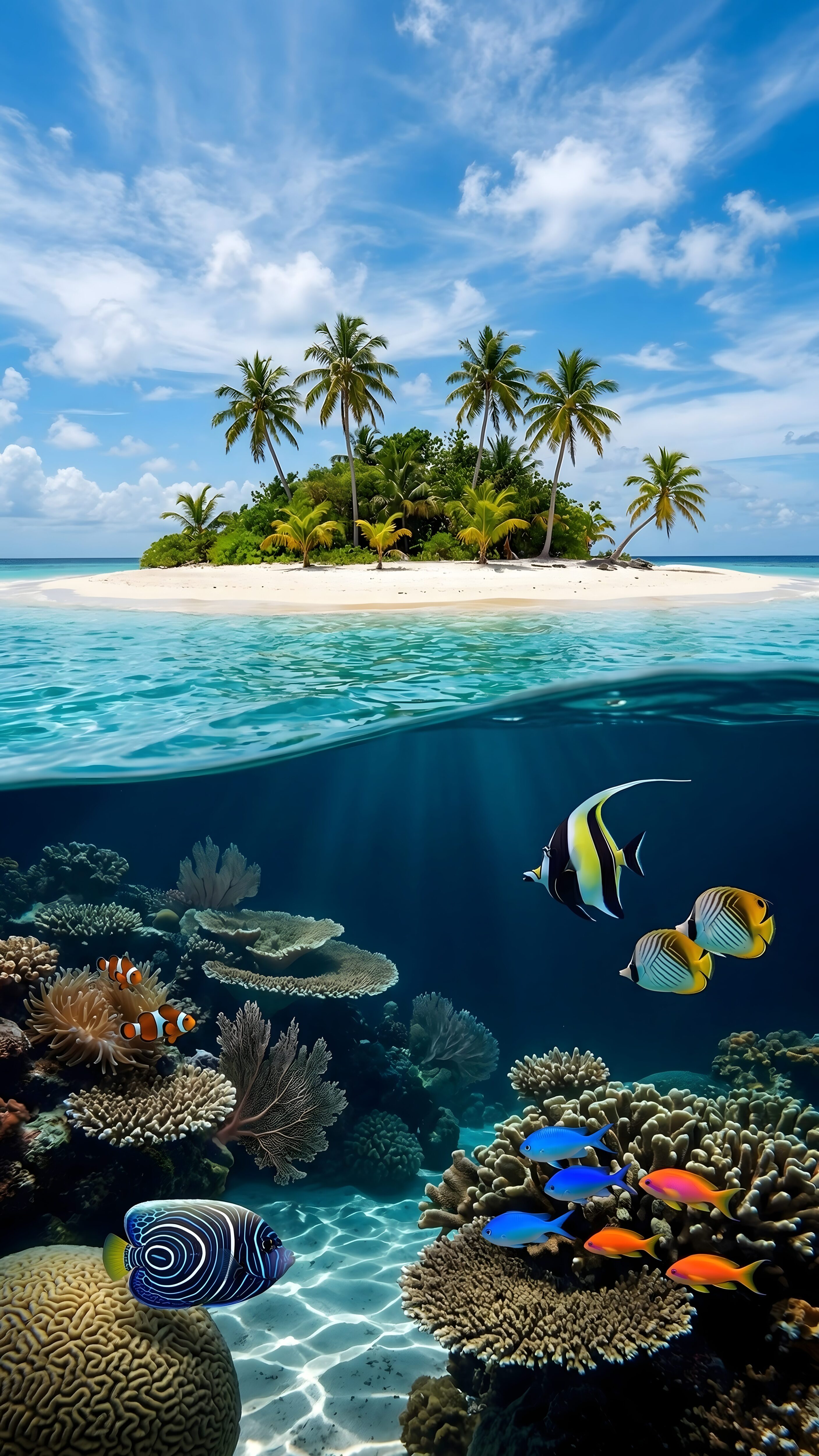
Tropical Island
iOS Depth Effect • Nature
Get 4K
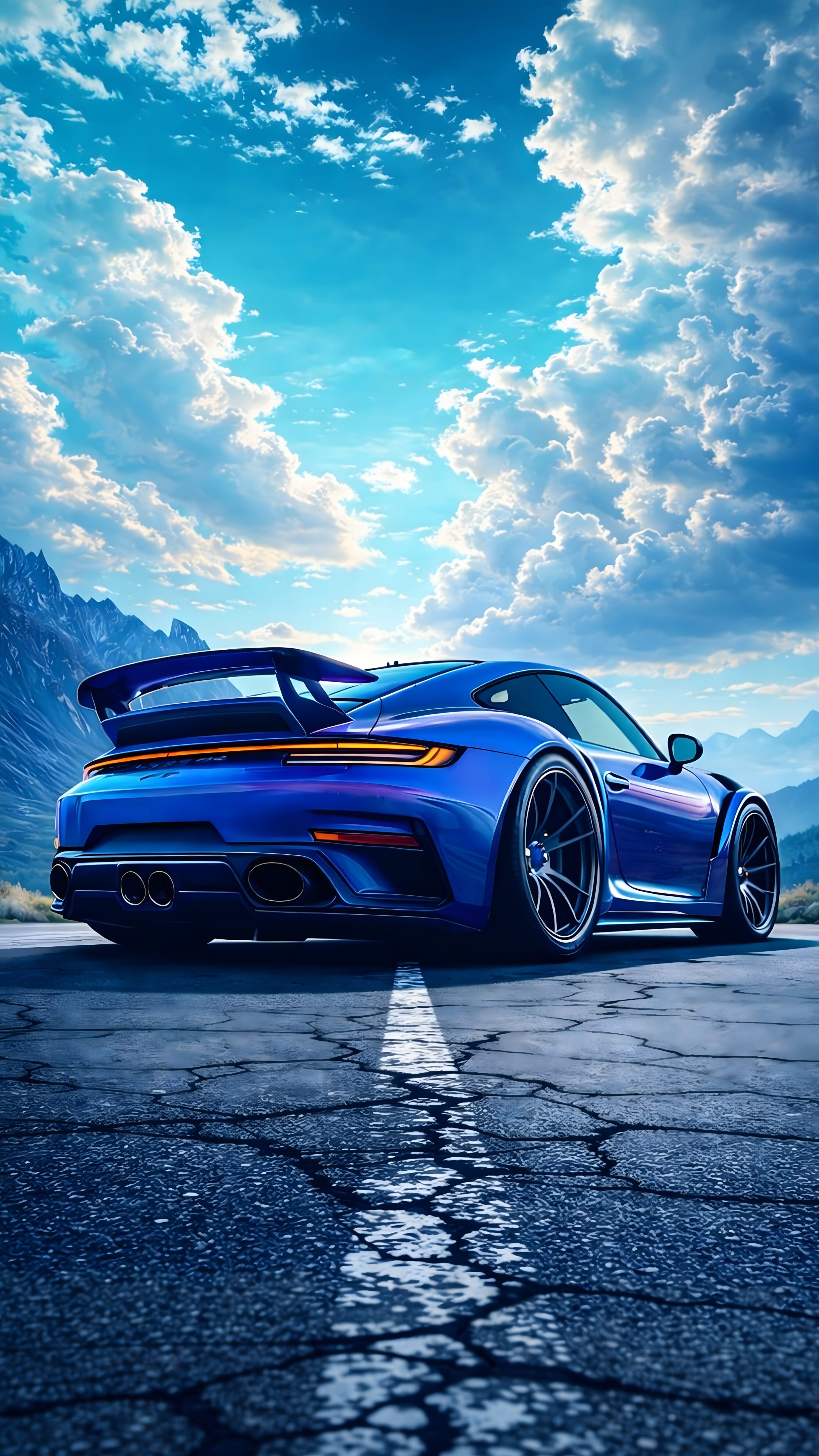
Electric Blue Supercar
Automotive • Neon OLED
Get 4K
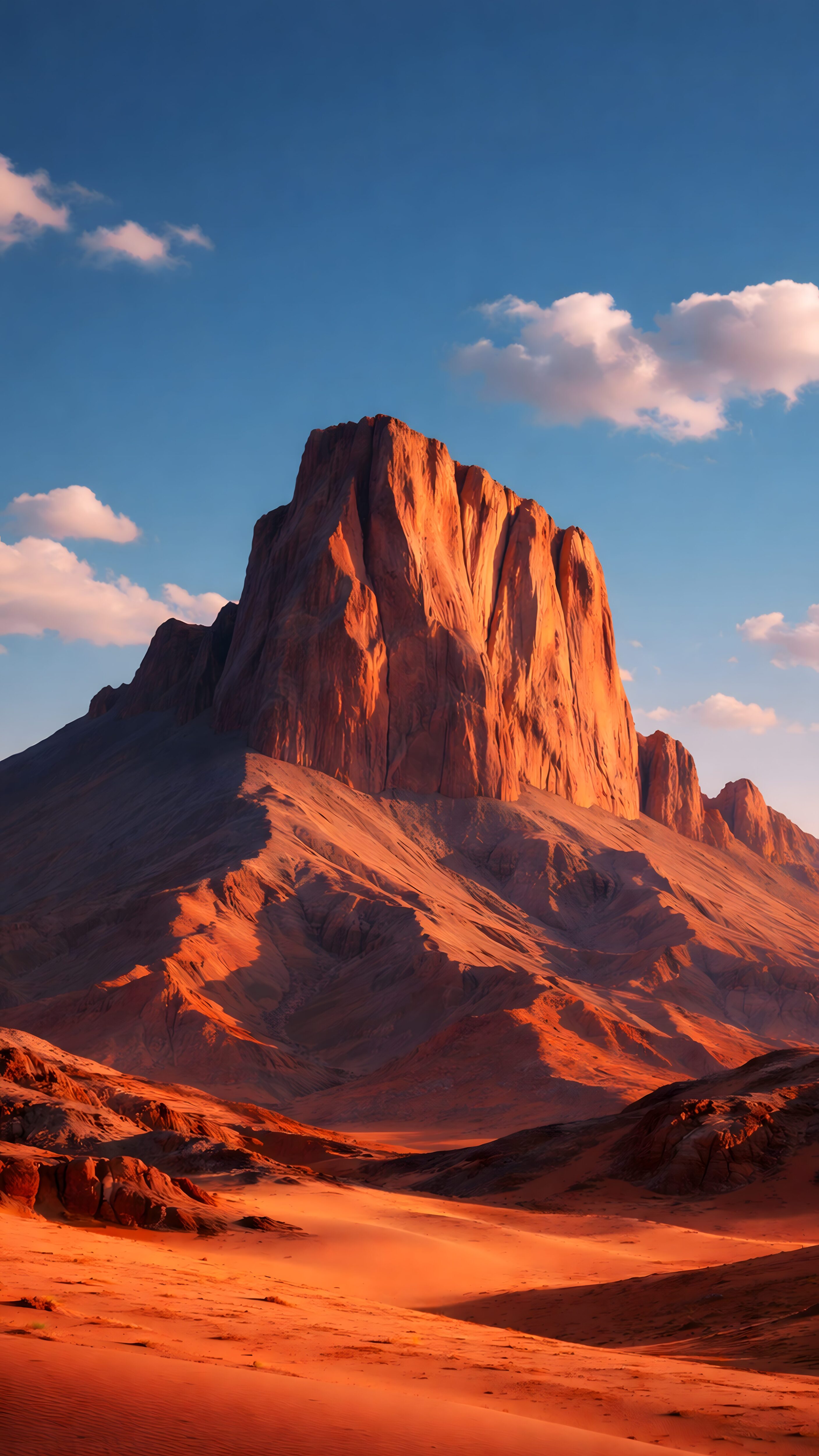
Epic Red Mountain
Landscape • Vibrant
Get 4K
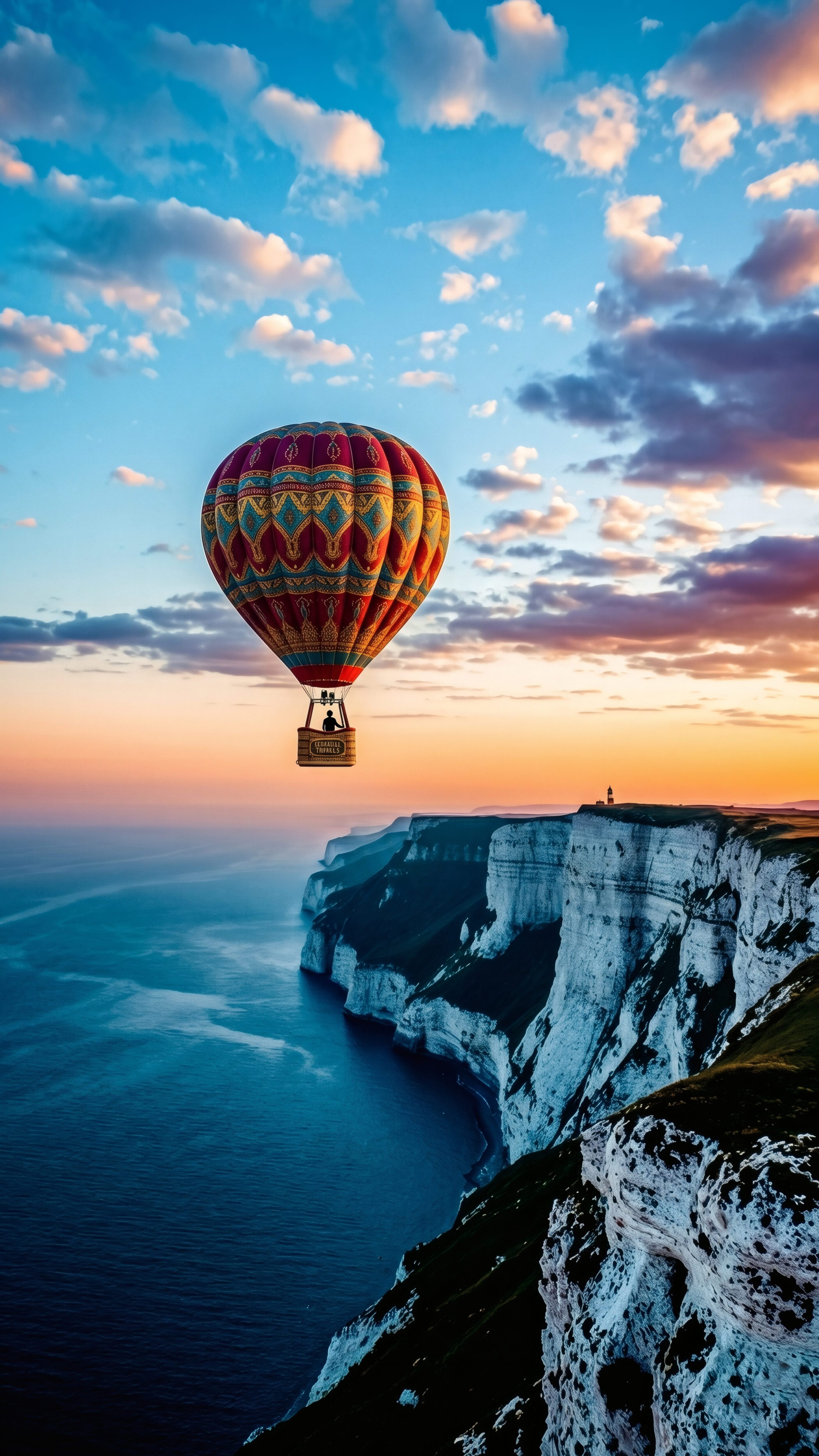
Hot Air Balloon Sunset
Dreamy • Aesthetic
Get 4K
How to Set Up the 3D Depth Effect (Quick Guide)
A lot of users download these high-resolution images but don’t know how to properly apply the 3D effect on their lock screens. If you want the Jaguar’s head or the Mountain peak to overlap your digital clock, just follow these quick steps:
- Download the Image: Save one of the 4K images from the gallery above to your phone’s photo library.
- Open Lock Screen Editor: Lock your phone, wake the screen, and long-press anywhere on the display to open the customization menu.
- Add New Wallpaper: Tap the ‘+’ icon to create a new lock screen and select the image you just downloaded.
- Pinch and Crop: Use two fingers to slightly zoom in and move the image. The goal is to position the main subject (like the car or the mountain) so it just slightly touches the bottom edge of the digital clock.
- Enable Depth Effect: Tap the three dots in the bottom right corner and make sure “Depth Effect” is ticked. Save your setup!
Frequently Asked Questions
Why isn’t the depth effect working on my iPhone?
The most common reason the 3D depth effect fails is lock screen widgets. If you have any widgets placed right below the time, iOS automatically disables the depth effect to prevent the image from blocking the widget data. Remove the widgets, and the effect will instantly start working.
Do highly vibrant 3D wallpapers drain more battery?
It depends on the colors. A bright, colorful image like the Tropical Island will use slightly more battery than a pitch-black minimalist image on an OLED screen. However, since these are static images and not moving “Live Wallpapers”, the actual battery drain is extremely minimal and completely worth the aesthetic upgrade.
Are these 4K images safe for screen burn-in?
Yes, absolutely. Modern OLED panels have built-in pixel-shifting technology specifically designed to prevent burn-in. Unless you leave your phone screen turned on at maximum brightness for 24 hours straight without letting it auto-lock, these high-contrast wallpapers are 100% safe to use.
My Final Thoughts on the Trend
Honestly, I am loving this shift. While pure black wallpapers will always have a special place for battery saving, setting up a hyper-realistic image like the Tropical Island or the Jaguar brings so much life to the device. It makes checking your phone feel a little less like looking at a computer, and a little more like looking at a piece of art.
If your phone supports lock screen depth effects, I highly recommend downloading one of the images above and trying it out. The way the clock hides behind the subject is something you have to see on your own screen to appreciate!