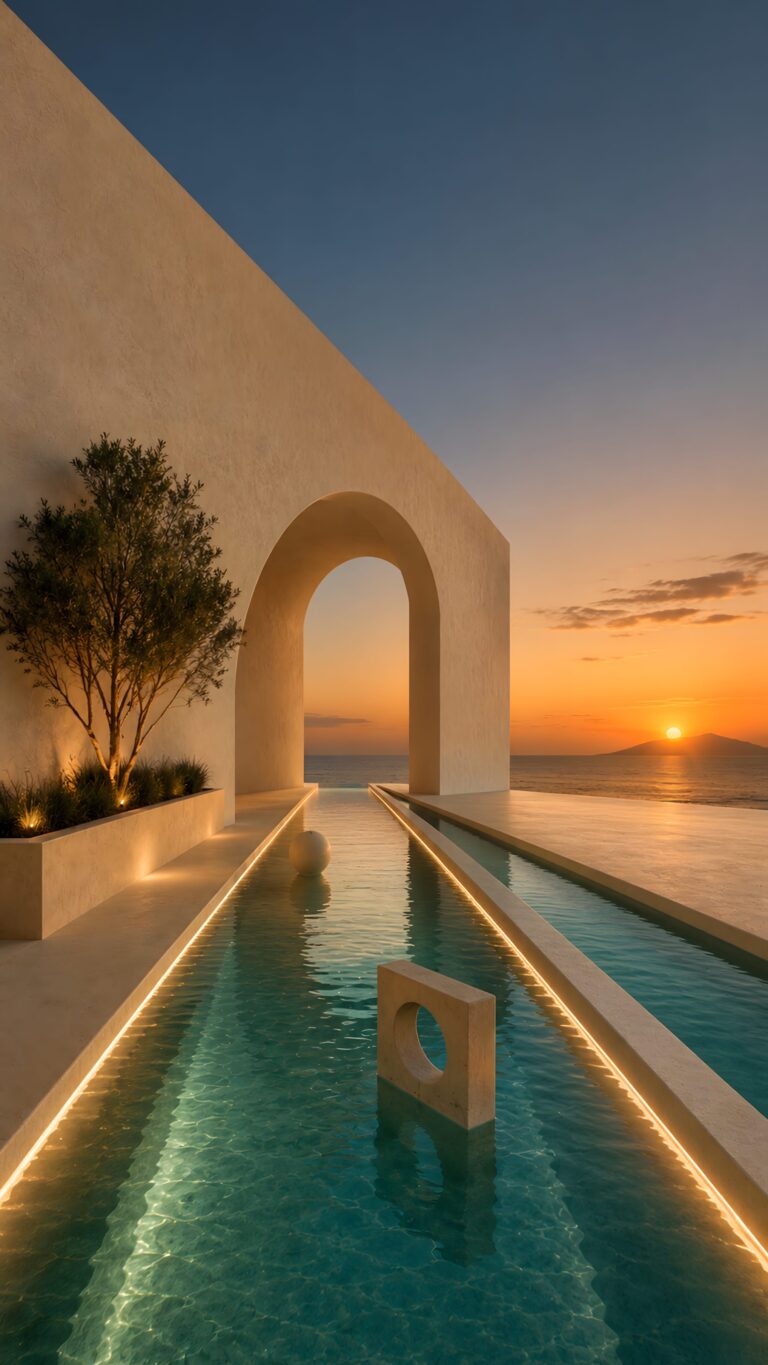
Serene Sunset Archway Aesthetic iPhone Wallpaper | Minimalist Ocean View Lockscreen HD
📥 Download Wallpaper

👁️ 41 ⬇️ 2 🔗 0
⚙️

Customize Wallpaper?

Open Editor Studio to adjust this image to your perfect fit.

Yes, Start Editing

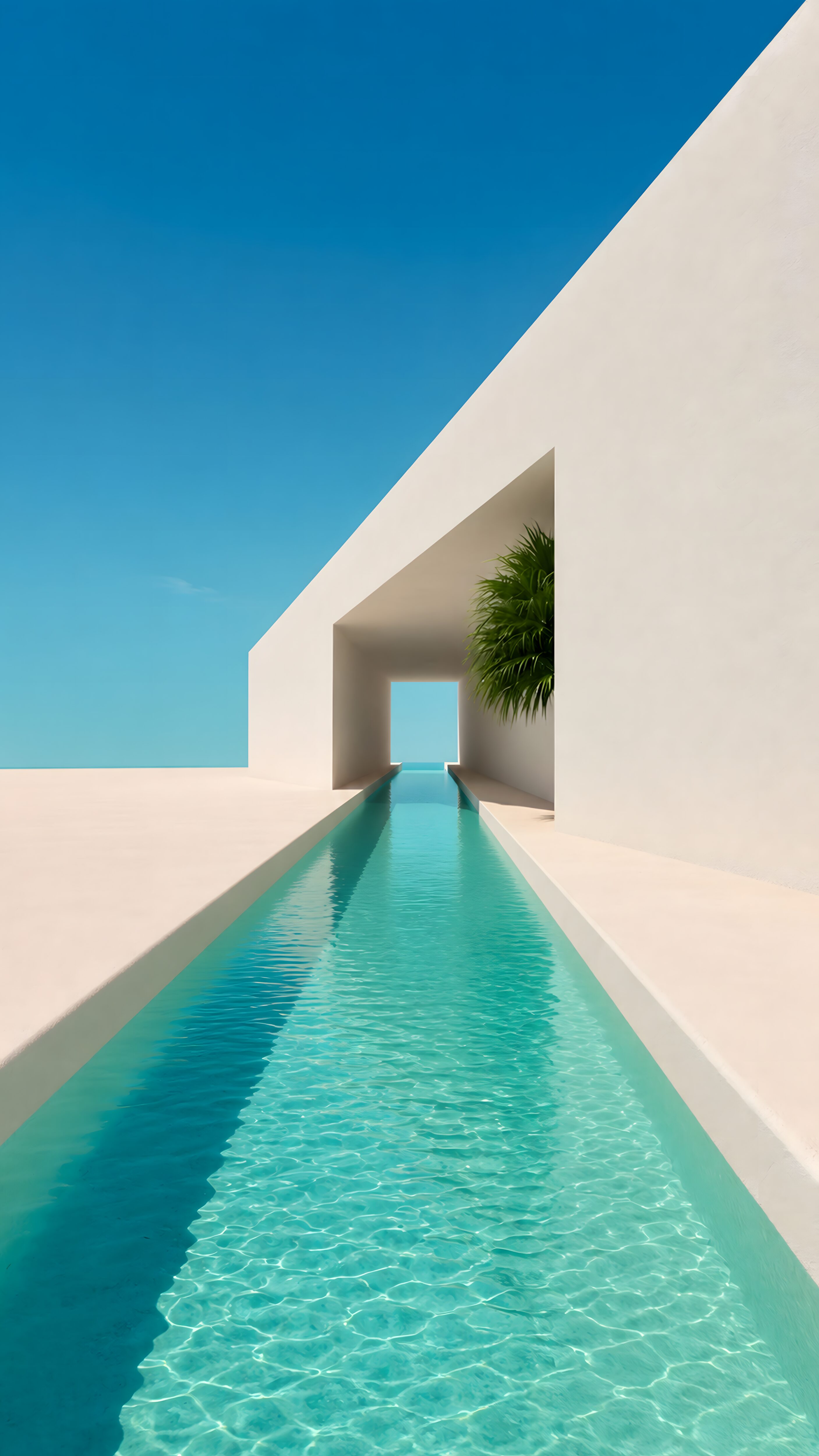
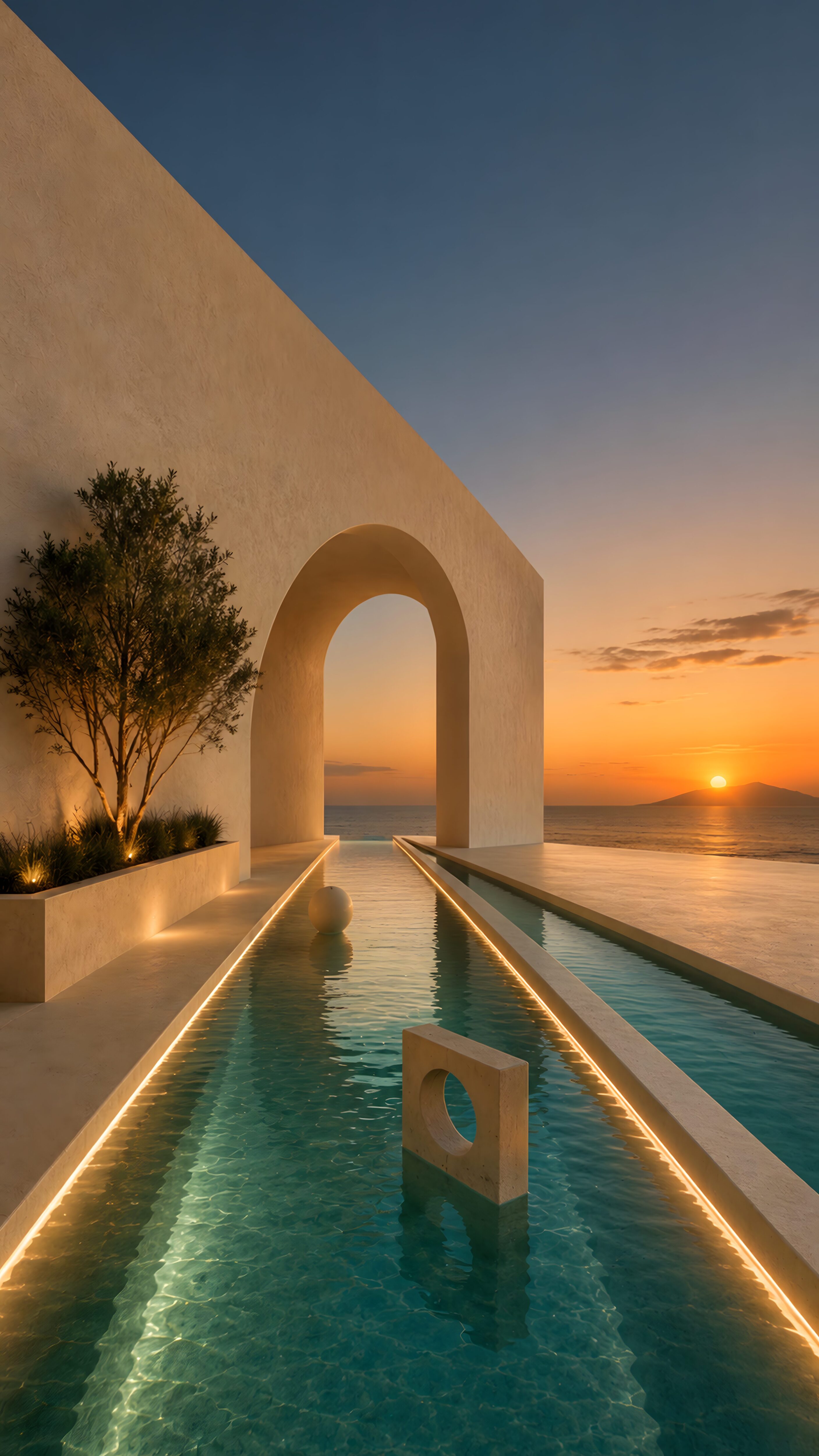
There’s something incredibly grounding about this view, isn’t there? I just love how the clean lines of that massive architectural archway perfectly frame the glowing ocean sunset. The warm, hidden lighting reflecting off the gentle ripples in the pool creates a vibe that is both luxurious and intensely calming. It honestly feels like having a tiny, peaceful Mediterranean retreat tucked right into your pocket whenever you check your notifications.

Those rich orange sunset gradients fading smoothly into the deep twilight blues will look absolutely stunning on a modern OLED or Super Retina display. The striking contrast between the shadows of the stone and the bright horizon is going to make your app icons pop while keeping your home screen looking incredibly sleek. Go ahead and grab this high-res download below to give your smartphone that effortless, aesthetic upgrade it deserves.
Technical Specifications & Quality Details

Ultra HD Lossless 4K
📐 Native Resolution 2160 × 3840 (4K UHD)
📱 Pixel Density 503 PPI (Retina)
Display Calibration 10-Bit DCI-P3 Color
🎨 Color Palette
98% (Ultra Battery Saver)

💡 Design Overview & Display Advice

The soft atmospheric lighting in Serene Sunset Archway Aesthetic blends seamlessly behind system clocks and lock screen widgets. Gentle atmospheric haze in the distance adds a genuine sense of scale and depth that makes smartphone screens feel larger than they are. We recommend enabling lock screen depth effect on compatible iOS or Android versions to let the scenery overlap your clock naturally.

How to Apply in Lossless 4K Without Compression

1
Save Original File
Tap the Download button above to save the full 4K PNG/JPG directly to your Photos or Gallery app.
2
Align on Lock Screen
Open wallpaper settings, select the image, and ensure perspective zoom / depth effect is positioned cleanly around your clock.
3
Set Home Screen Blur (Optional)
For better icon readability, apply a subtle blur or pairing wallpaper on your Home Screen using our free online tool.

❓ Frequently Asked Questions

Does this wallpaper drain battery on smartphones?
No. The static 4K image is optimized for mobile GPUs, consuming virtually zero processing overhead compared to live or video backgrounds.
Will this fit my specific phone model?
Yes, this wallpaper is produced in universal 9:16 vertical 4K resolution (2160x3840), ensuring a pixel-perfect fit across all Apple iPhones, Samsung Galaxy, Google Pixel, and OnePlus models.
Can I use this for lock screen depth effect?
Absolutely. High contrast subjects with clear top-margin spacing seamlessly activate the iOS 16/17/18 and Android lock screen clock depth effect.

Preparing Studio...

Optimizing pixels for your device

🔍

Pro Tip: Drag the wallpaper to adjust positioning

12:00
Friday, January 1