
Why Depth Effect Wallpapers Went Completely Viral on iPhone
Let’s be completely honest for a second. For the longest time, customizing an iPhone felt a little… boring. While Android users were busy tweaking every single pixel of their home screens, iPhone users were stuck with a standard, static background and a digital clock that never changed its position. You unlocked your phone, checked the time, and that was it. There was no real personality to it.
But then, Apple dropped iOS 16, and everything changed overnight. They didn’t just give us the ability to change the font of the clock; they introduced something that felt like actual magic: The Depth Effect.
Suddenly, your lock screen wasn’t just a picture anymore. It was a 3D canvas. The subject of your photo—whether it was a snow-capped mountain, your pet dog, or a sleek supercar—could magically overlap the digital clock. It looked like a premium magazine cover. And the internet absolutely lost its mind over it.
The Anatomy of a Viral Trend
Why did this specific feature blow up so fast on platforms like TikTok and Instagram? It all comes down to the “wow factor.” Content creators realized that showing a before-and-after of a standard lock screen versus a Depth Effect lock screen was incredibly satisfying to watch.
However, there was a catch. The AI required to make this 3D illusion work is incredibly picky. You can’t just take a blurry screenshot from Google and expect it to work. The image needs perfectly defined edges, high contrast, and most importantly, extreme clarity. This created a massive, global hunt for the perfect high-resolution wallpapers, completely changing the way we search for mobile backgrounds.
Top Wallpaper Categories That Break the Frame
Not all images are created equal when it comes to overlapping that digital clock. After analyzing thousands of user setups, here are the absolute best categories that make the most of this feature, along with some stunning 4K examples you can download right now.
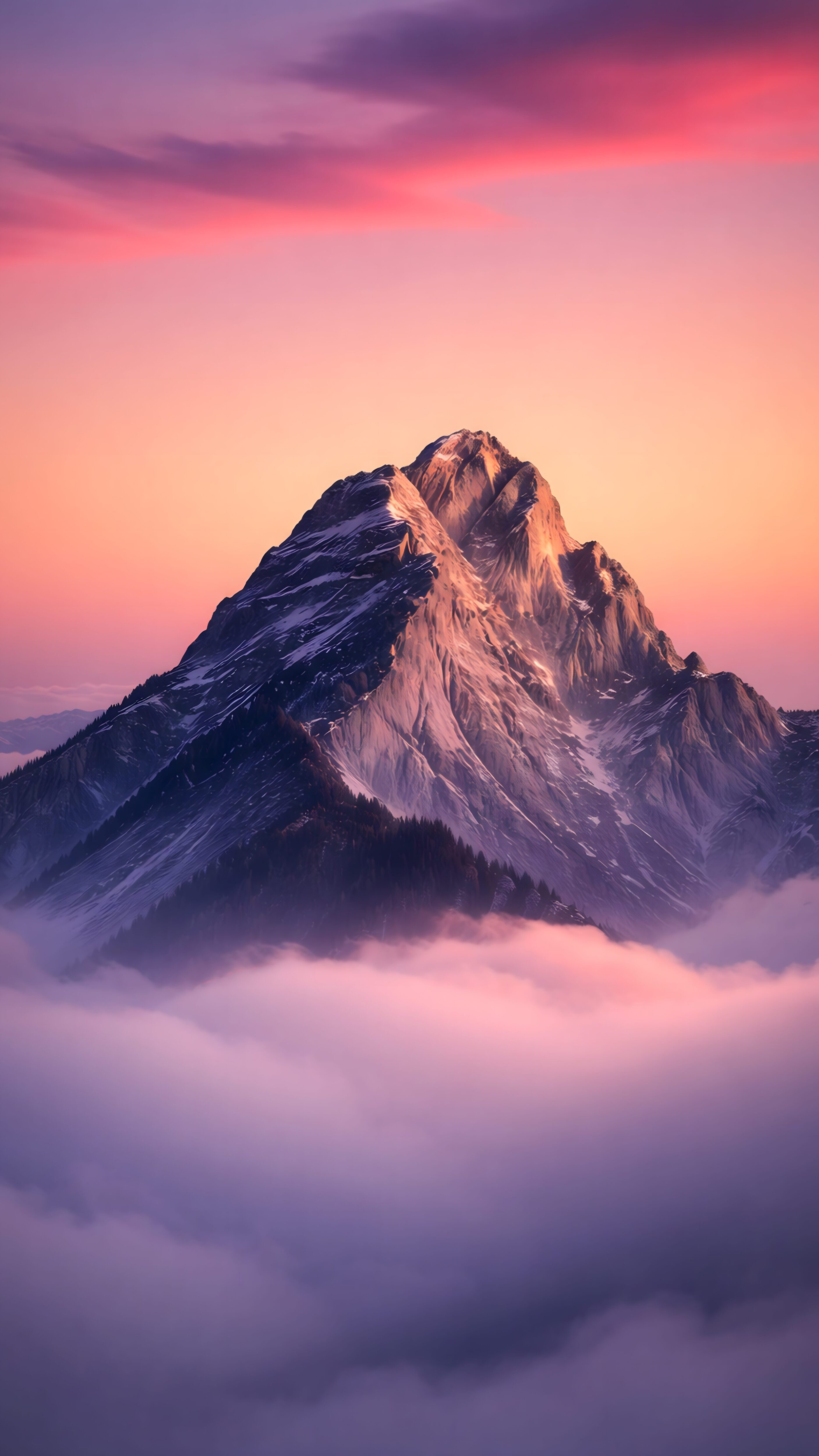
Pink Cloud Mountain Peaks
Nature landscapes are the undisputed kings of the Depth Effect. A soft and aesthetic wallpaper featuring sharp mountain edges perfectly overlaps the lock screen clock. It looks natural, creates a calm visual experience, and never distracts from reading the actual time.
Get 4K Mountain Wallpaper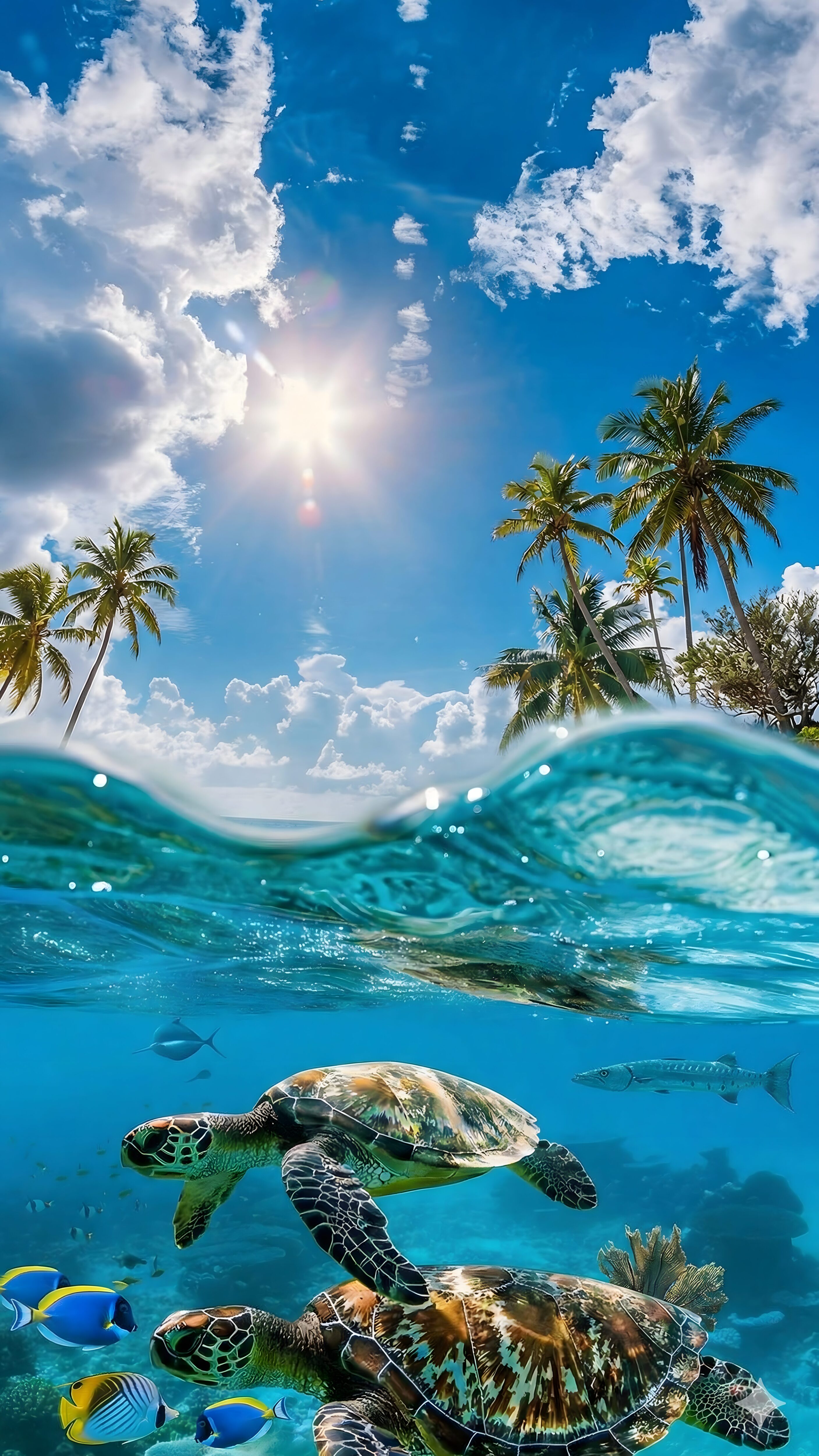
Tropical Ocean Sea Turtle
High-contrast wildlife portraits are extremely effective because of the organic textures. A sea turtle swimming upwards allows Apple’s AI to cut out the subject flawlessly, breaking the digital frame and bringing life and movement to an otherwise static screen.
Get 4K Wildlife Wallpaper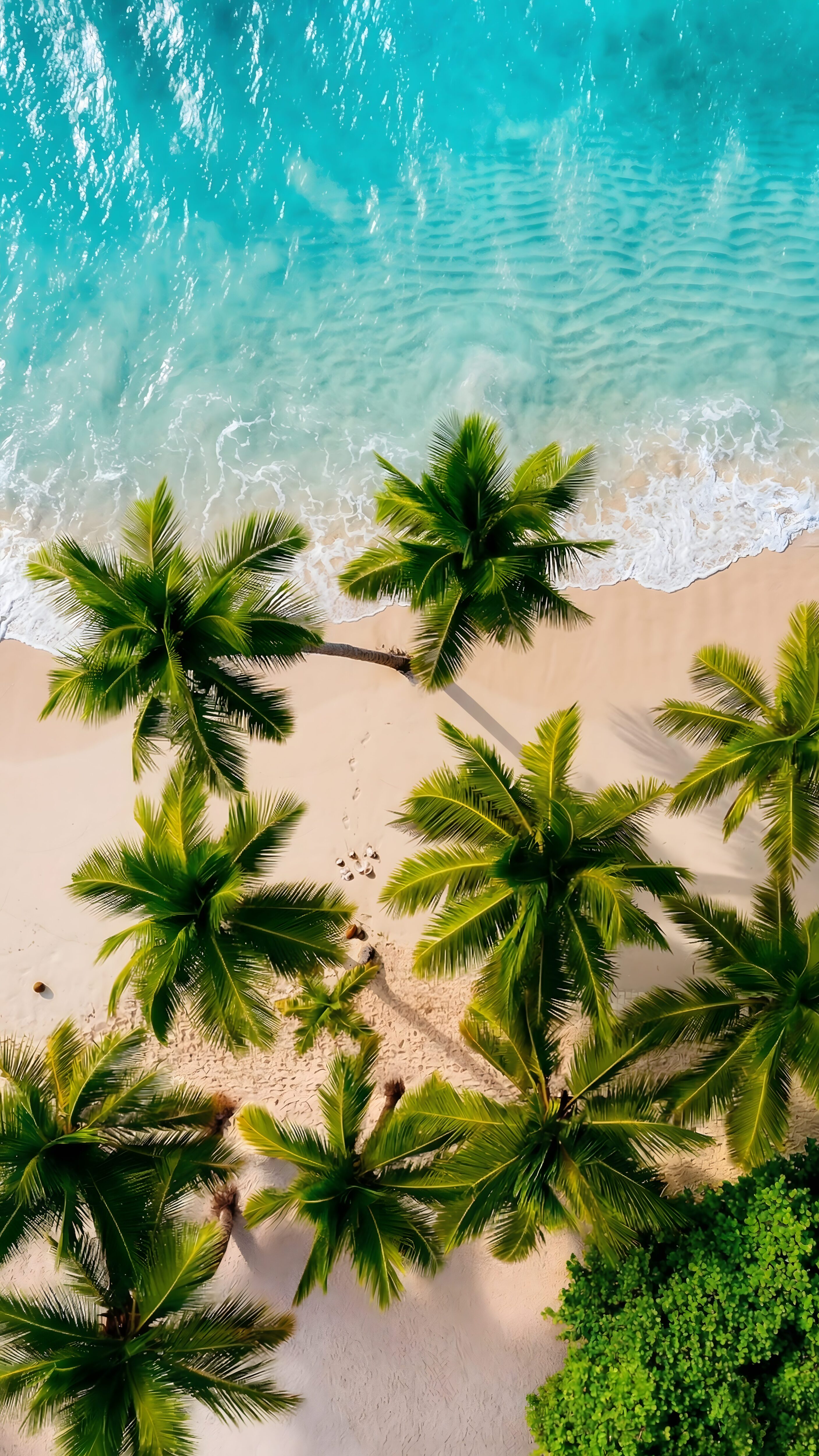
Aesthetic Tropical Beaches
Vibrant ocean scenes with sweeping beach lines work wonders for this feature. The natural curves of the sand or the edge of palm trees give your iPhone’s neural engine a perfect boundary to creatively layer the time display, giving you major vacation vibes every time you unlock your phone.
Get 4K Beach Wallpaper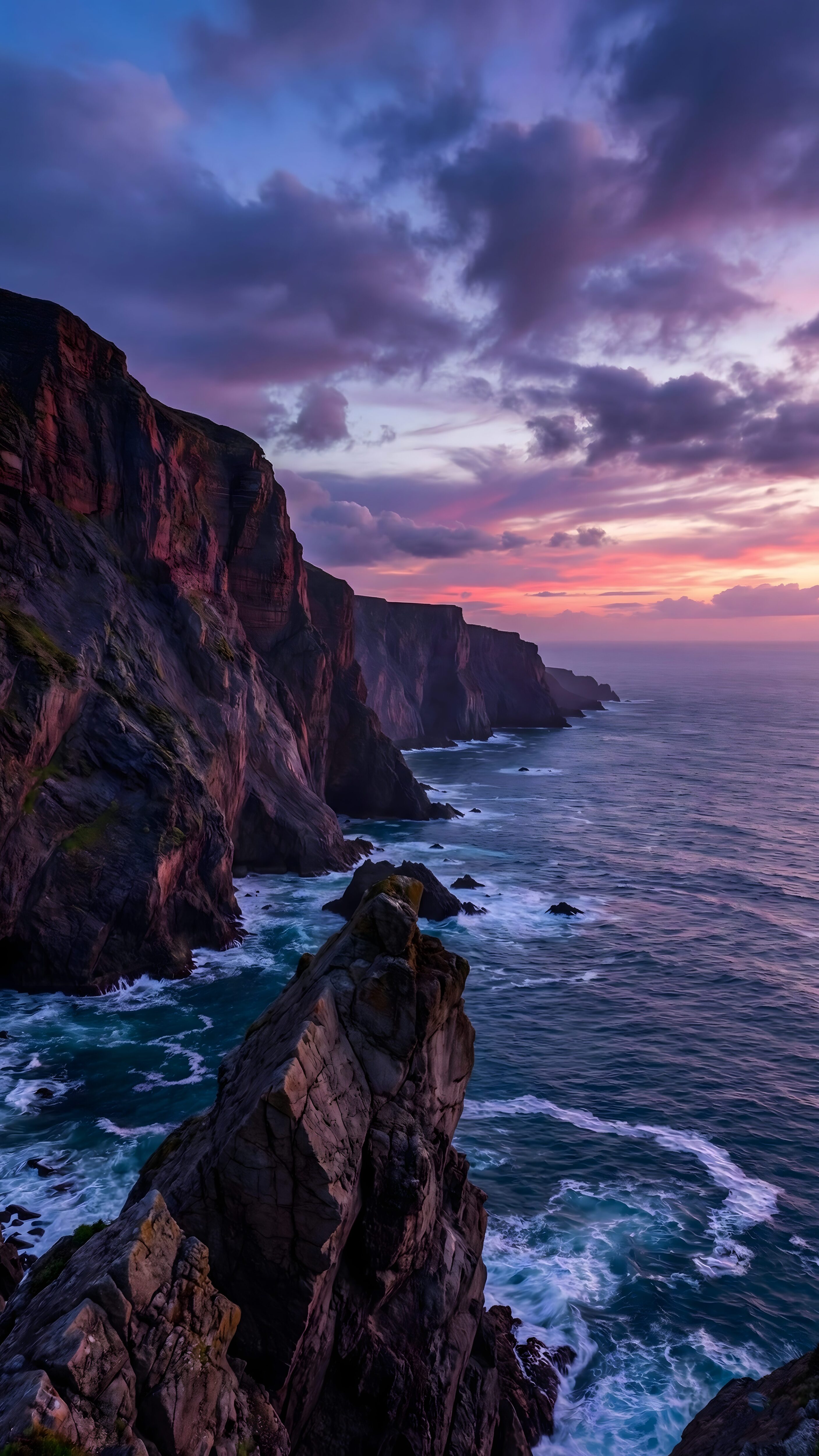
Moody Twilight Cliffs
For those who love a cinematic, darker aesthetic, moody ocean cliffs are absolutely perfect. The sharp edges of the cliff faces create an incredible 3D pop against the twilight sky, offering a premium and dramatic look that stands out beautifully.
Get 4K Cinematic WallpaperHow to Setup the Perfect Depth Effect Lock Screen
If you have never set this up before, or if you’ve tried and failed, don’t worry. The process is simple once you know the rules. Follow these exact steps to get that magazine-cover look:
- Download a True 4K Image: Save a high-resolution image to your camera roll (like the ones linked above).
- Open Lock Screen Editor: Long-press your current lock screen and tap the blue “+” button to add a new wallpaper.
- Select Your Photo: Choose the 4K image you just downloaded.
- Pinch and Zoom (Crucial Step): Slowly pinch the screen to resize the image. Move the main subject (like the mountain peak or the sea turtle) so it sits *just* over the bottom edge of the clock.
- Avoid Covering Too Much: If you cover more than half of the clock, the iPhone will automatically disable the effect to ensure you can still read the time. Keep the overlap subtle!
Troubleshooting: Why Isn’t It Working?
Nothing is more frustrating than finding the perfect image, setting it as your wallpaper, and realizing the clock is sitting dead flat on top of your photo. If your Depth Effect refuses to activate, check these three things:
- You are using Lock Screen Widgets: This is the #1 reason the effect fails. Apple does not allow Depth Effect and Lock Screen Widgets to exist at the same time. You must remove all widgets below the clock for the 3D effect to work.
- The image quality is too low: If the photo is blurry or heavily compressed, the iPhone’s neural engine cannot find the edge of the subject. Always use native 4K wallpapers.
- The subject is placed too high: Try zooming out slightly. If the subject covers the middle or the top of the numbers, the system turns the effect off for readability.
Frequently Asked Questions
Does using this feature drain my battery?
No. While the iPhone uses a tiny bit of processing power the moment you apply the wallpaper to cut out the subject, it acts as a normal static image afterward. It will not drain your battery any faster than a regular wallpaper.
Can I use Depth Effect with a Dark Mode wallpaper?
Absolutely! In fact, AMOLED and dark wallpapers look incredible with this feature. Just make sure the subject contrasts well against the dark background so the AI can detect the edges.
Do I need the newest iPhone for this?
You don’t need the absolute latest model, but you do need an iPhone equipped with the A12 Bionic chip or newer, running at least iOS 16. This means the iPhone XR, iPhone XS, and anything released after them will support it perfectly.
Final Thoughts
The lock screen is the very first thing you see when you pick up your phone in the morning, and the last thing you see before you put it down at night. Apple’s introduction of the Depth Effect proved that people deeply care about personalizing their digital space.
By simply allowing a photograph to interact with the system clock, our phones feel less like robotic devices and more like personal canvases. So, ditch that blurry stock photo, grab a high-quality 4K wallpaper, and give your lock screen the premium upgrade it deserves.