
Top 10 Dark 4K Wallpapers for PC
10 Dark & True Black 4K Wallpapers for PC: A Desktop Design Guide
Selecting the right background for your desktop is more than just an aesthetic choice; it directly impacts your daily workspace environment. For individuals who spend hours looking at a monitor—whether for coding, editing, or general productivity—a stark white display can often feel fatiguing in dimly lit rooms.
This shift in workspace ergonomics has led to a massive increase in the popularity of dark mode themes. However, finding a high resolution monitor wallpaper that maintains clarity without introducing pixelation on large 27-inch or 32-inch displays can be challenging. In this guide, we will explore 10 high-quality dark PC backgrounds specifically formatted for 4K resolutions, and discuss why deep contrast matters for modern screen technology.
| Top Wallpaper Picks | Best For | Visual Style |
|---|---|---|
| Starry Night Snowy Mountain | Productivity & Focus | Clean / Minimalist |
| Neon Green Tiger | Gaming Setups | Cyberpunk / RGB |
| Dark Red Porsche GT3 RS | Automotive Enthusiasts | Studio / Shadow |
| Lofi Girl Travel Cityscape | Late Night Work | Moody / Relaxing |
| Long Exposure Light Trails | Dual Monitor Displays | Cinematic / Wide |
The Technology Behind OLED Monitor Wallpapers
If you are using an OLED or Mini-LED monitor, the visual rendering of dark colors works differently than on traditional IPS panels. OLED technology can physically turn off individual pixels when displaying pure black. By utilizing a completely black desktop backdrop, you achieve an infinite contrast ratio while minimizing noticeable backlight glow, creating a much more comfortable viewing experience.
1. Best Minimalist Dark Wallpapers for PC
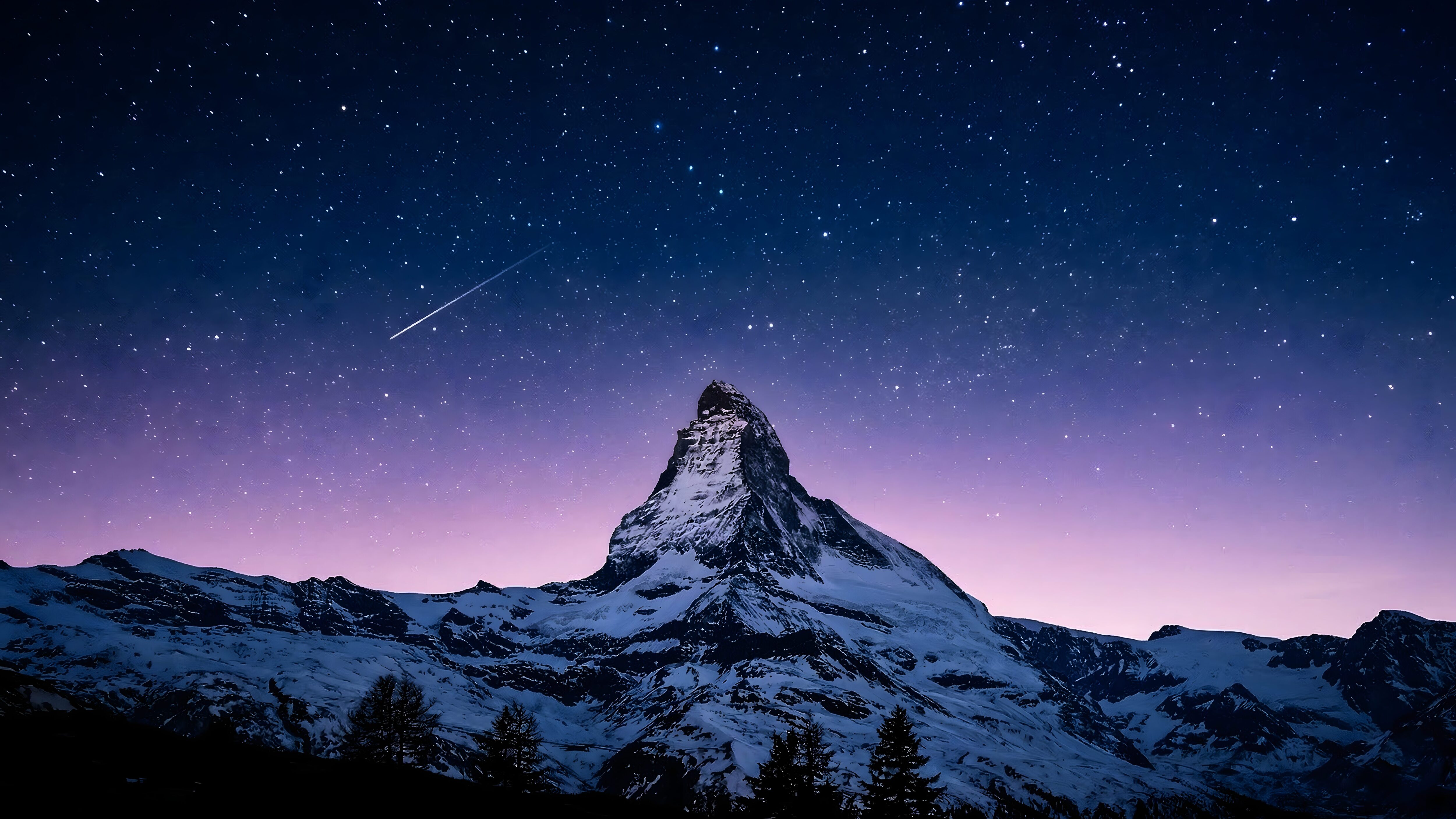
Starry Night Snowy Mountain
A cluttered background often makes it difficult to locate desktop icons. This minimalist starry night scene solves that problem by keeping the upper two-thirds of the screen entirely dark. The snowy mountain peak anchors the visual weight at the bottom, offering a clean, organized layout for your folders.
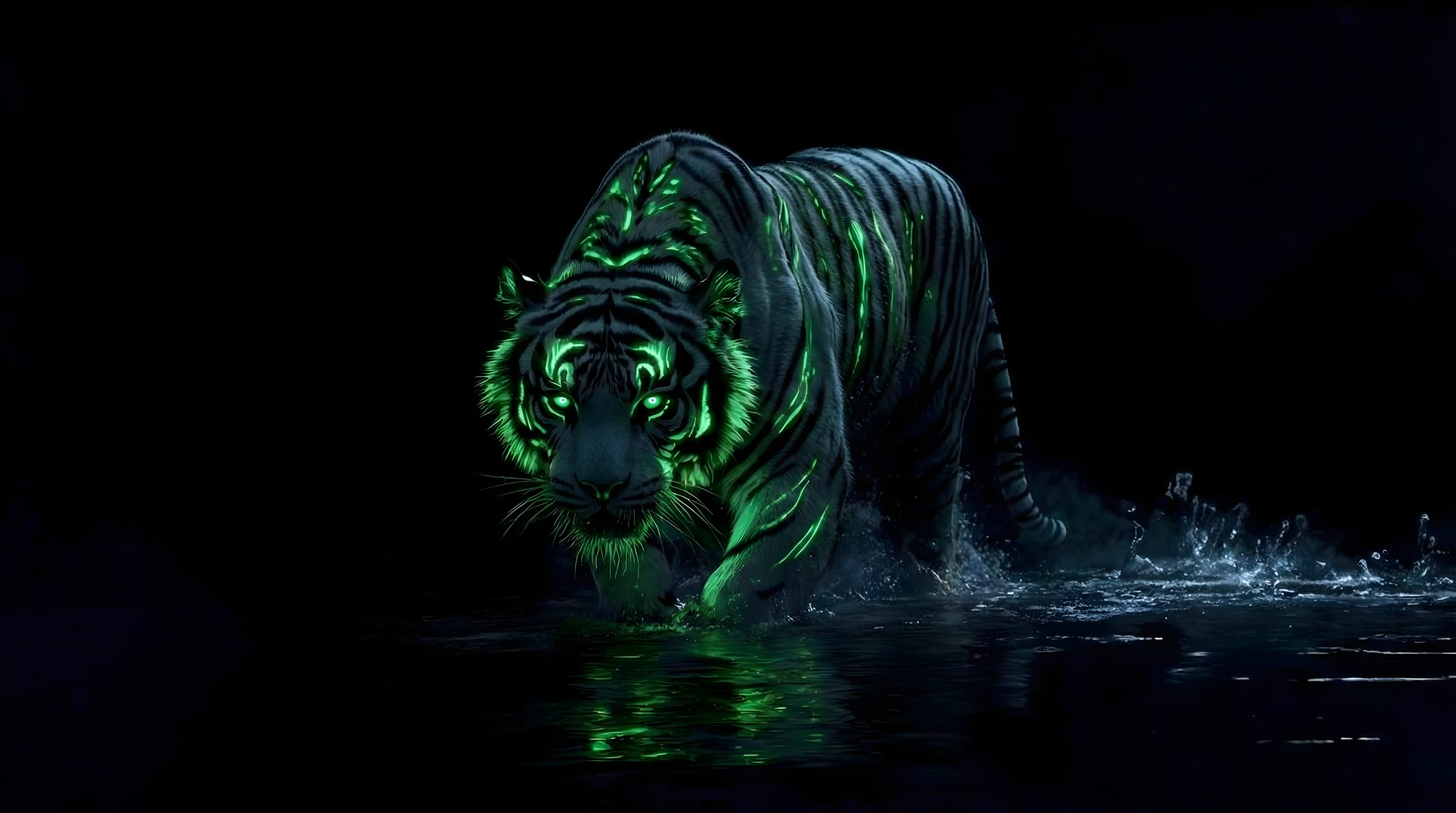
Cyberpunk Neon Green Tiger
For setups that utilize ambient RGB lighting, matching your on-screen colors with your physical environment creates a cohesive look. This neon green tiger against a pitch-black desktop backdrop provides a striking focal point, particularly popular among users with green-accented mechanical keyboards or LED desk strips.
2. 4K Automotive & Shadow Desktop Backgrounds
Using silhouettes or studio-style lighting creates a sense of depth on a flat monitor. The following two computer wallpaper 4k options utilize shadows to naturally draw the eye toward the center of your display.
Full Moon Pine Forest
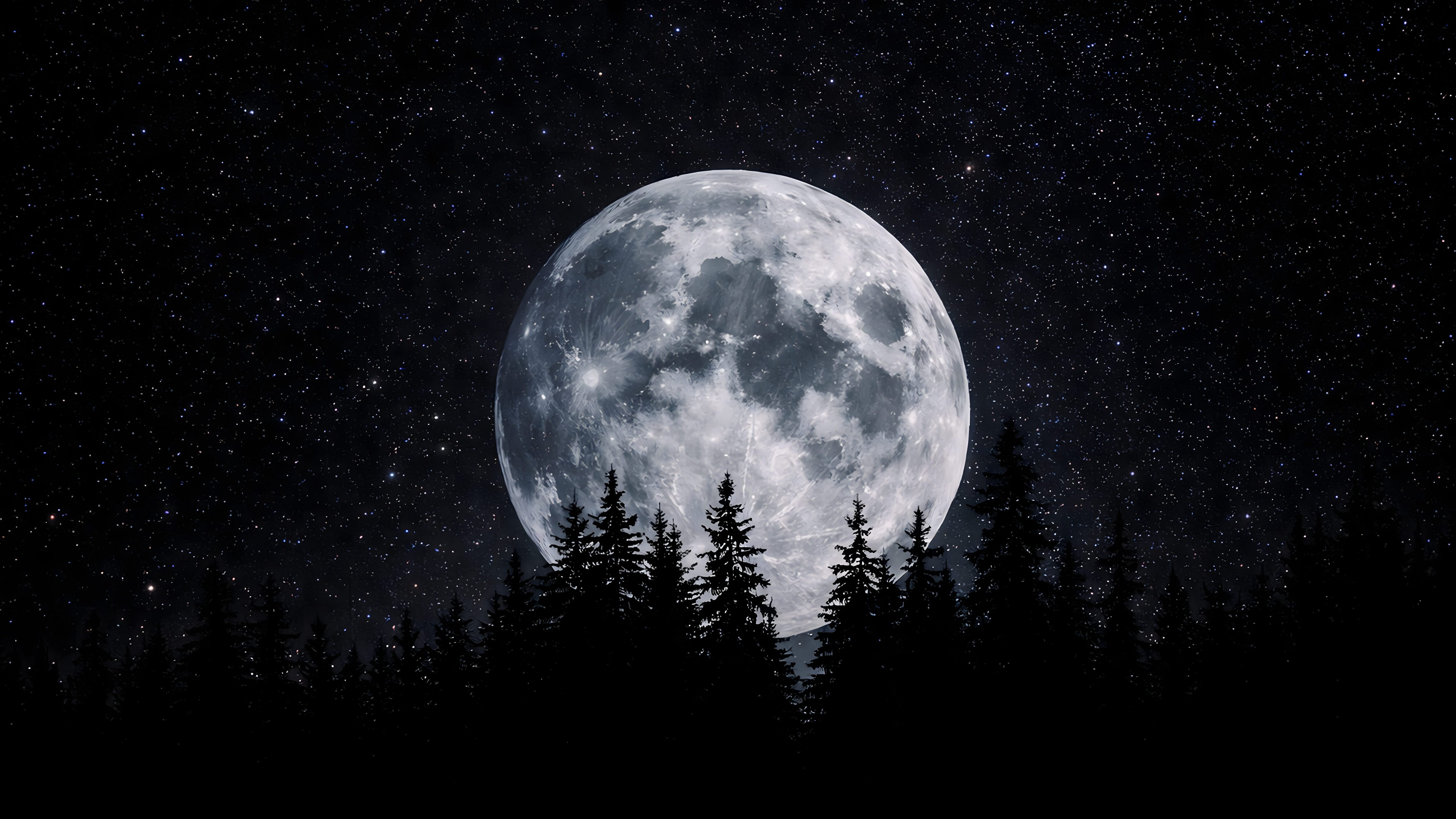
The dark borders of the forest blend seamlessly into physical monitor bezels, offering an edge-to-edge viewing illusion that works great as a mac wallpaper alternative.
Dark Red Porsche GT3 RS
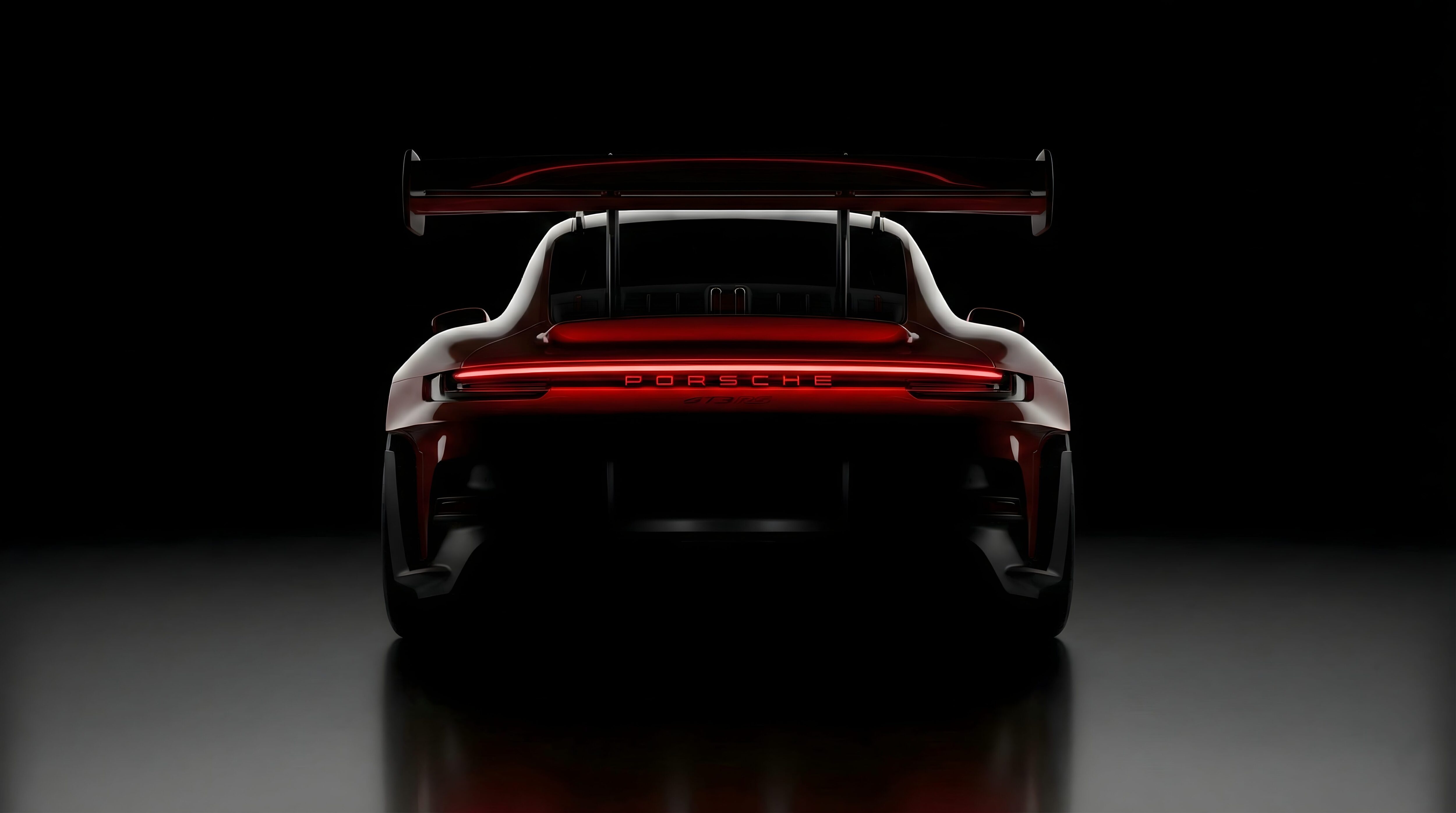
Automotive photography often features busy street backgrounds. This studio edit strips away distractions, highlighting only the vehicle’s geometry and reflections.
3. High Resolution Digital Art & Lofi PC Wallpapers
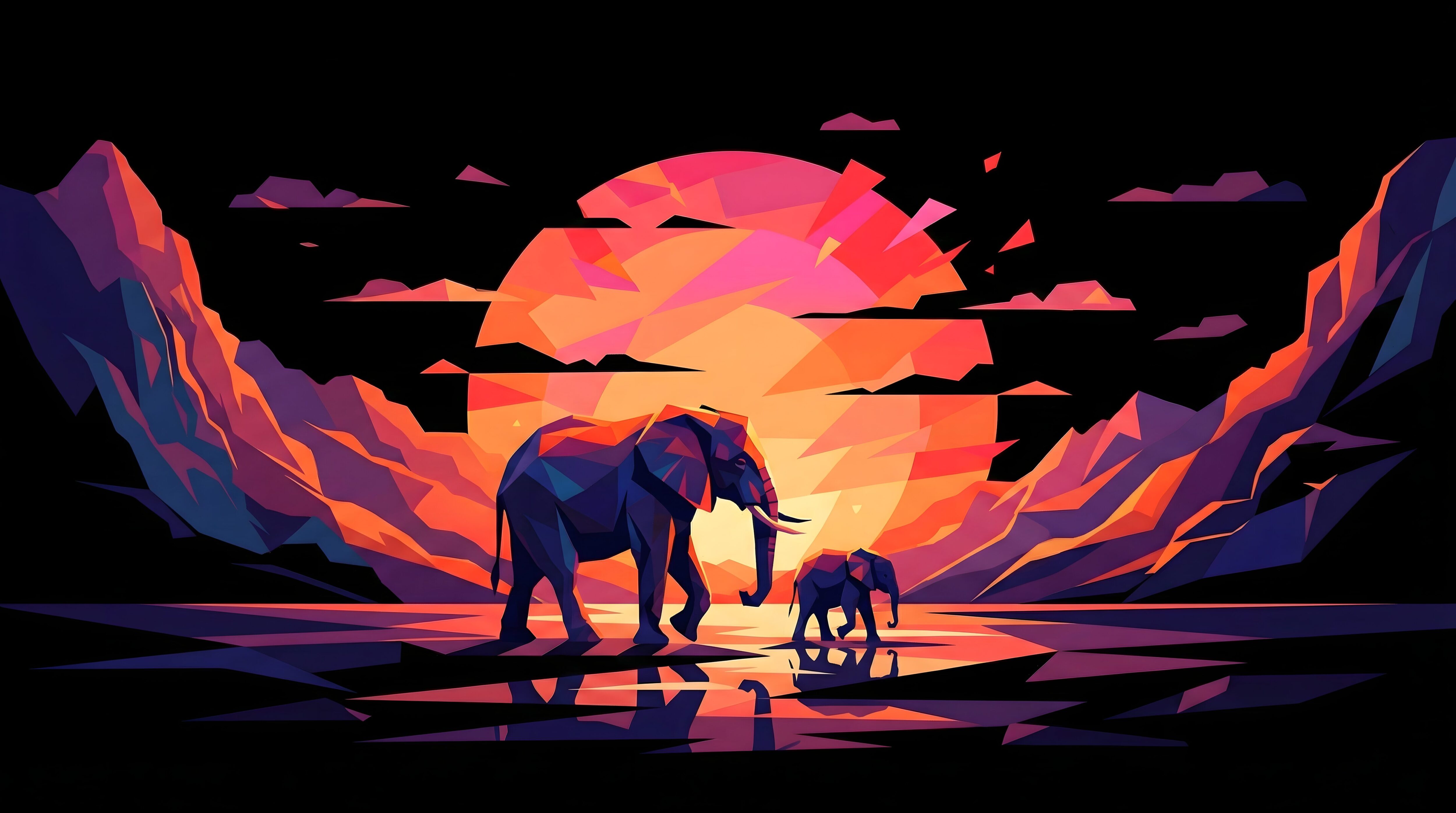
Low Poly Elephant Sunset
Vector-style and geometric artwork scales exceptionally well on large displays. Unlike traditional photography which might show grain on a massive monitor, the sharp lines of this low-poly elephant maintain absolute clarity. It is a fantastic 4k desktop background choice for those who want a splash of color without losing the dark theme.
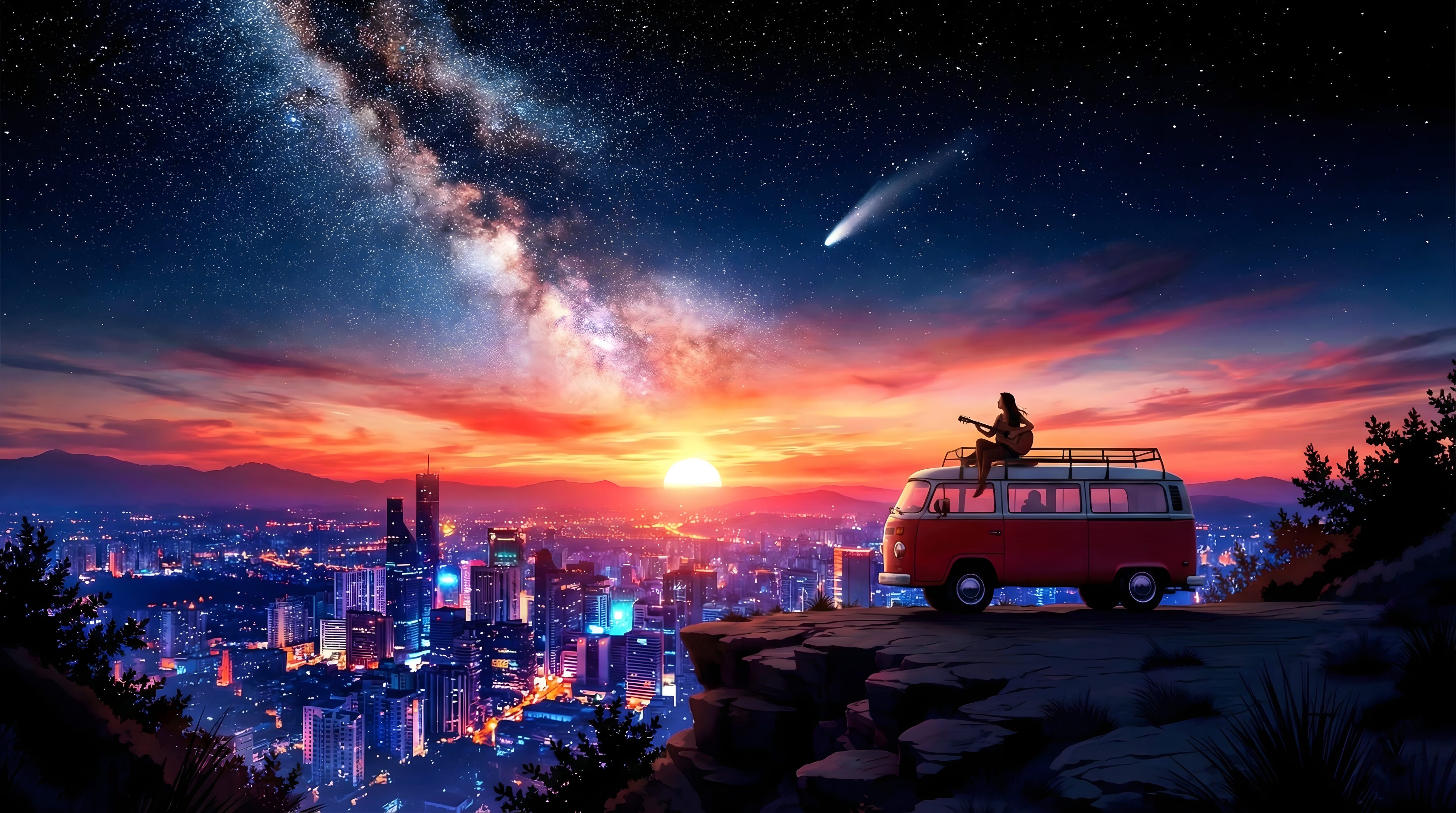
Lofi Girl Travel Cityscape
A popular choice for productivity setups is the lofi aesthetic. This specific piece uses subdued, moody lighting and deep blue hues, providing a calm, focused backdrop for long coding or writing sessions. Many users prefer this over heavy live animations because it consumes zero system resources while still looking incredibly stylish.
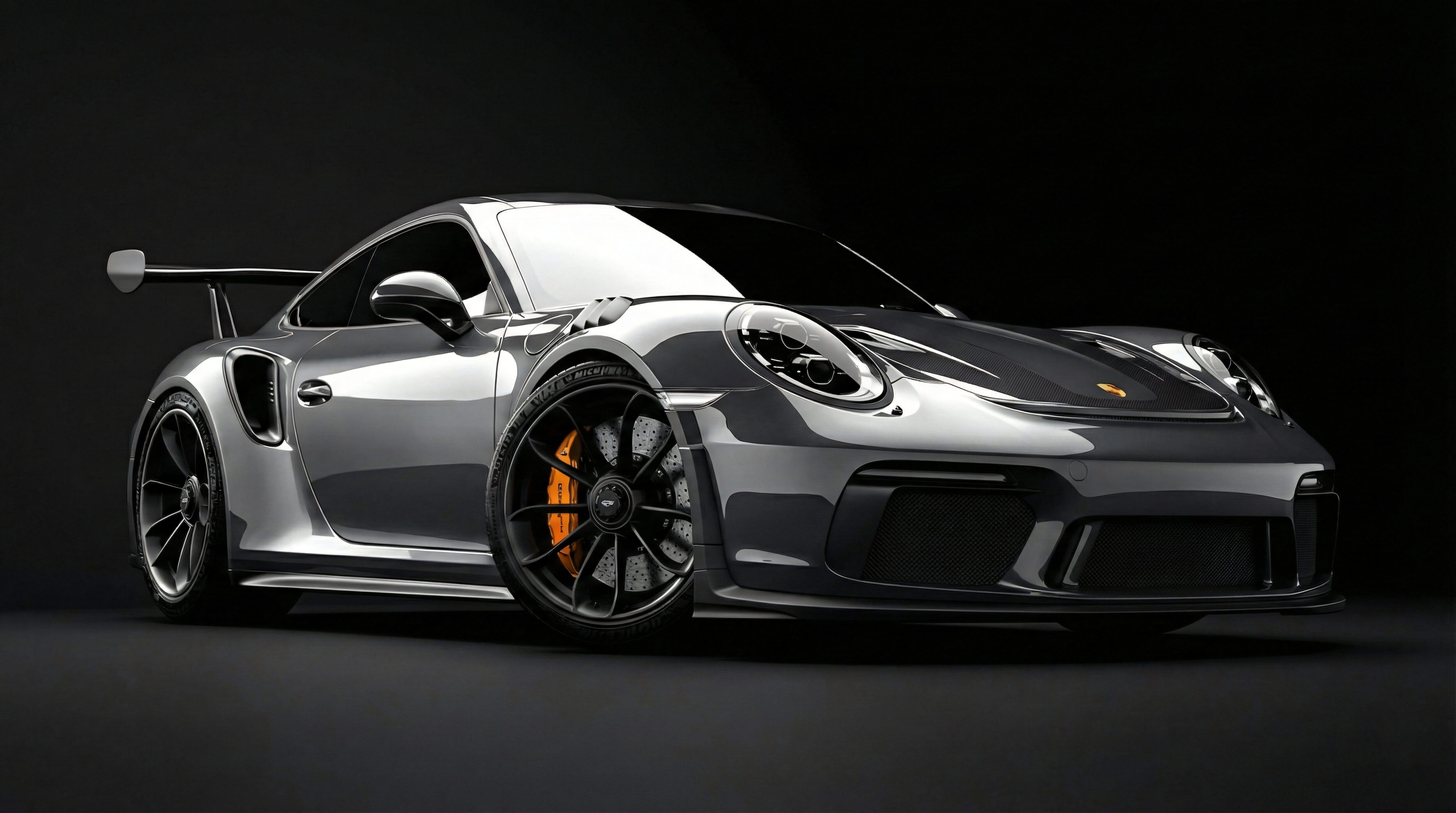
Silver Porsche 911 Gradient Design
This design employs heavy vignette shading (darkening around the corners). This visual technique naturally pulls the viewer’s attention to the center metallic reflections, keeping the corners where your taskbar or file docks sit unobtrusive and clean.
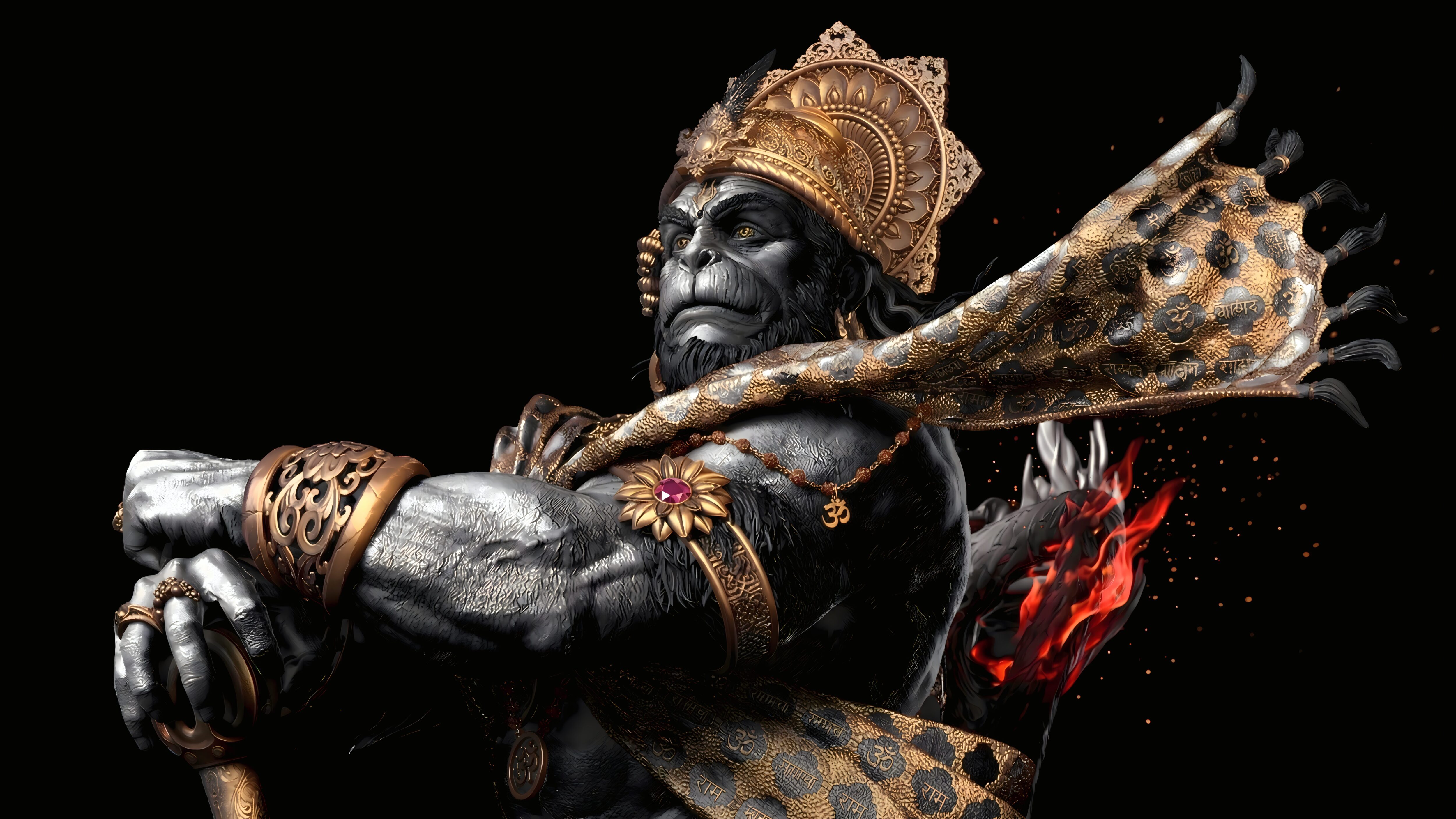
Dark Hanuman Desktop Art
Incorporating cultural or spiritual art onto your desktop doesn’t mean sacrificing display quality. This high-resolution rendering features subtle glowing highlights that stand out beautifully against the muted, textured dark background.
4. Ultrawide & Dual Monitor Dark Wallpapers
If you utilize an ultrawide monitor or a dual-screen setup, images with strong horizontal lines work best. Setting your OS to ‘Span’ or ‘Fill’ with these types of images ensures visual continuity across your workstation.
Long Exposure Light Trails
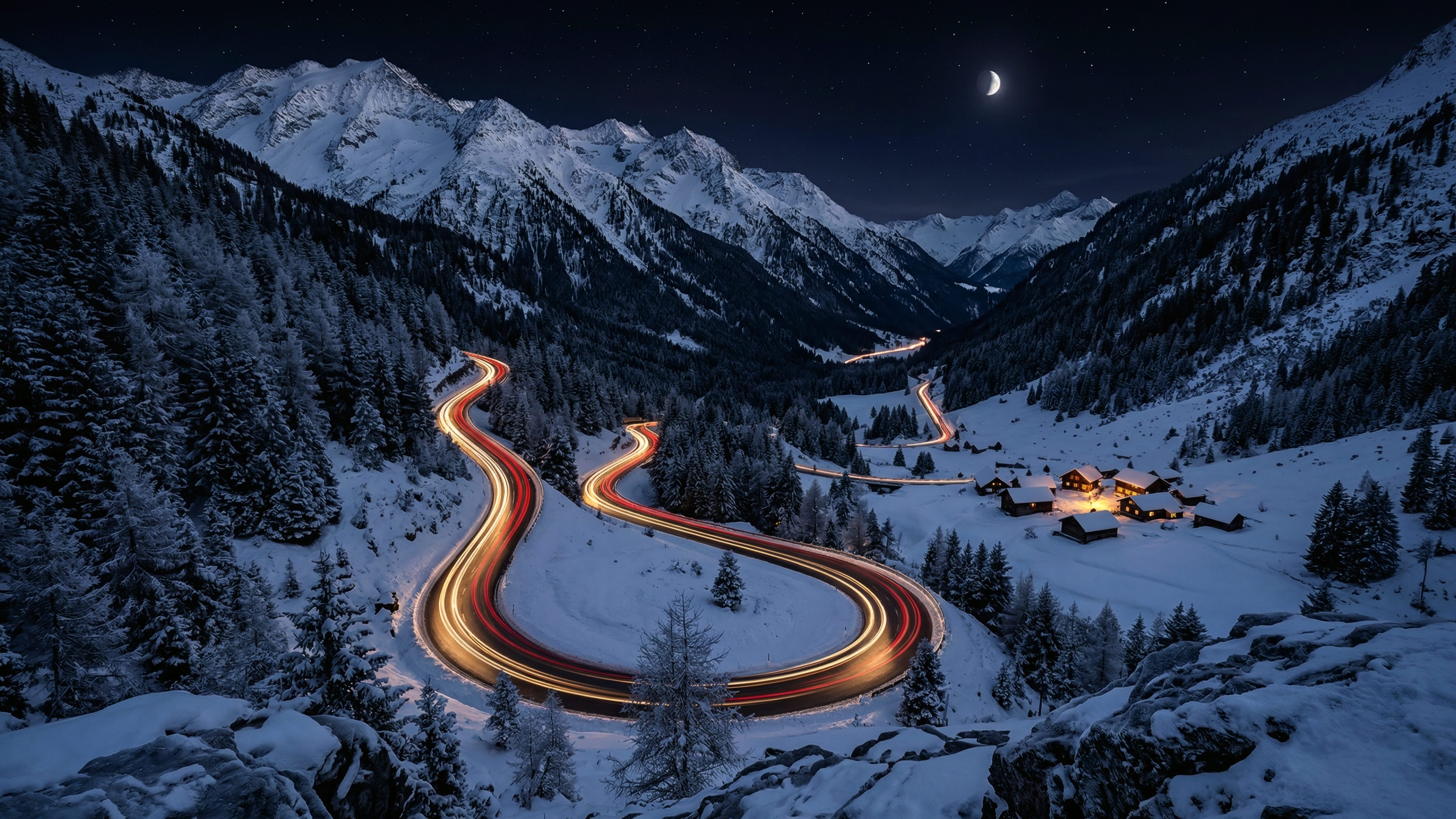
The sweeping red and white light trails provide a sense of horizontal motion, making it ideal for spanning across two monitors without looking distorted.
Minimalist Firewatch Tower
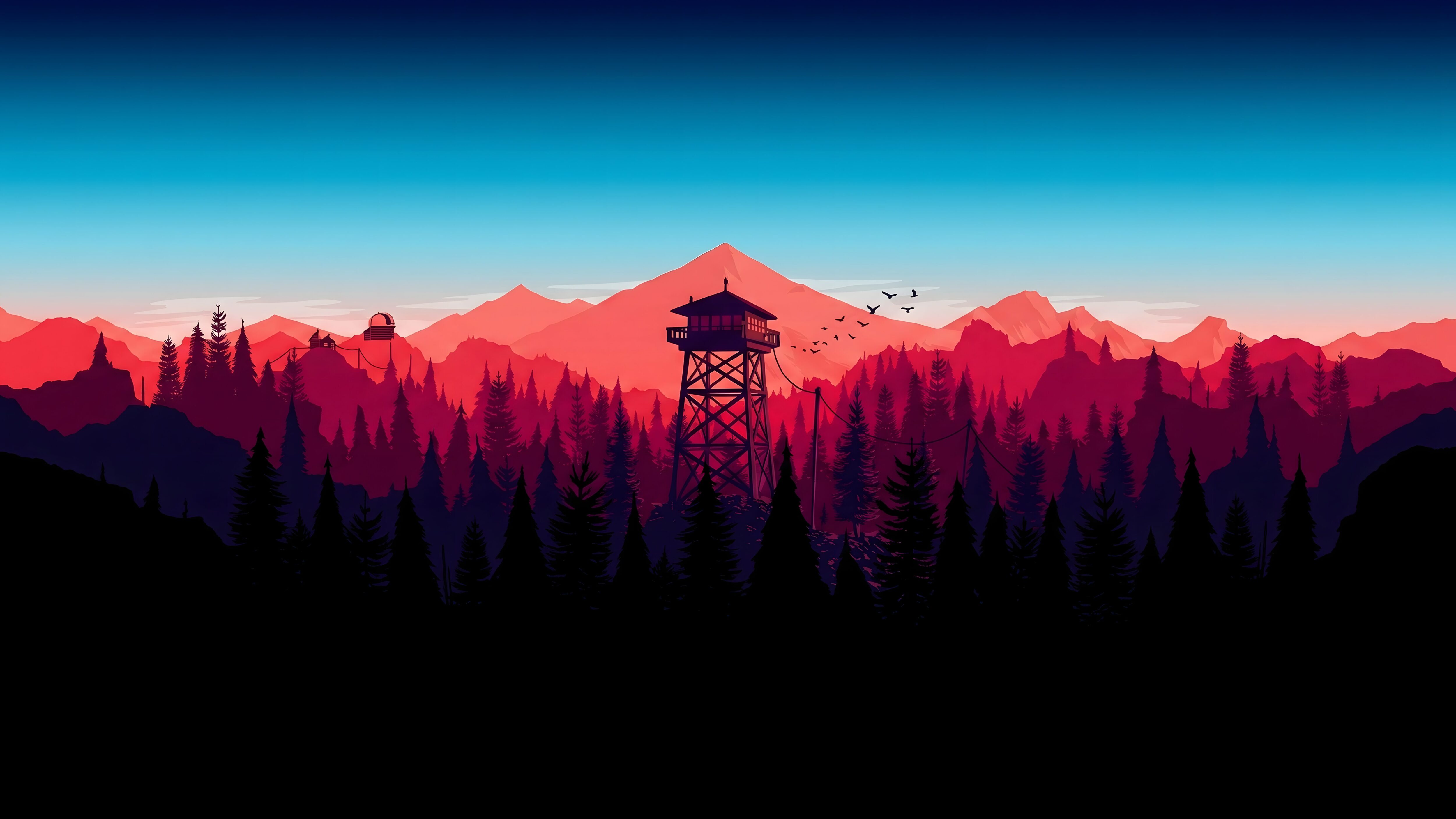
Flat vector landscapes with distinct color blocking remain crisp regardless of how much you scale or stretch the image on a large display.
Explore More 4K Collections
Looking to upgrade your mobile setup as well? Check out our other highly-rated galleries:
Frequently Asked Questions
What is the best wallpaper size for a 27-inch monitor?
For a standard 27-inch monitor, the ideal resolution is 2560×1440 (1440p) or 3840×2160 (4K) depending on your display panel. Always download a 4K image if available, as your operating system can easily downscale it to fit a 1440p screen while retaining perfect sharpness.
Does a dark wallpaper actually save power on OLED monitors?Yes. Unlike standard LCD or IPS panels that have a constant backlight running behind the screen, OLED panels light each pixel individually. When a pixel displays true black, it is physically turned off, which directly reduces power consumption and extends the lifespan of the display.
How do I use these images on a dual monitor setup?In Windows, go to Personalization > Background. Choose your image, and under the “Choose a fit” dropdown, select “Span”. This will stretch a single wide image seamlessly across both monitors. On a Mac, you will need to apply the image to each desktop space separately or use a third-party management tool.
Why does my downloaded background look blurry?Operating systems sometimes apply automated compression to background images to save memory. To ensure your images retain their quality, always download the original, uncompressed source file from our links rather than right-clicking and saving a preview thumbnail directly from your browser.