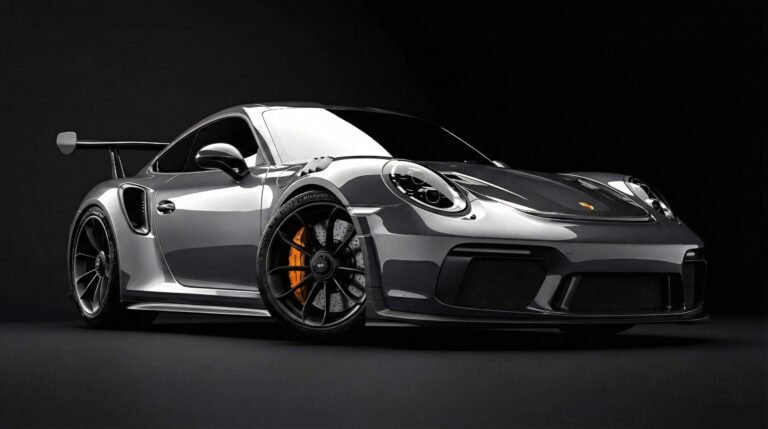
Silver Porsche 911 GT3 RS Studio: 4K PC Desktop Background
📥 Download Wallpaper
👁️ 19
⬇️ 0
🔗
⚙️
Customize Wallpaper?
Open Editor Studio to adjust this image to your perfect fit.
Yes, Start Editing
📸 Res: 4K Ultra HD (Desktop)
📁 Cat: Cars / Dark Wallpaper
🖼️ Fmt: High-Res
✨ Quality: High-Quality Processed
🖼️ About This Wallpaper
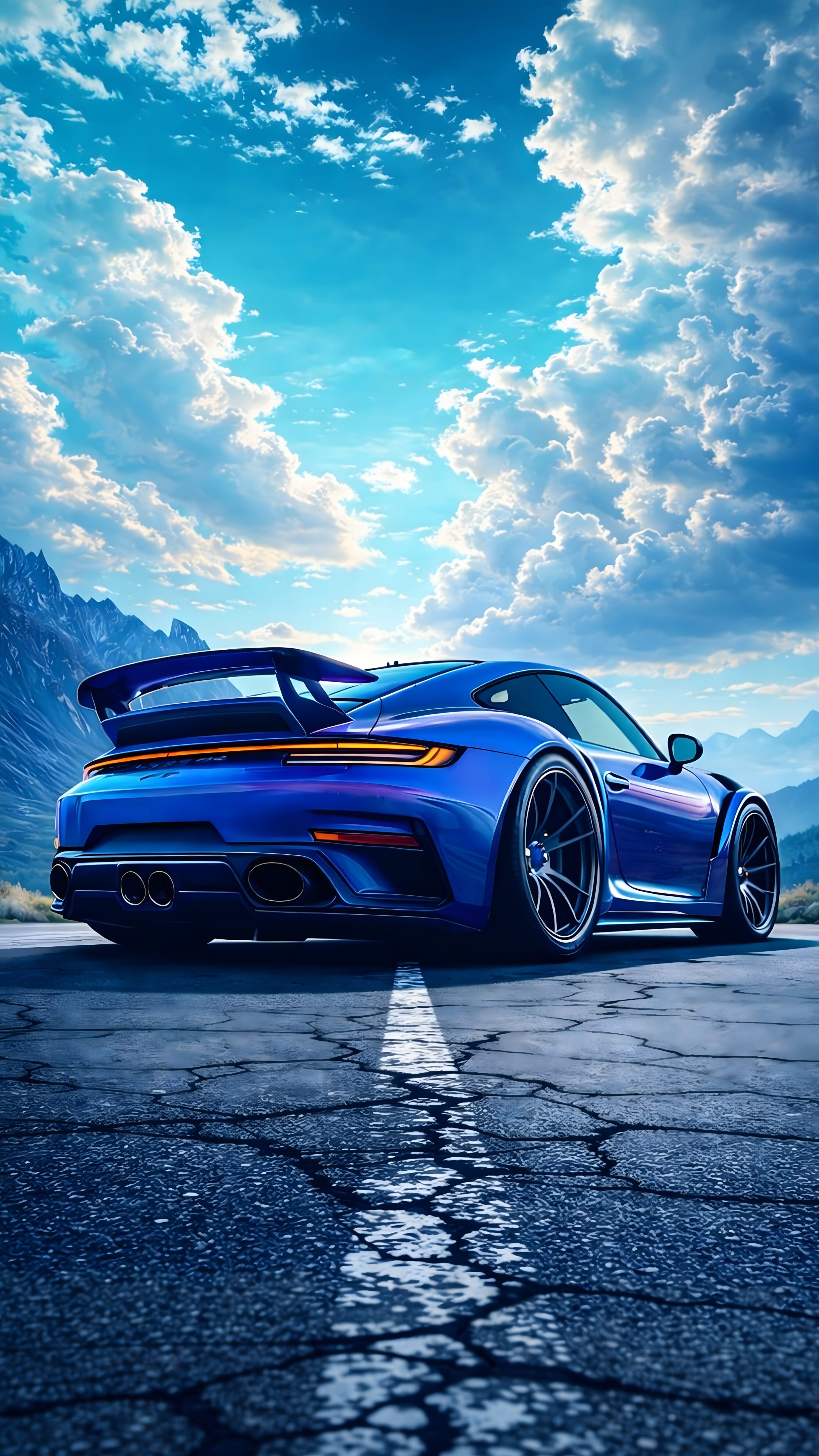
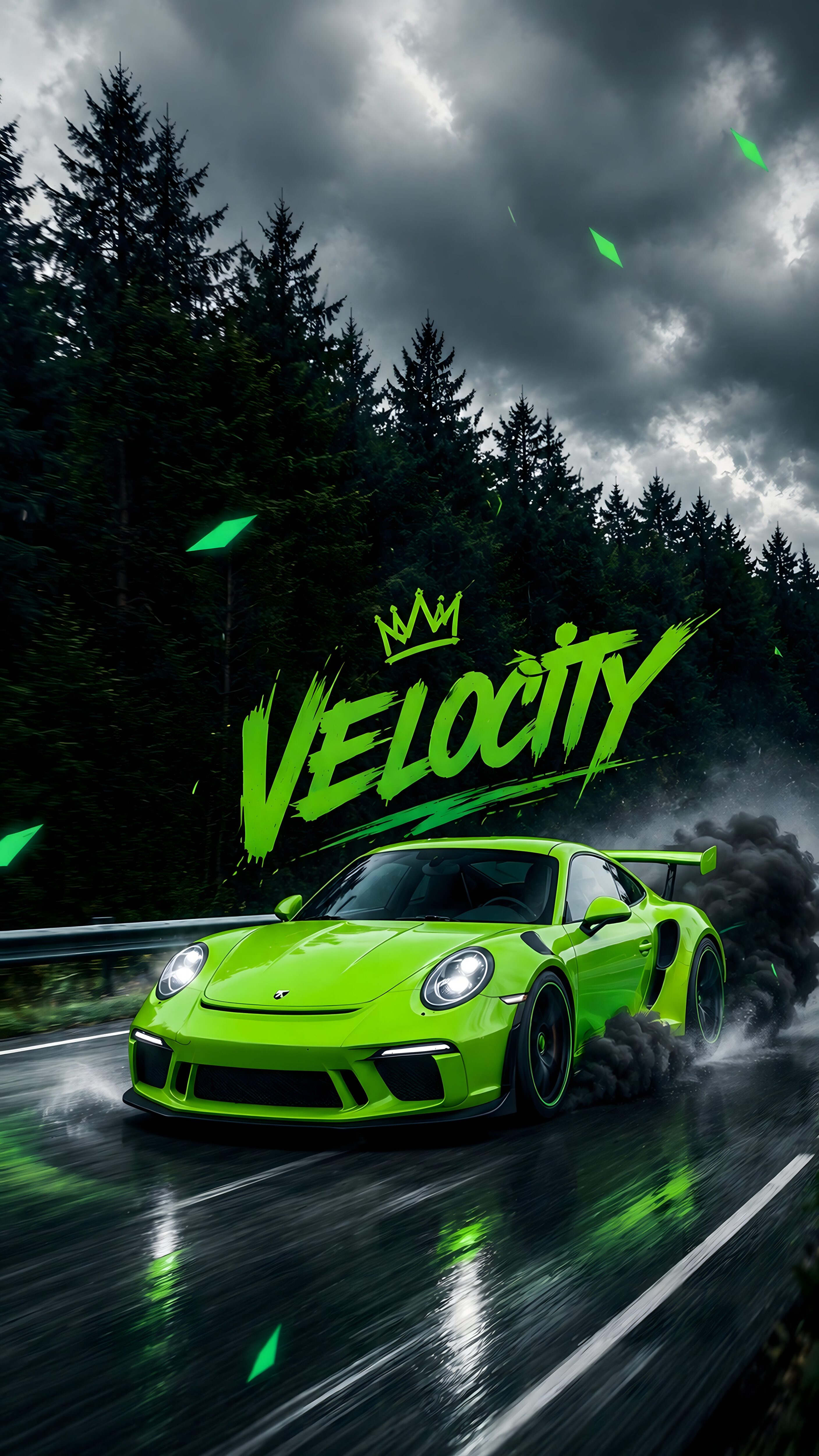
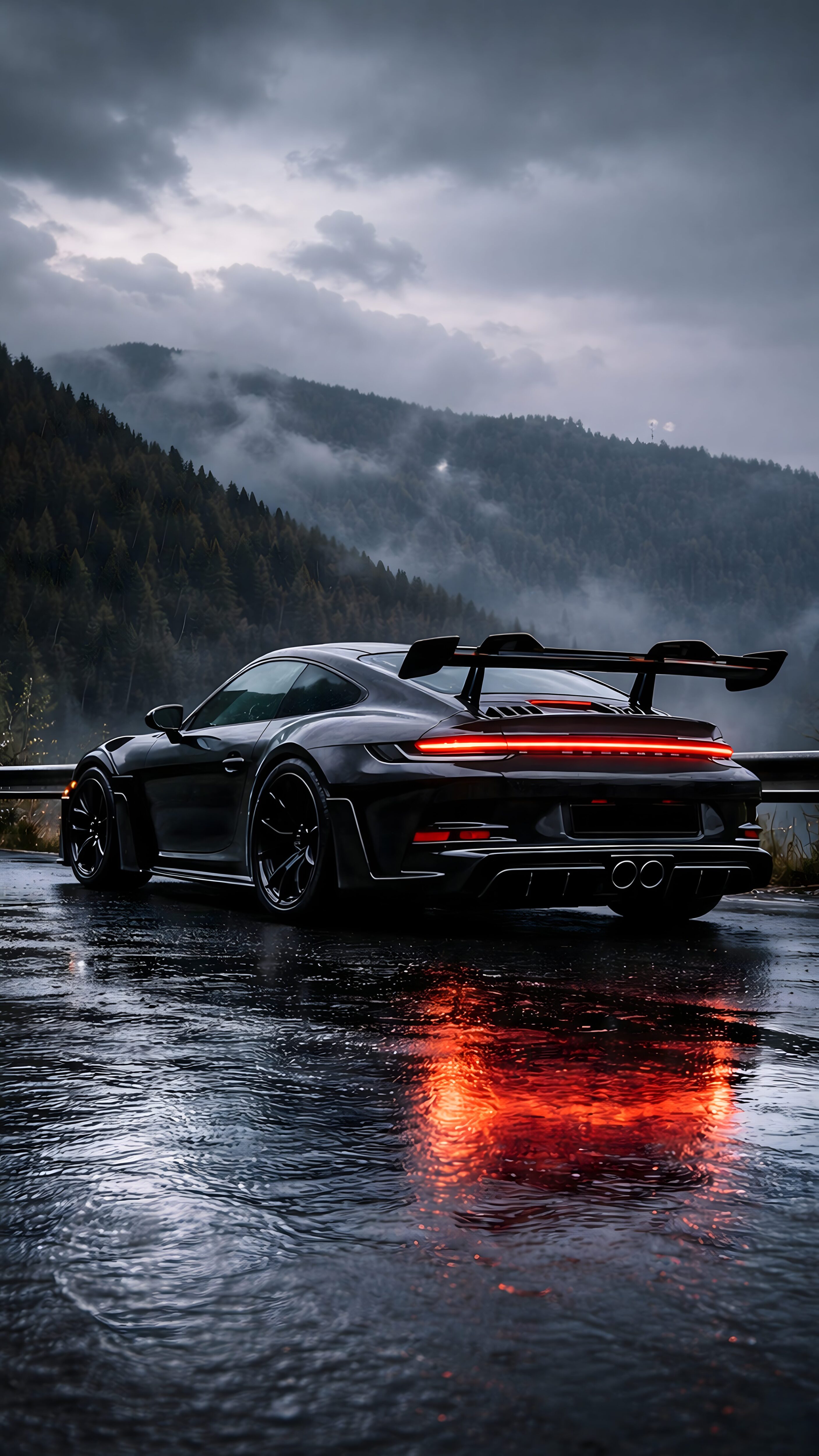
Transform your professional workspace into a showcase of automotive excellence with this incredibly sleek and high-end digital artwork. This premium 4K Ultra HD PC desktop background from 4K Mobile Wallpapers features a spectacular digital illustration of the legendary Porsche 911 GT3 RS. Captured in a minimalist dark studio setting, the flawless silver paint, aggressive aerodynamic lines, and striking orange brake calipers create a deeply immersive and luxurious aesthetic. Professionally enhanced and optimized to deliver perfect contrast and crisp automotive reflections, this masterpiece is the ultimate choice for a clean and professional desktop setup worldwide.
💻 Best Fit For (Recommended Devices)
4K UHD Monitors (Dell, LG, Samsung, BenQ)
Apple iMac & MacBook Pro/Air series
Gaming Laptops (ROG, Alienware, Legion)
Windows Desktop Setups & Ultrawide Displays