
Top 5 iOS Depth Effect Wallpapers
Depth Effect Wallpapers for Your Lock Screen (That Actually Work)
Finding a high-quality 4K wallpaper is pretty easy these days. But finding one that actually triggers the iOS lock screen clock to hide perfectly behind the subject? That is a completely different story.
Apple’s smart lock screen software is notoriously picky. If the background is too messy, or if the main object is too high up on the screen, the depth effect just refuses to turn on. We spend hours testing images here at 4k Mobile Wallpapers, so we know exactly what the software likes: a clean background, sharp edges, and plenty of empty space at the top.
If you are tired of your clock blocking the best part of your background, we have got you covered. Here are our top 5 hand-picked, fully tested 4K wallpapers that trigger the 3D depth effect flawlessly.
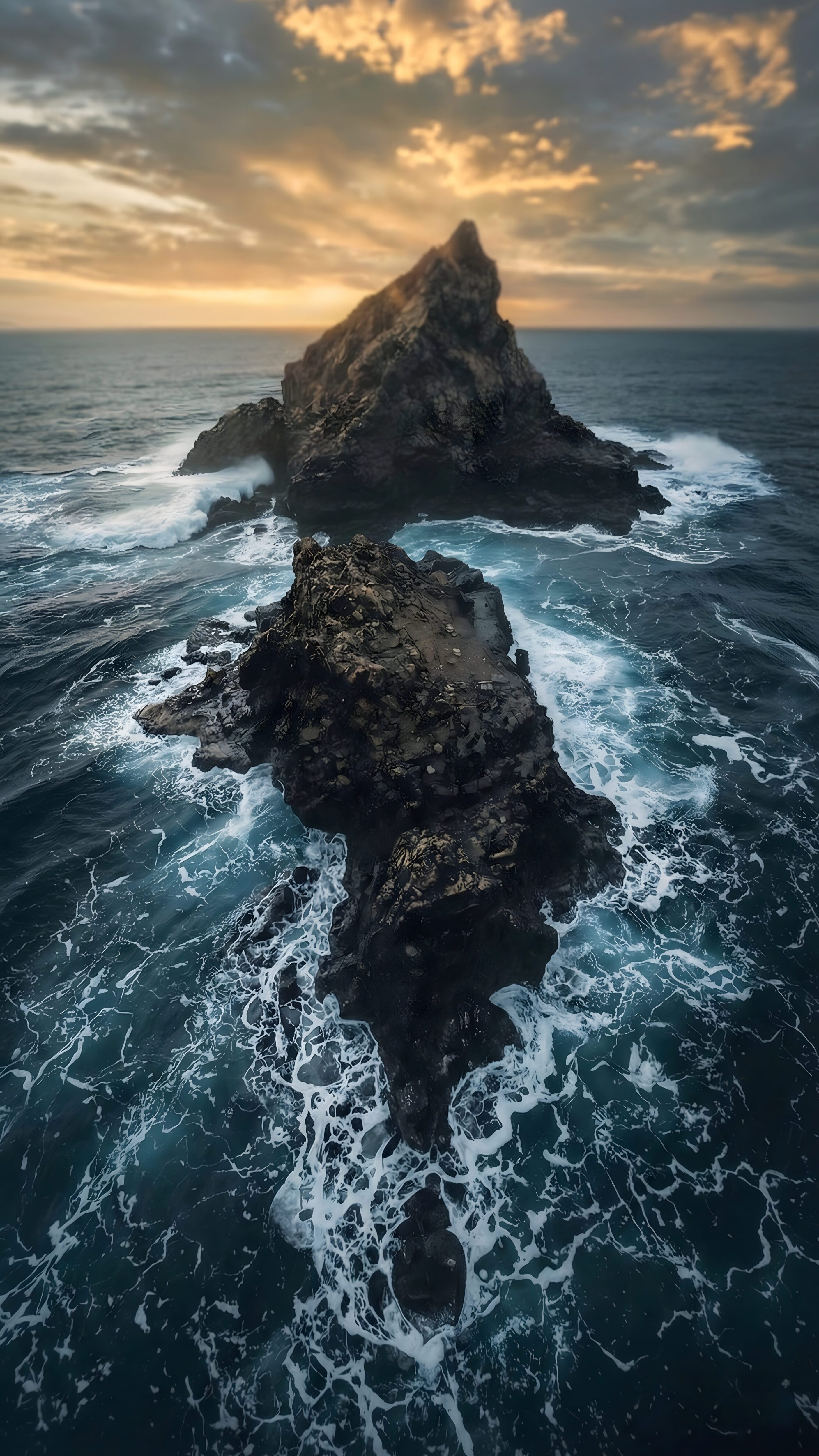
1. Dark Ocean Rocks Aerial View
Top-down aerial shots are a massive trend right now. The sharp, jagged edges of these dark ocean rocks create a perfect natural border for the iOS clock to rest behind. Plus, the deep blue water is incredibly easy on the eyes and won’t blind you when you check your phone at night.
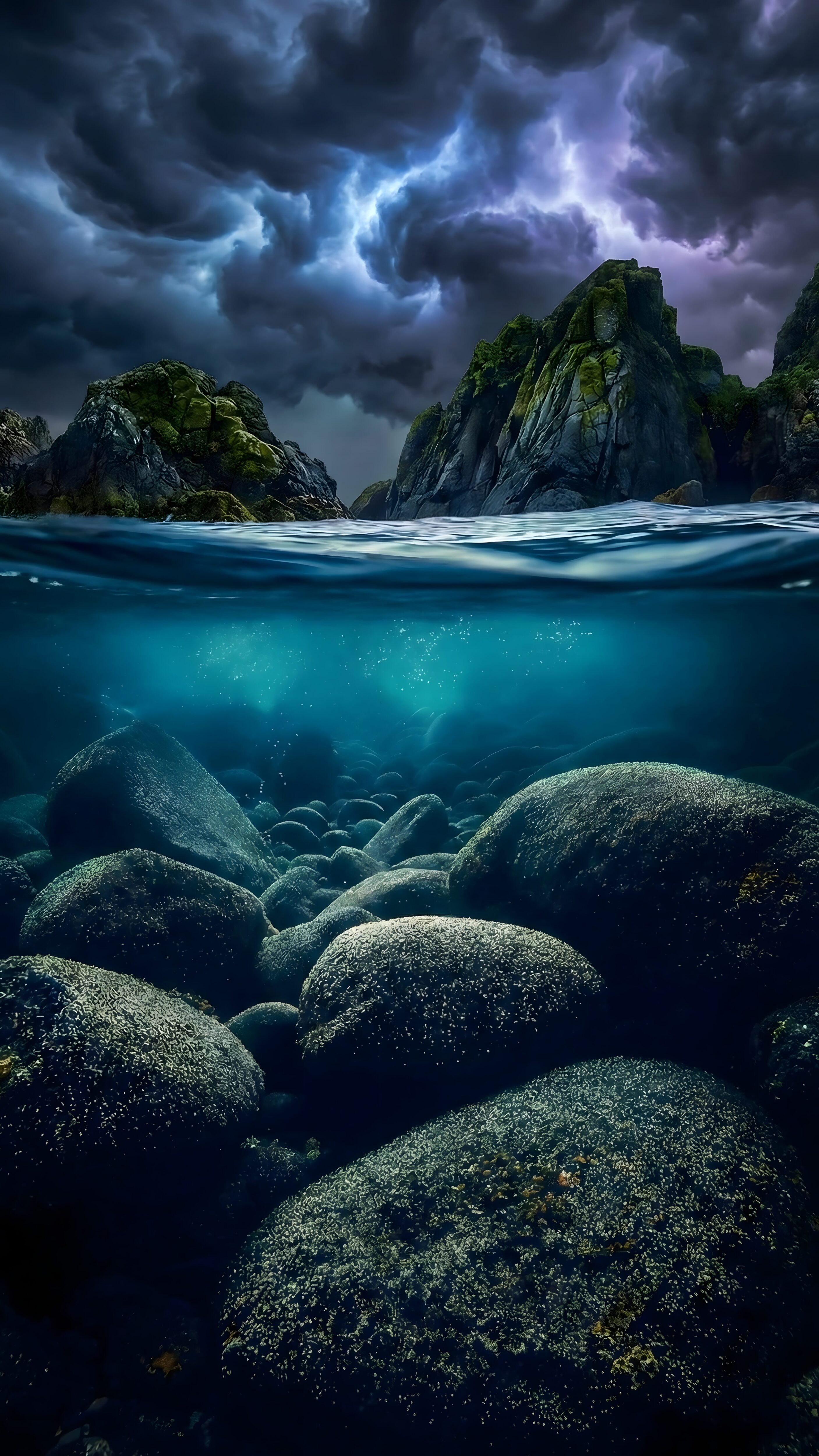
2. Stormy Ocean Split View
Split-view images trick your phone’s processor effortlessly. The clear, sharp line where the dark ocean meets the stormy sky gives your iPhone the exact edge it needs to overlap the bottom of the clock numbers. It creates an amazing, moody 3D water effect.
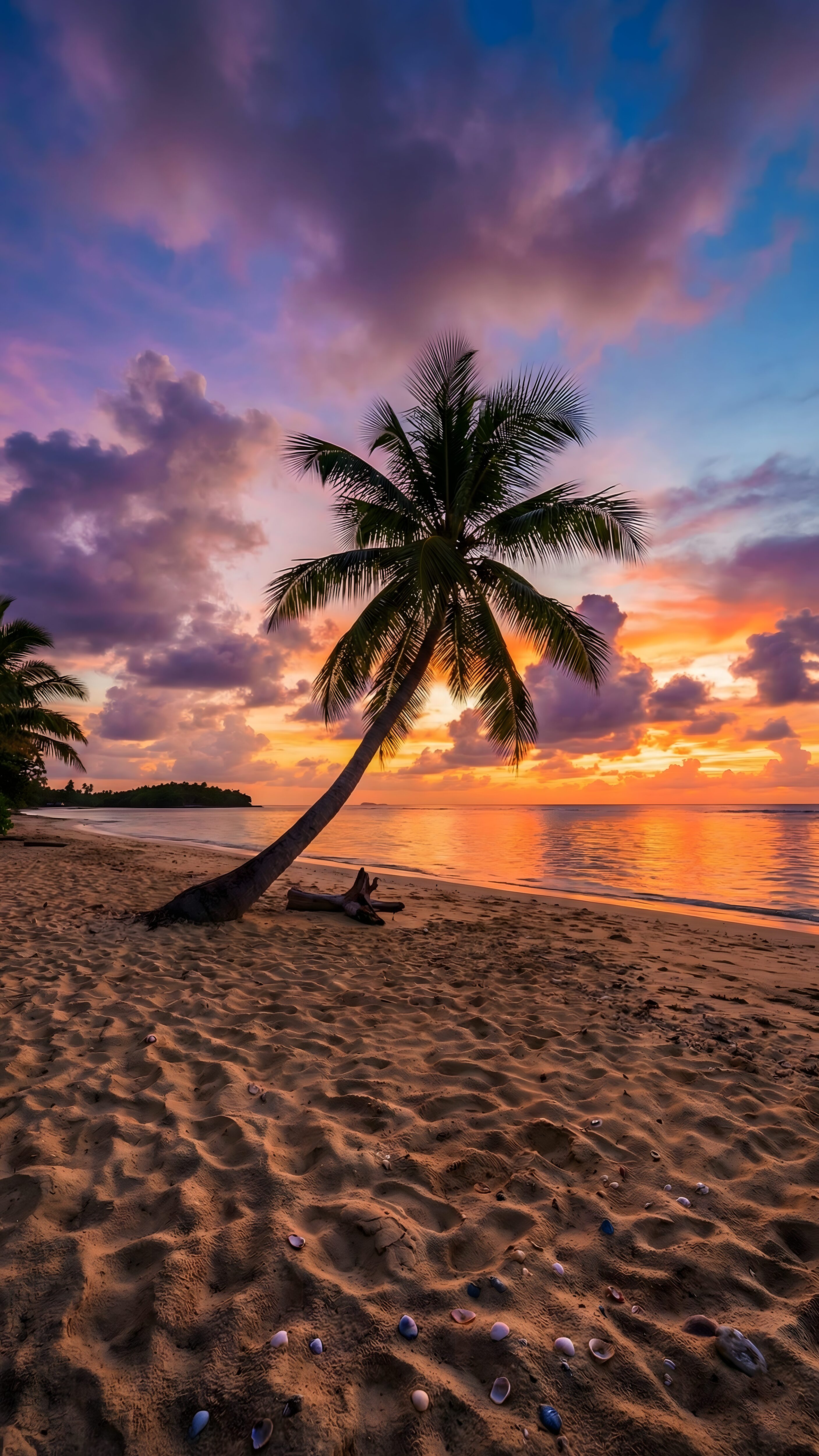
3. Tropical Beach Sunset Palm Tree
If you want a warm, relaxing aesthetic, this is the one. Silhouettes are honestly the best way to force the depth effect to work. The pitch-black palm leaves pop out perfectly against the bright sunset background, allowing the clock to nestle cleanly right behind the branches.
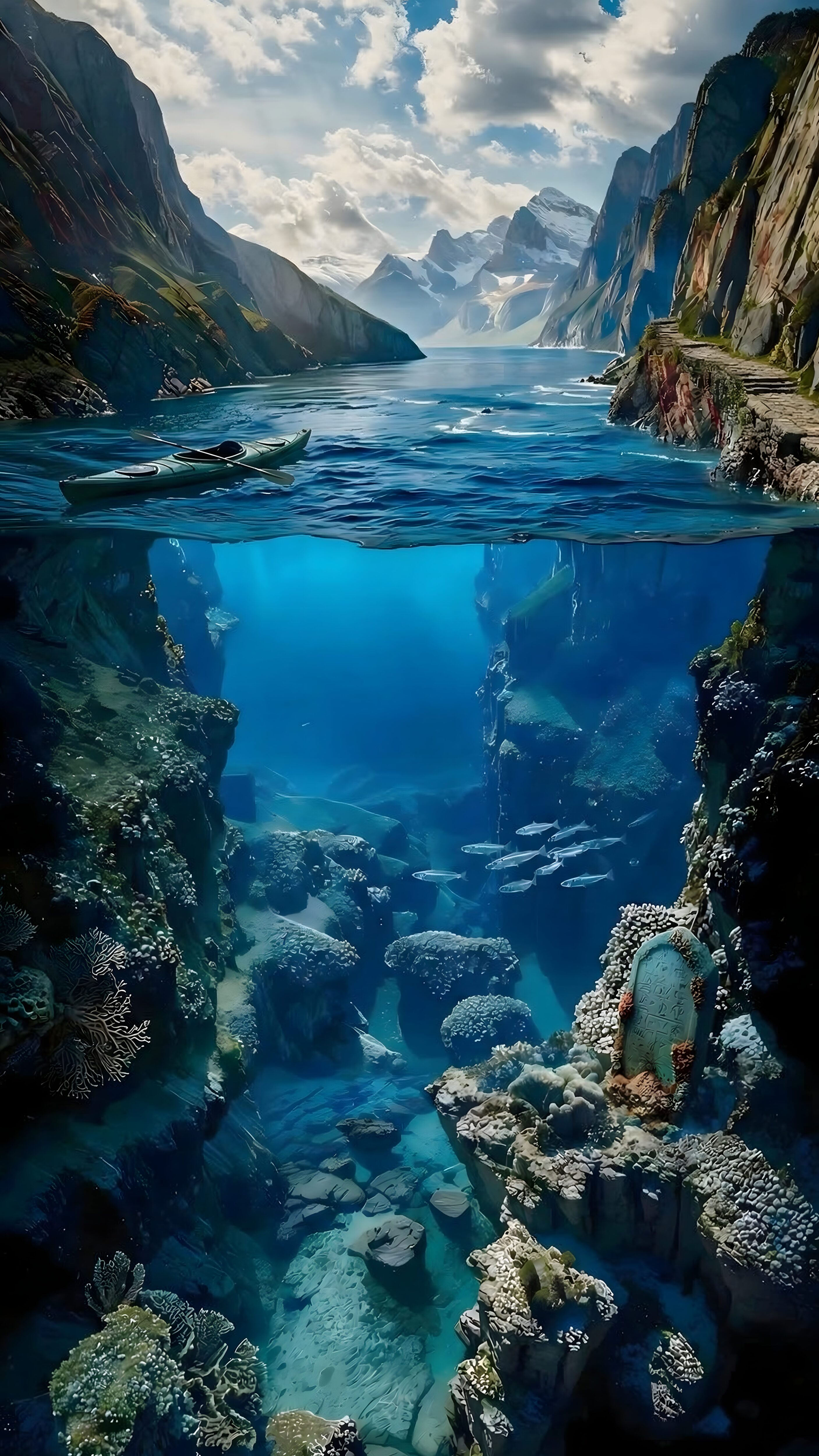
4. Split View Underwater Mountain
Another stunning split-view shot, but with a massive underwater mountain peak. The peak acts as a solid, undeniable object for the clock to hide behind, while the water surface keeps the top half of your screen looking clean, minimal, and uncluttered.
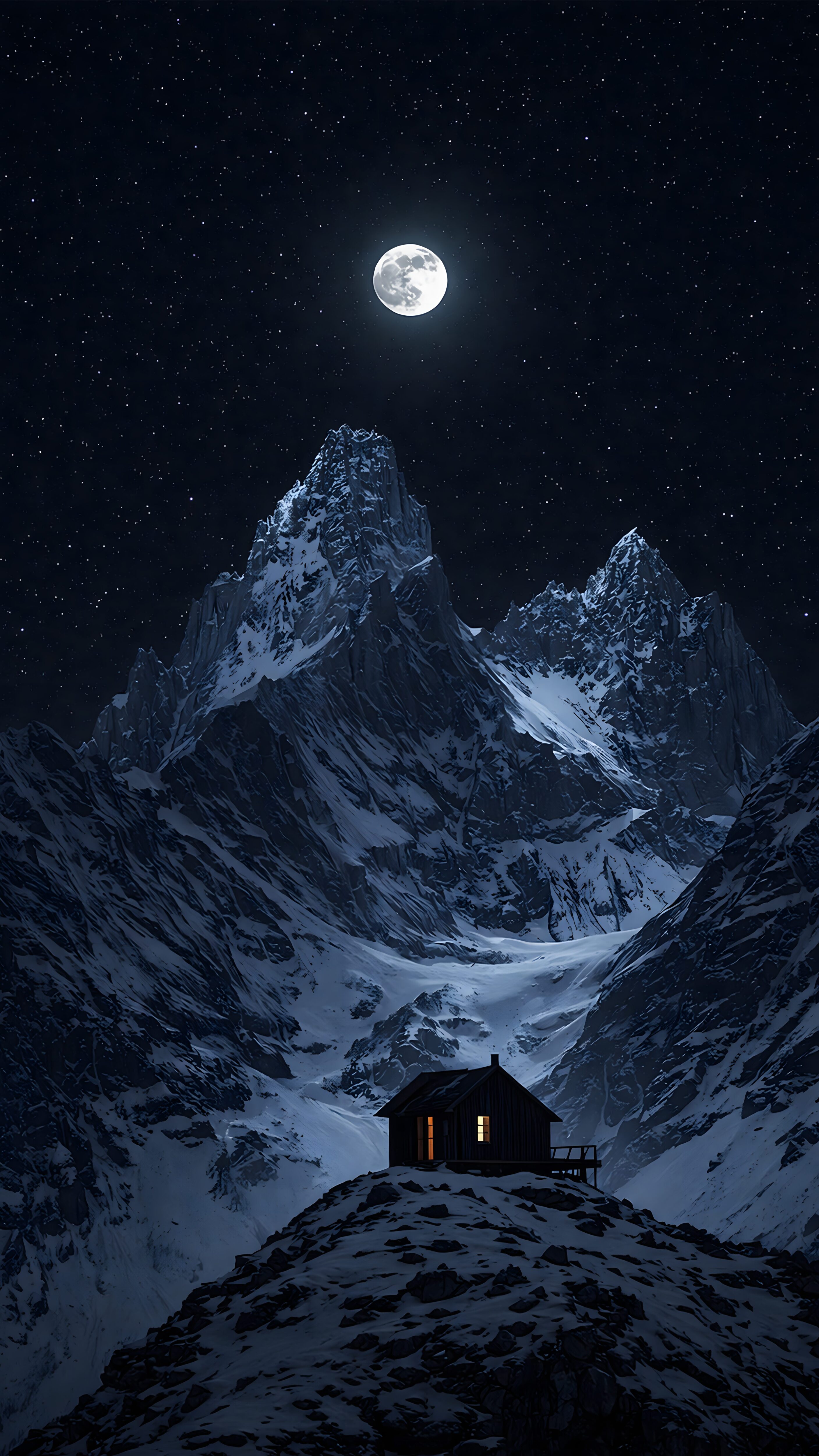
5. Winter Mountain Cabin Night
We couldn’t leave out the dark mode fans. The sharp triangle of the cabin roof and the surrounding pine trees create perfect overlapping layers. Because the night sky is mostly pure black, your AMOLED screen will also save a ton of battery life while looking incredibly premium.
⚠️ A Quick Lock Screen Reminder
Remember, Apple has a strict rule: if you add any custom widgets below the clock, the depth effect is automatically disabled. Keep it widget-free for that 3D look!
Also, if an image isn’t triggering the effect right away, try pinching out on your screen to zoom out slightly, or run it through our Wallpaper Cropper to give the top of the image more headroom.
Step-by-Step: How to Turn On the Depth Effect
If you have downloaded one of the compatible 4K wallpapers above but the clock still isn’t hiding, don’t panic. Sometimes iOS just needs a little manual push to recognize the layers. Here is exactly how to set it up:
- Go to your Lock Screen: Long-press on your current lock screen until the “Customize” button appears at the bottom.
- Add New Wallpaper: Tap the blue “+” icon to create a new layout, then select “Photos” and pick your downloaded 4K image.
- Pinch to Crop: This is the most important step! Gently pinch the screen with two fingers to zoom out just a tiny bit. This gives the software the empty space it needs at the top.
- Check the Menu: Tap the three little dots (⋯) in the bottom right corner and make sure “Depth Effect” is checked. If it is greyed out, it means you either added widgets, or the image is zoomed in too much.
Common Depth Effect Questions
Can I use these on Android phones?
Absolutely. While Apple made the “Depth Effect” famous with iOS 16, Samsung’s latest One UI and Xiaomi’s HyperOS now feature similar smart lock screens. The exact same rules apply: you need a clean subject and an empty top area.
Why does the effect turn off when my phone screen dims?
That is an intentional battery-saving feature by Apple. When your iPhone goes into “Always-On Display” (AOD) mode, it flattens the image and brings the clock to the front so it remains visible. The 3D effect comes back the second you wake the screen.
Does this drain my battery?
The processing power required for the depth effect is incredibly small. Plus, since many of our hand-picked images (like the Winter Cabin or the Ocean Rocks) are dark and AMOLED-friendly, you are actually saving more battery than you are using.
Still having trouble fitting an image? Throw it into our Free Wallpaper Cropper to get the dimensions perfectly aligned for your lock screen.