
The Ultimate 4K Wallpaper Collection: Dark, Aesthetic & Nature
Let’s be completely honest for a second. How many times have you unlocked your phone today? Probably fifty times before lunch. Your lock screen is the very first thing you see, and staring at the exact same boring default background that Apple or Samsung gave you out of the box is just a wasted opportunity.
Your phone setup should match your personal vibe. Whether you are a late-night scroller who needs a battery-saving black wallpaper, or someone searching for the perfect crisp iPhone lock screen wallpaper, the quality of the image matters. Stretching a low-resolution photo you found on Pinterest over a massive 6.7-inch display just looks terrible.
Here at 4k Mobile Wallpapers, we curate and upscale thousands of images so they look incredibly sharp on modern displays. Today, I am breaking down our ultimate, highest-rated collections into three main categories. Find your style, grab a 4k wallpaper, and upgrade your digital space.
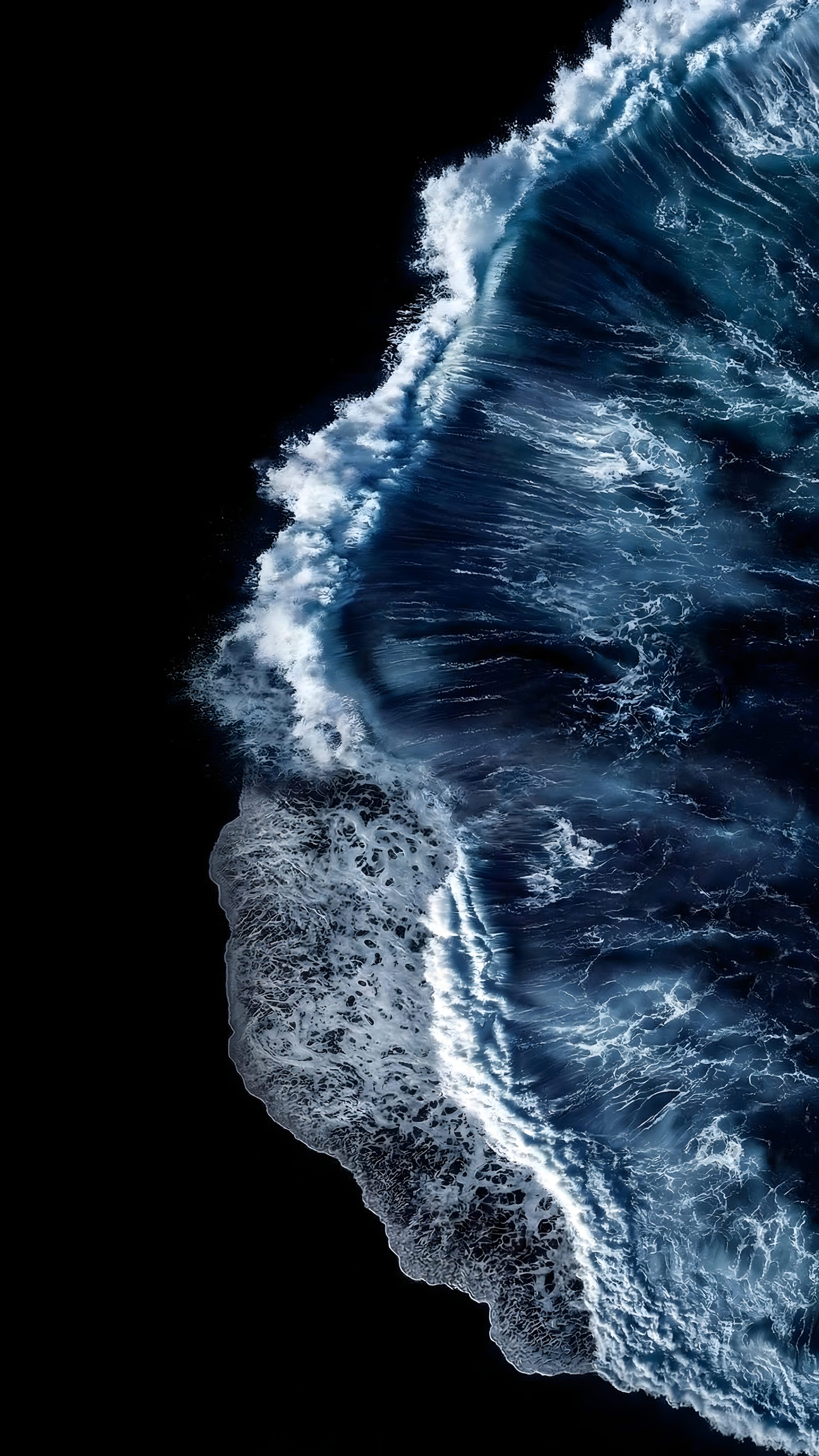
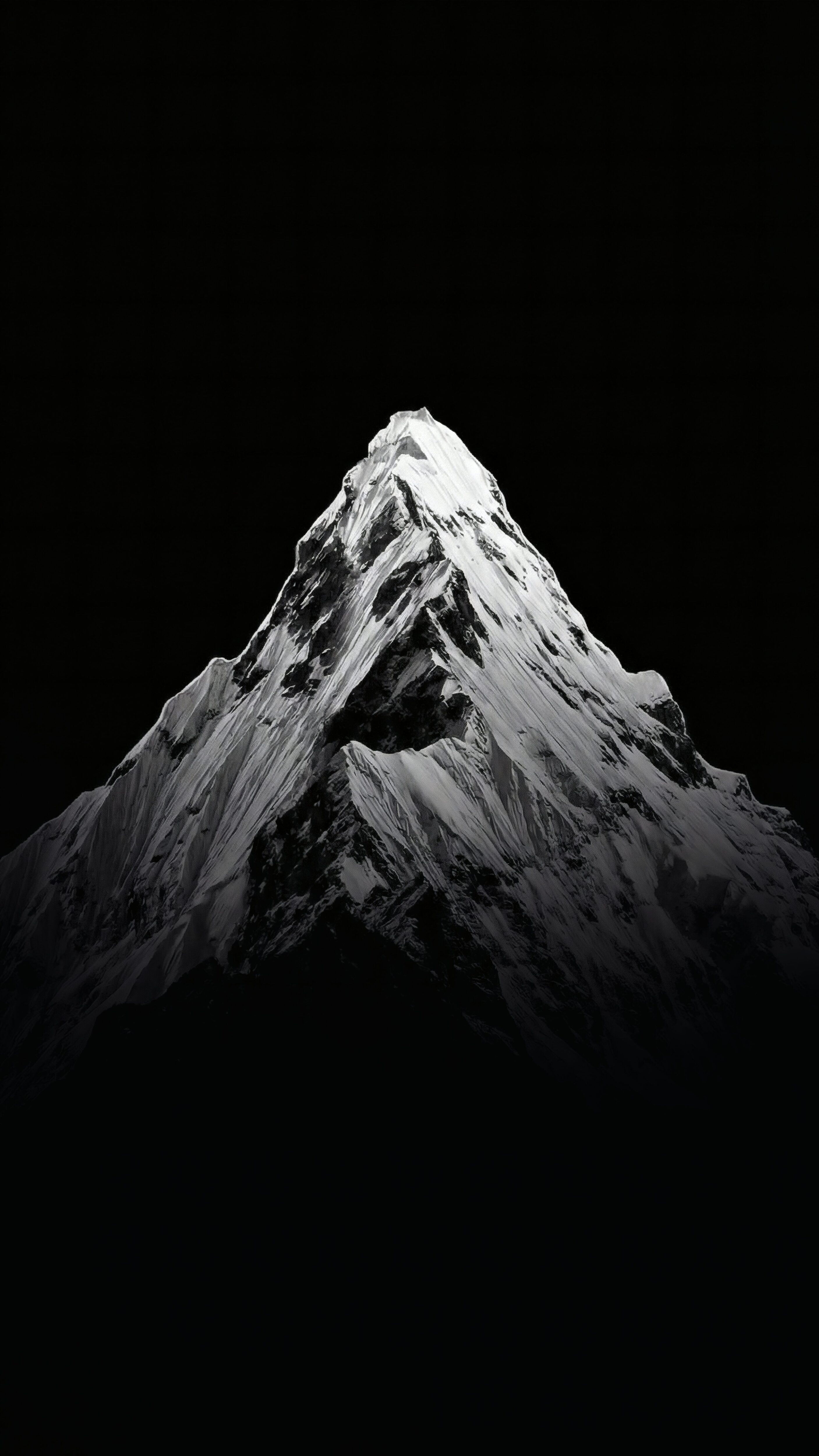
1. The “Dark & Stealth” Setup (Save Your Battery)
If you are the kind of person who keeps their phone in dark mode 24/7, this is exactly what you need. A true dark setup is not just about looking cool—it is a massive battery saver. If you use a modern OLED or AMOLED screen, downloading a pure black background literally turns off the pixels on your display.
We push the shadows in our dark edits to an absolute pitch black (#000000) hex code. You get the glowing subject without blinding yourself when you check the time at 2 AM in the morning.
2. The “Aesthetic & Minimal” Setup (Keep It Clean)
Sometimes you don’t want an aggressive sports car or a pitch-black screen. You just want something that feels calming and organized. This is where a clean aesthetic wallpaper comes in.
The biggest rule for home screens is readability. If you throw a highly detailed, crazy colorful image behind your app icons, you won’t be able to read the text. Minimalist backgrounds, cute wallpapers, or even a soft anime wallpaper 4k edit create a beautifully smooth setup. They give you those perfect cool backgrounds for phone vibes without ruining your usability.
💡 Home Screen Hack:
Found a photo you absolutely love, but it makes your apps hard to read? Don’t delete it. Run it through our Blur & Dimmer Tool. Adding a slight frosted glass effect to your home screen makes your icons pop perfectly.
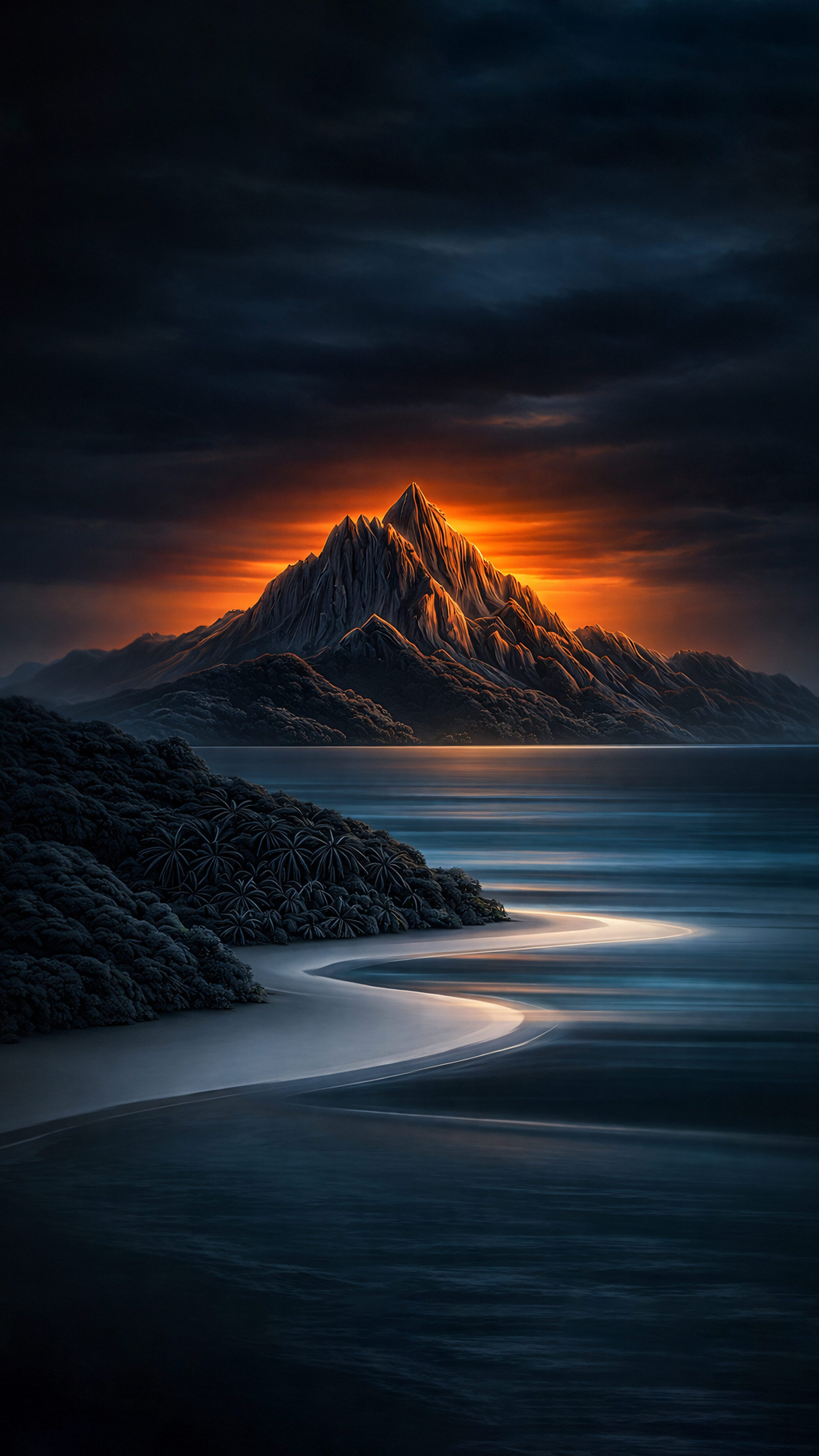
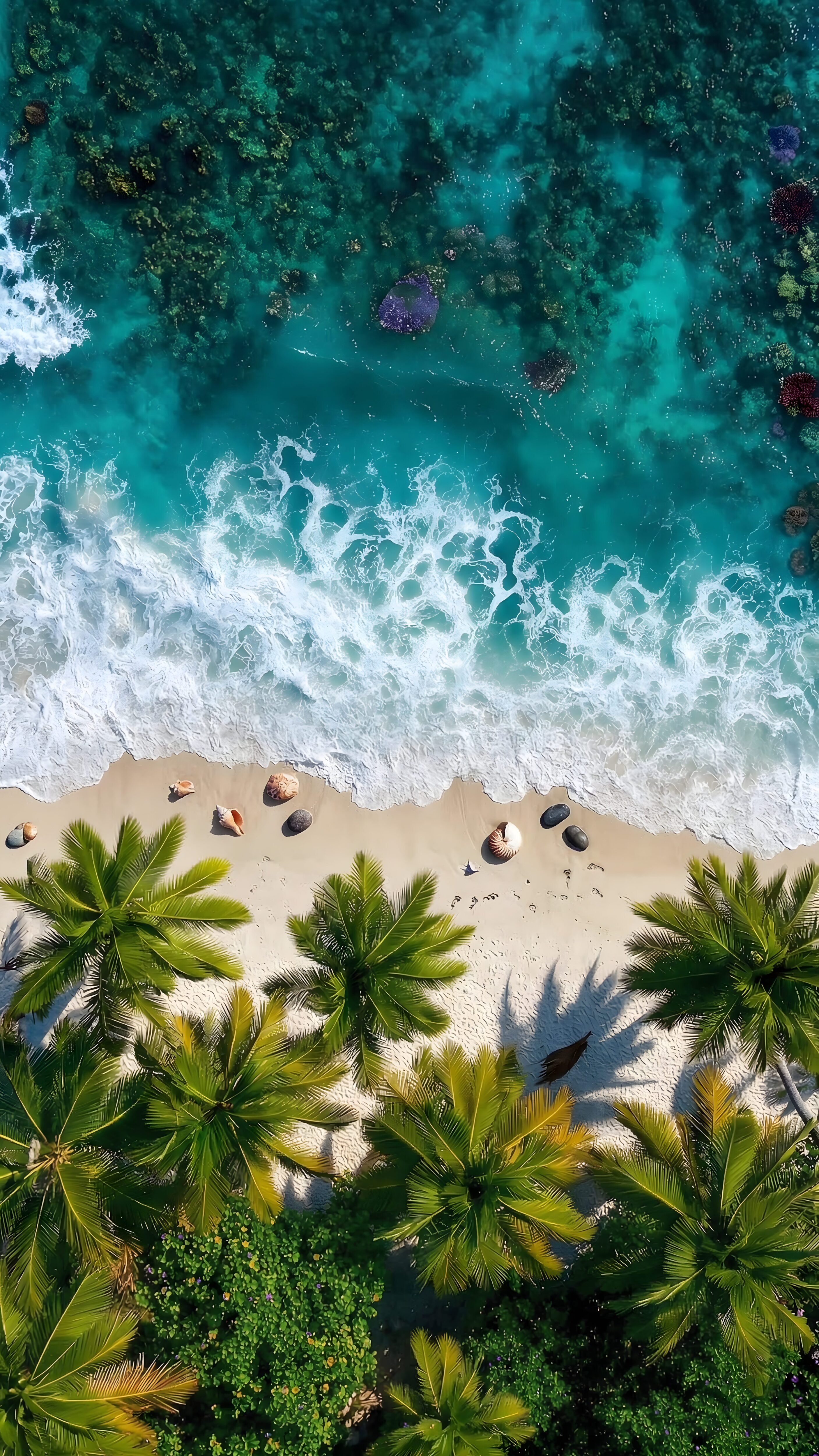
3. The “Nature & Escape” Setup (High Definition Depth)
For the people who want to look at something real, nature shots are unbeatable. But a standard landscape photo doesn’t always look good on a vertical phone screen. A proper nature background hd image needs to have incredible layers. When upscaled correctly, it almost acts like a 3d wallpaper as you tilt your phone.
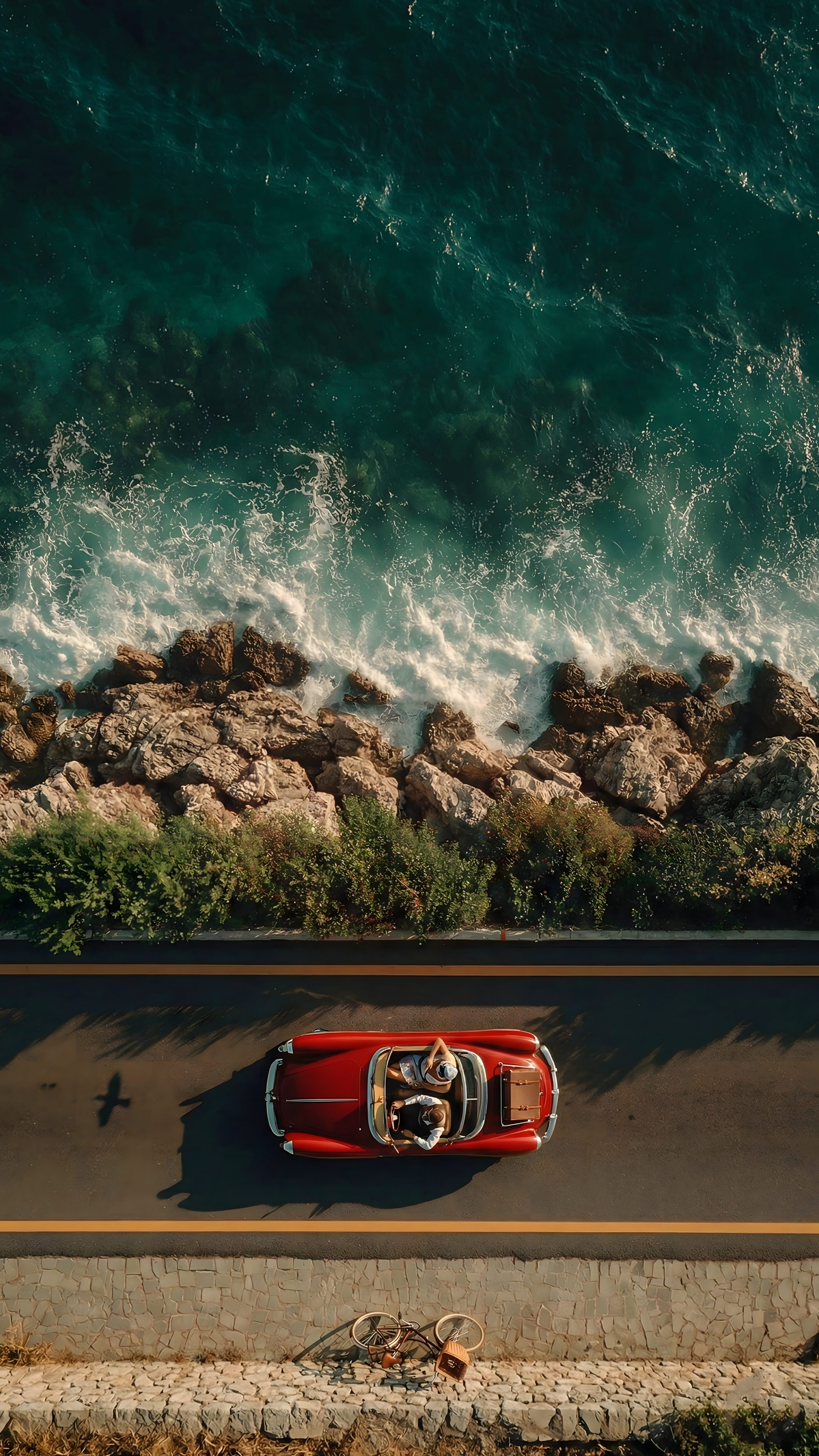
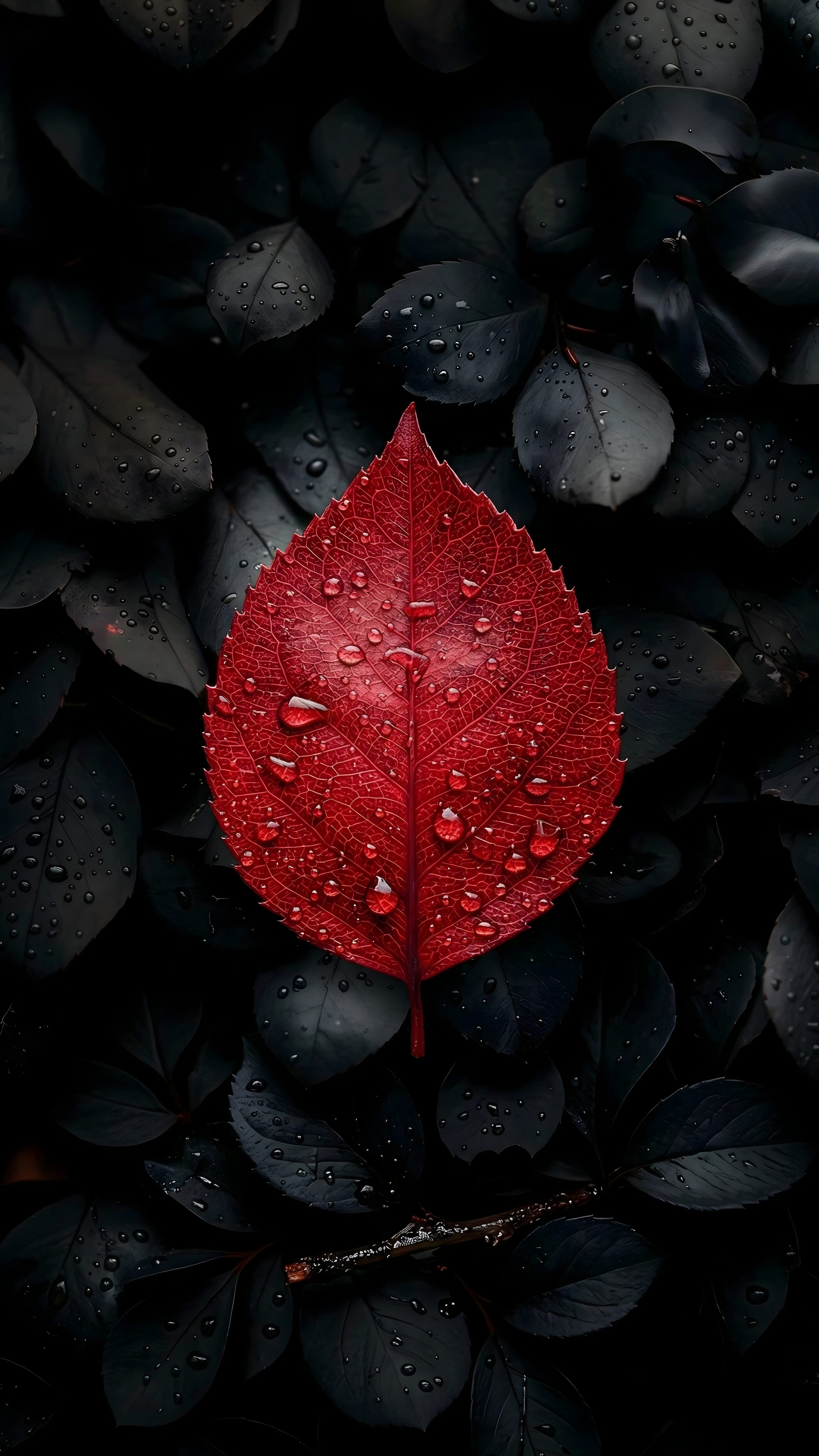
We love editing coastal roads, autumn leaves, and vintage escapes. These are especially amazing for iOS users trying to trigger the lock screen Depth Effect. You just need to make sure the image is true 4K so the details don’t look soft when your screen wakes up.
Quick FAQs
Why does the image zoom in so much when I try to set it?
Your phone’s operating system forces images to fill the entire vertical screen. If the photo is wide (landscape), the software zooms into the middle, often cutting off the best parts. If this happens, throw the image into our Free Wallpaper Cropper to frame it perfectly before applying it.
Do high-resolution wallpapers slow down my phone?
Not at all. A static cool wallpapers image requires essentially zero processing power to display. Your phone only drains battery quickly if you are using animated live backgrounds or if your screen brightness is maxed out.
What is the best format to download?
Always look for high-quality files. If you download an image from a social media app, it has already been compressed heavily to save server space. That is why downloading directly from a dedicated gallery like ours keeps the pixels perfectly sharp.
Ready to switch things up? Stop settling for blurry lock screens and enjoy your new premium aesthetic.