
The Truth About AI Wallpapers
Why Your Downloaded AI Wallpapers Look Blurry (And How We Fix It)
Ever downloaded a sick AI-generated image of a cyberpunk city or a dark aesthetic landscape, only to set it as your lock screen and realize it looks… kind of awful? It gets blurry, the colors look flat, and it just doesn’t look as sharp as it did on Pinterest or Twitter.
Since we manage things here at 4k Mobile Wallpapers, we deal with thousands of images every single week. We know exactly why this happens. The short answer is: raw AI art is rarely ready for your smartphone screen right out of the generator.
The Aspect Ratio and Pixel Problem
Tools like Midjourney or DALL-E are amazing. But most of the time, they spit out images in a square format at a basic 1024×1024 resolution. Your modern phone screen (like a high-end Android or iPhone) is tall and needs a massive 1440×3088 pixels to actually look crisp.
When you force a small, square AI image to stretch over a tall 4K display, your phone basically panics. It artificially zooms in and guesses the missing pixels. The result is a fuzzy, soft image that ruins the whole aesthetic.
Quick Fix for Stretching:
If you have an image that keeps zooming in weirdly on your lock screen, run it through our Wallpaper Cropper. It helps you frame the image perfectly for a 9:16 mobile screen before you apply it.
What We Do Differently Before Uploading
This is exactly why we never just copy-paste raw AI files onto our site. That would just be bad content. Here is our actual workflow for the wallpapers you download from us:
- We Upscale Everything: We run the original art through upscaling software. This physically adds pixels to the image without losing detail, bumping it up to true 4K quality.
- Fixing AI Mistakes: AI messes up. It adds extra fingers, weird text, or random blurry spots in the background. We manually edit those out.
- True Black for AMOLED: We tweak the colors. We push the dark greys into absolute pitch black (#000000). So when you put it on an OLED screen, those specific pixels turn off, which actually saves your battery.
The Difference it Makes
Take a look at the difference. A properly edited and upscaled image doesn’t just look better; it feels premium when you unlock your phone.
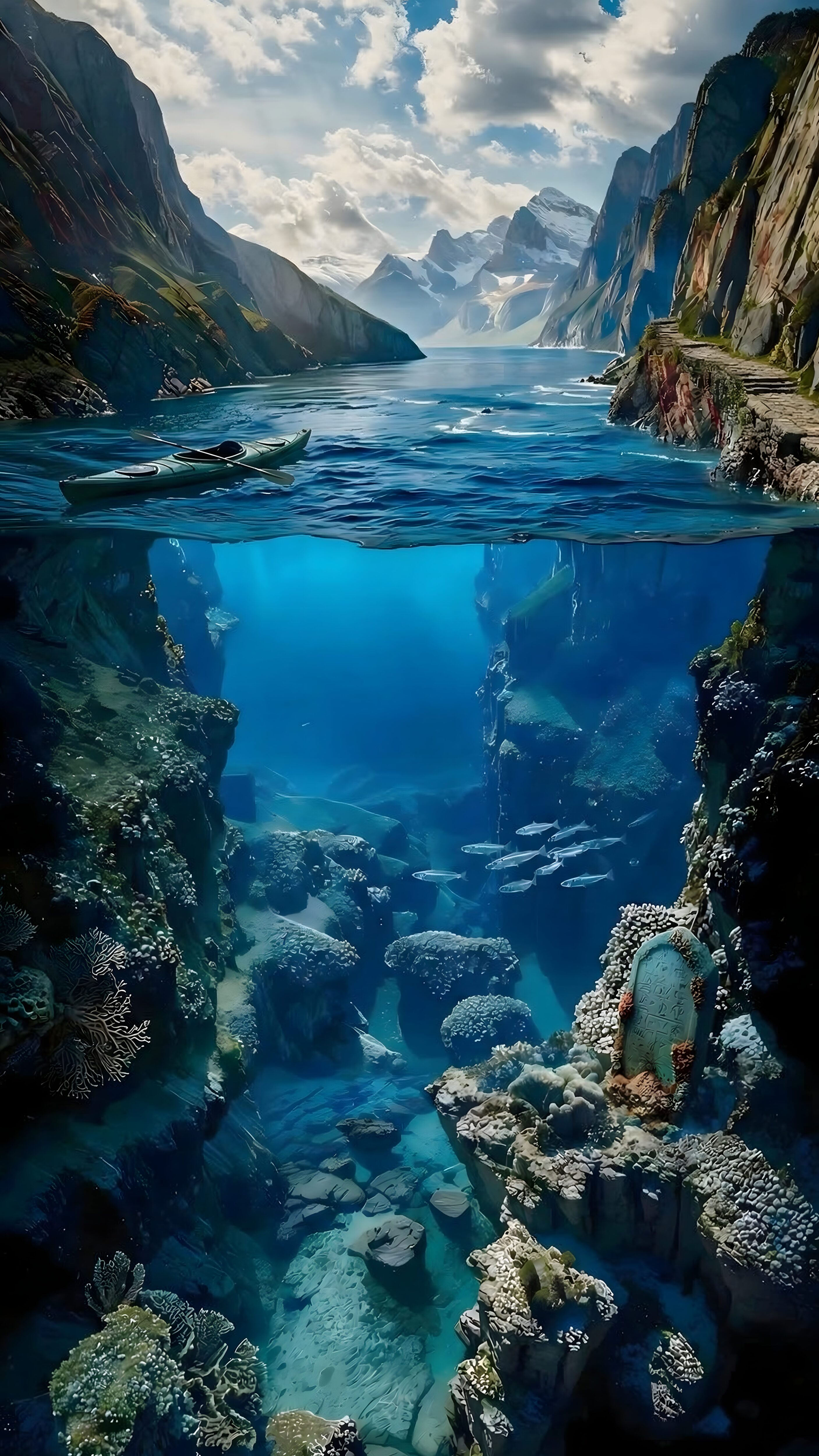
Notice how incredibly sharp the water split and mountain edges are in this edit. That’s the result of manual 4K upscaling.
A Few Quick Questions We Get Asked
Does AI art drain my battery faster?
No, the origin of the image doesn’t matter at all. What drains the battery is brightness. A bright, white AI wallpaper will drain it faster than a dark, AMOLED-optimized one.
Can I make my current wallpaper look less blurry?
If the original file is small, you can’t magically add detail on your phone. However, if the image is too bright and makes reading your app names difficult, try using our Blur & Dimmer Tool to soften the background.
Next time you see a cool image online, remember it might need a little work before it deserves a spot on your home screen. Browse our collections to find stuff that is already properly formatted and ready to go.