Silver & Red Porsche 911 in Rain 4K Wallpaper Digital Art

The Storm Runner

Porsche 911 GT3 RS • Rain Edition • 4K

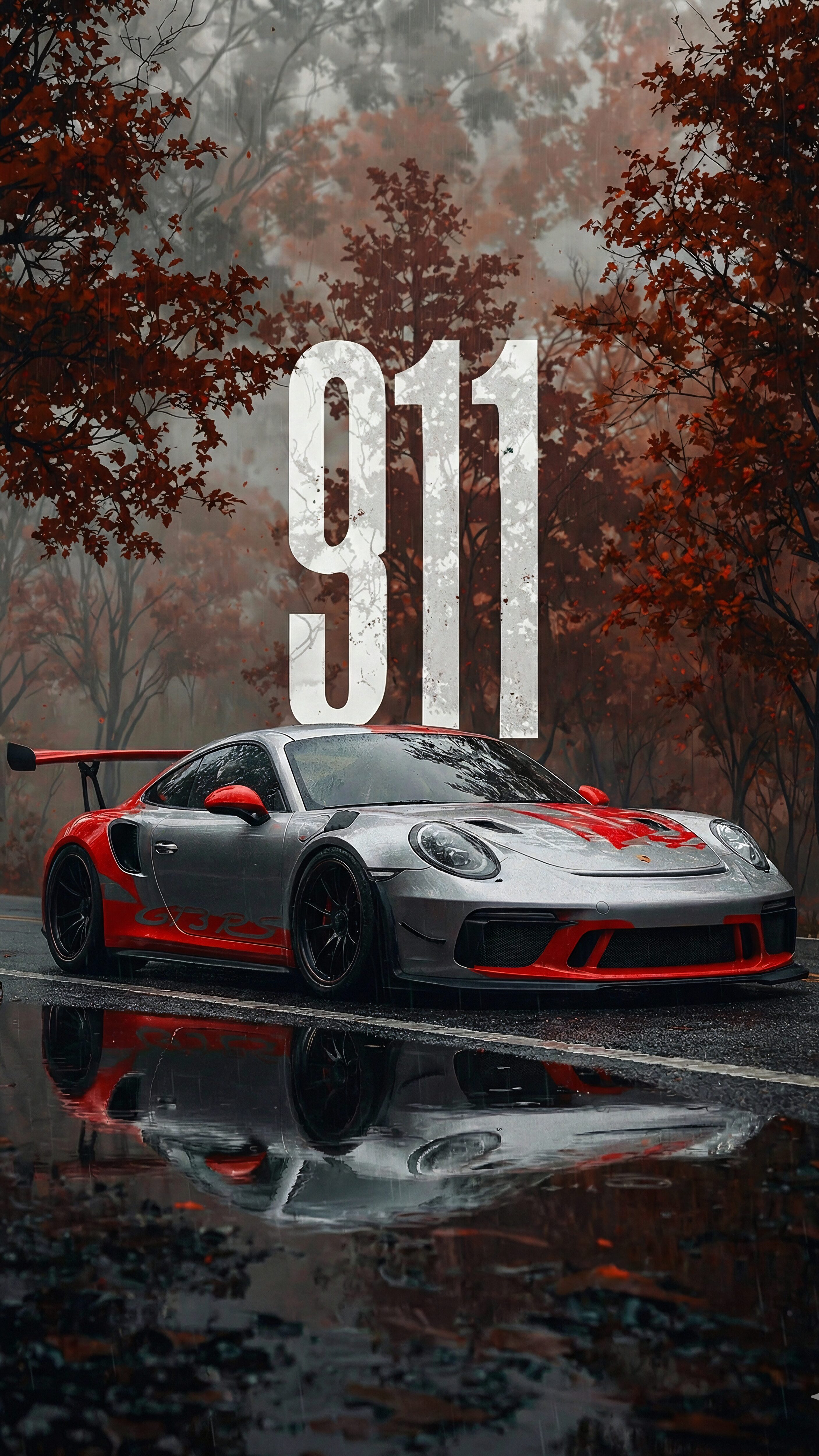
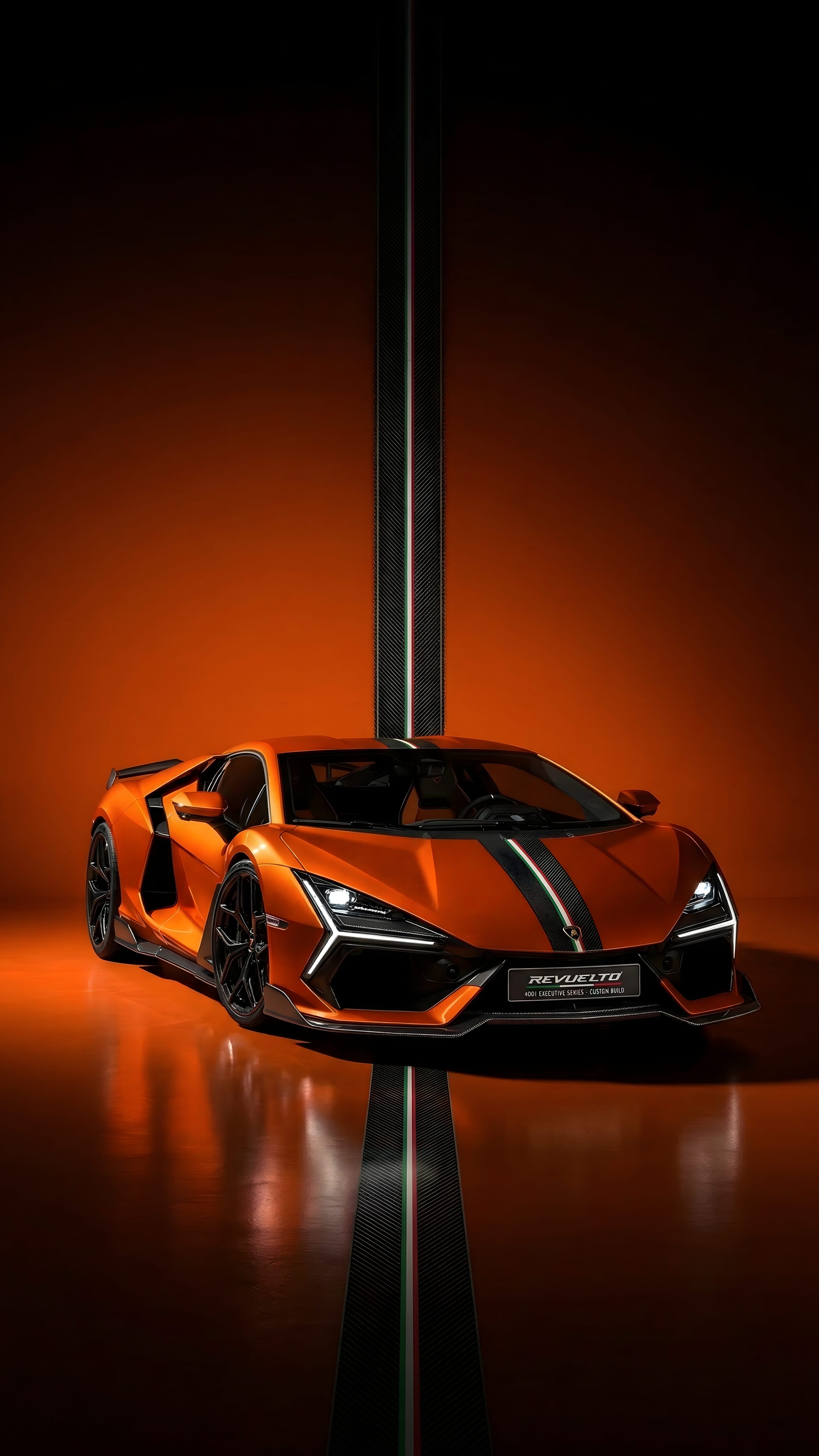
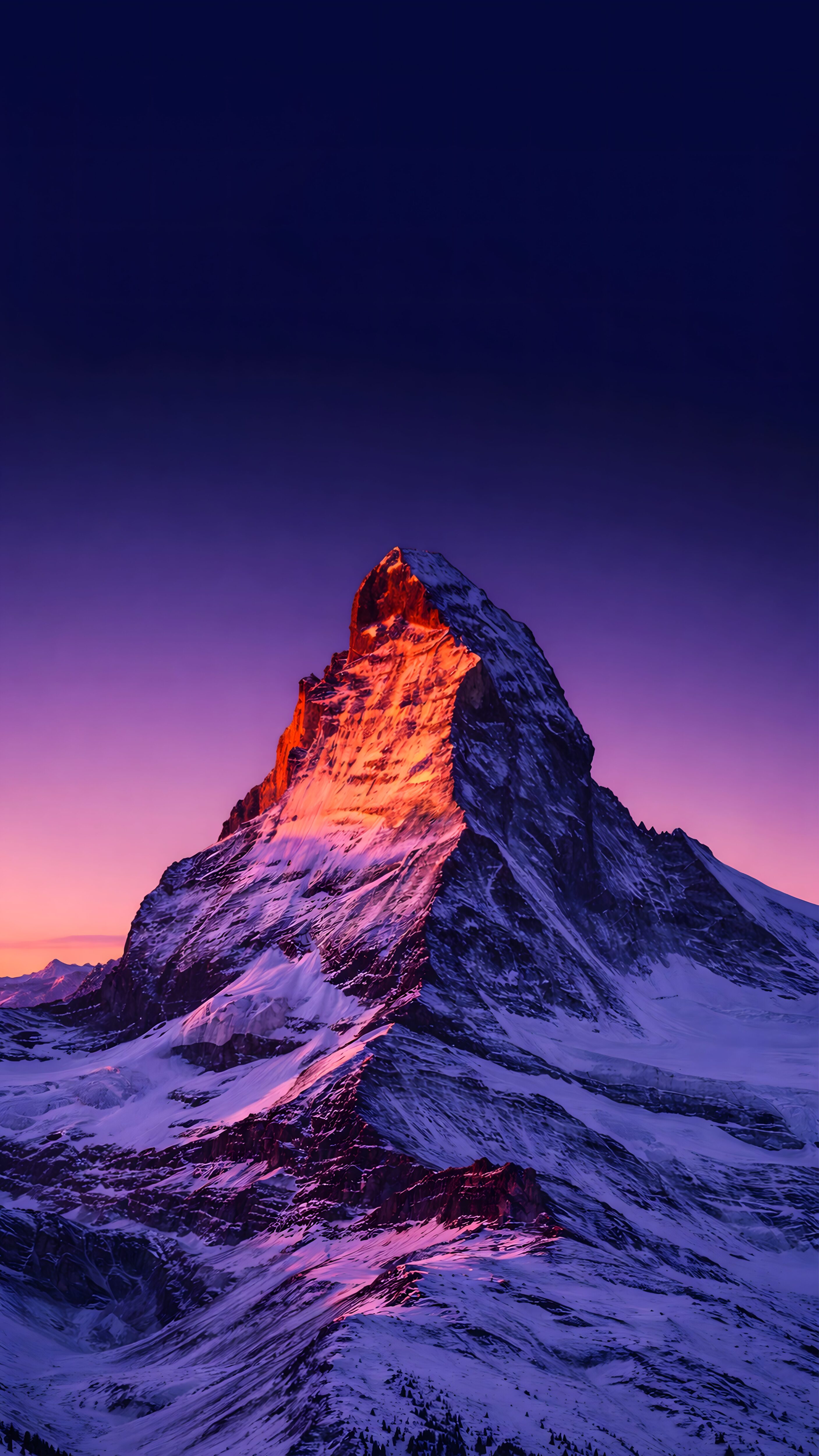
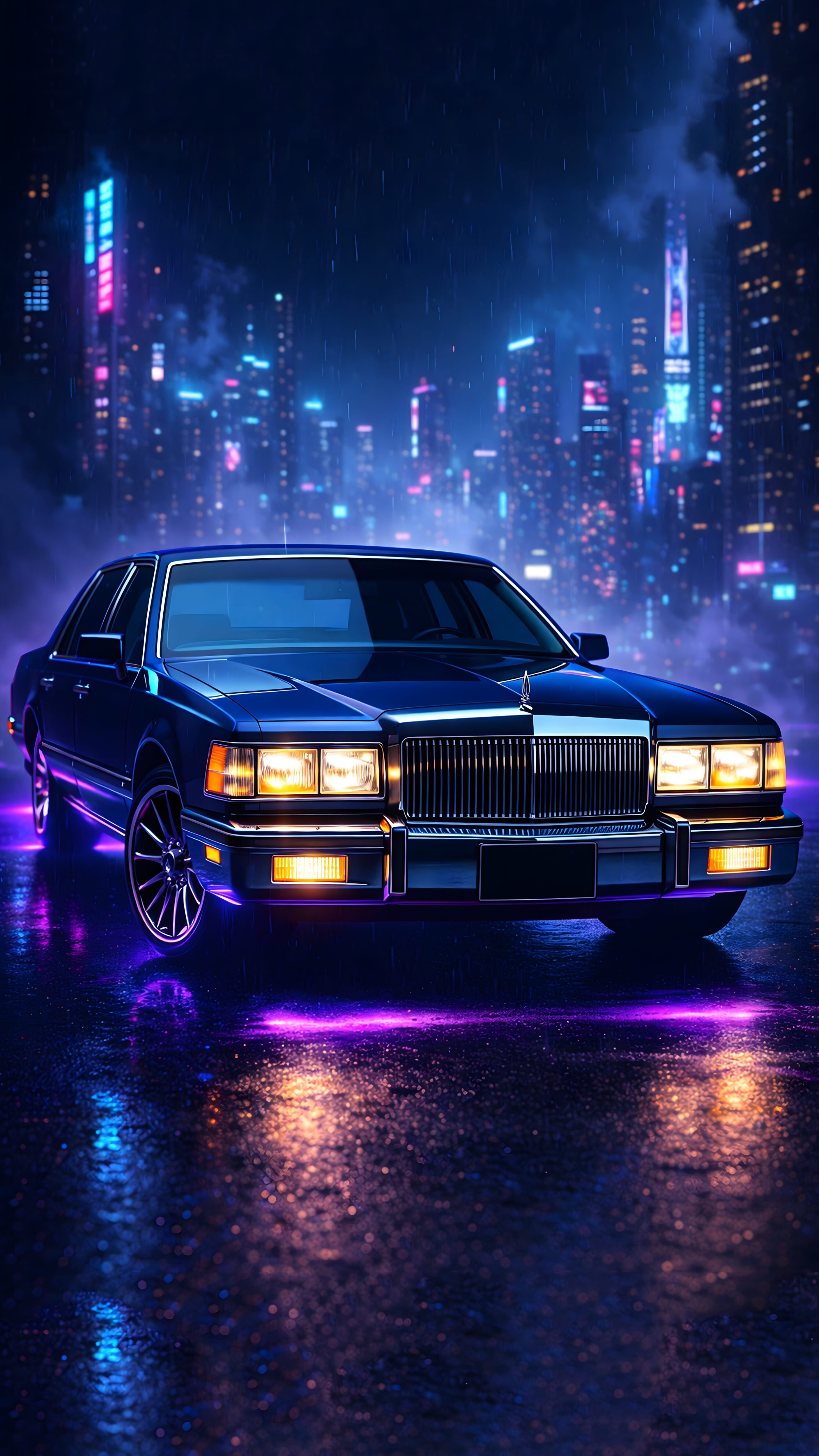
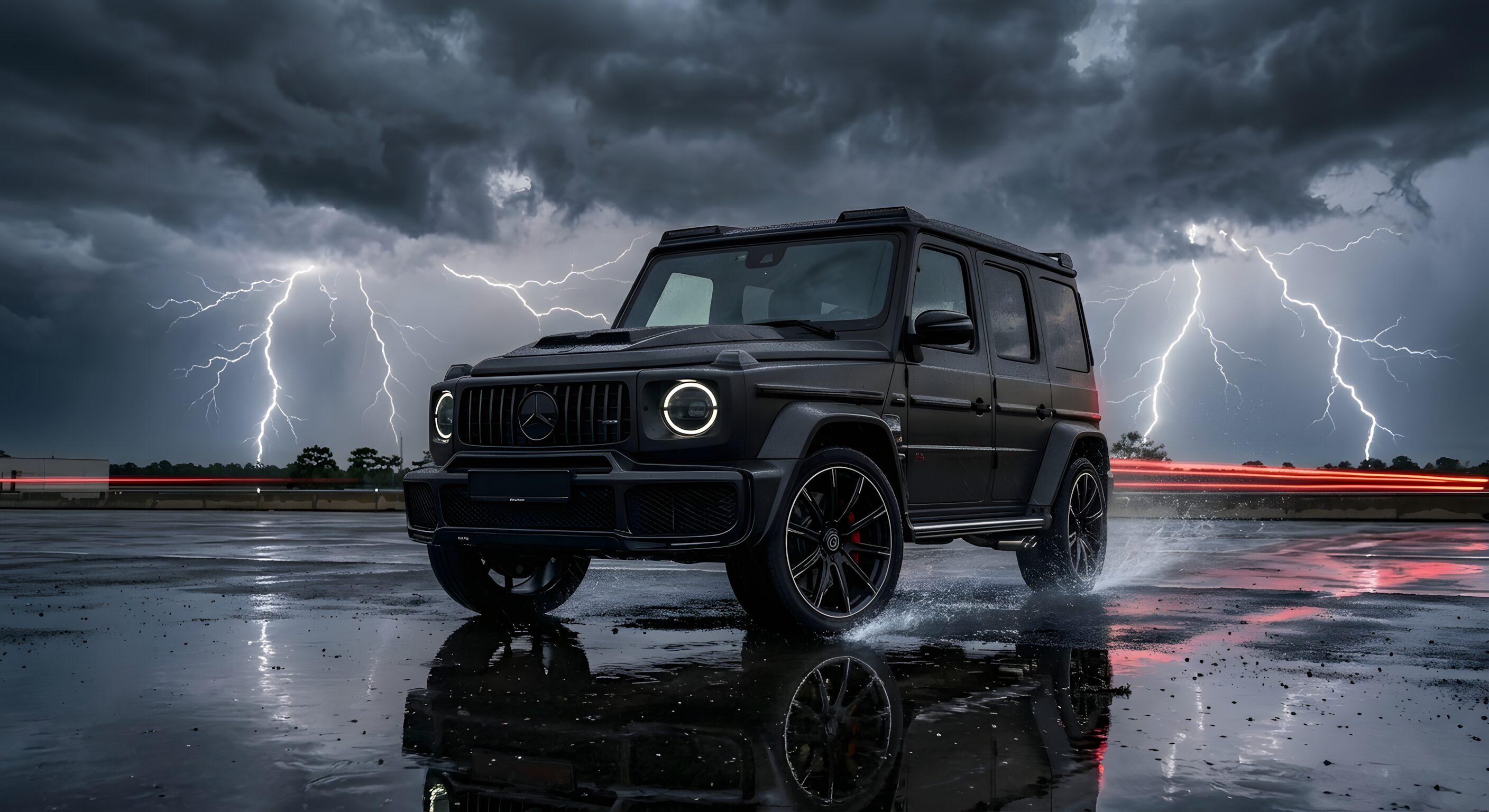
Speed meets the storm. This high-octane Porsche 911 GT3 RS 4K Wallpaper captures the raw aggression of a track monster resting in the wild. Parked on wet asphalt reflecting the moody autumn forest, the silver and red livery screams performance.

The massive “911” typography in the background adds a bold, magazine-cover aesthetic. With rain dripping off the carbon fiber and reflections shimmering on the road, this wallpaper is pure Automotive Art. Optimized for dark mode, the contrast between the grey road and the red accents looks stunning on any screen.

Model 911 GT3 RS
Weather Heavy Rain
Livery Silver / Red
Res 4K UHD

Why This Build?

1. Reflection Perfection: The “Wet Road” effect adds incredible depth to the image. The reflection of the car in the puddle doubles the visual impact.

2. Mood & Tone: Unlike sunny car photos, this moody, rainy setting feels more intense and cinematic. It’s perfect for petrolheads who love the “Street Racing” vibe of games like Need for Speed.

Garage Mods (Process)

STAGE 1: RENDERING AI Synthesis using Midjourney v6 with keywords for “Wet Asphalt”, “Reflection”, and “Autumn Colors”.
STAGE 2: DETAILING Upscaled to 4K to sharpen the rain droplets and the carbon fiber textures on the wing.
STAGE 3: TUNING Color graded to pop the “Race Red” stripes against the desaturated grey background.

ECU Data (Prompts)

>> MAP_01: REALISTIC “Vertical automotive photography of a silver Porsche 911 GT3 RS with red stripes, parked on a wet road in a forest during autumn, heavy rain, reflection in puddles, large white text ‘911’ floating in background behind car, moody cinematic lighting, 4k wallpaper –ar 9:16 –v 6.0”
>> MAP_02: GAMING STYLE “Need for speed heat style car wallpaper, porsche 911 gt3, neon lights, rain at night, street racing vibes, wet asphalt, motion blur, 8k resolution –stylize 750”

📥 Select Resolution:

⚙️ Establishing Secure Connection...

1
Connecting to server...
2
Optimizing image quality...
3
Preparing your file...
4
Generating secure link...
I am not a robot
👁️ 5 ⬇️ 0 🔗 0
⚙️

Customize Wallpaper?

Open Editor Studio to adjust this image.


Yes, Start Editing

Preparing Studio...

Optimizing pixels for your device

🔍

Pro Tip: Drag the wallpaper to adjust positioning

12:00
Friday, January 1