
iOS Depth Effect & Smart Lock Screens
We have all been there. You find a stunning 4K wallpaper, set it on your lock screen, and… the giant digital clock blocks the best part of the image. Apple’s iOS Depth Effect was supposed to fix this by layering the subject over the clock, but if you’ve tried it, you probably noticed it doesn’t work with every picture.
At 4k Mobile Wallpapers, we get hundreds of messages asking why a downloaded image isn’t triggering the lock screen depth effect. It turns out, your phone’s software is very picky. In this guide, I am going to explain exactly how to choose, edit, and set wallpapers that trick your smart lock screen into working perfectly every single time.
The Secret Behind the Depth Effect
Your phone uses a built-in AI image processor to scan the wallpaper and find the main subject (like a mountain peak, a tree, or an animal). It creates a digital “cutout” of that subject and places the clock text behind it. However, if the software gets confused by a messy background or poor lighting, it simply disables the effect and puts the clock right back on top.
3 Rules for the Perfect Depth Effect Wallpaper
If you want that premium, 3D lock screen look, your wallpaper needs to follow these three golden rules:
- Clear Subject Separation: The main object must stand out clearly from the background. Think of a sharp mountain peak against a clear sky, or a dark silhouette against a sunset.
- Leave Room at the Top (Headroom): This is where most people fail. The subject needs to overlap the bottom half of the clock. If the subject is too high up and covers the entire clock, the software will panic and disable the effect.
- Remove Your Widgets: This is a strict Apple rule! If you add any custom widgets below the clock on your iOS lock screen, the depth effect is automatically disabled. You have to choose: widgets or the 3D depth effect.
🛠️ Pro Tip: Fix “Broken” Wallpapers Instantly
Found an image you love, but the subject is too big and ruins the depth effect? Don’t delete it. Just run it through our Wallpaper Cropper. You can easily zoom out or shift the image down to create that perfect “headroom” for your lock screen clock.
Top Depth-Ready 4K Wallpapers for Your Lock Screen
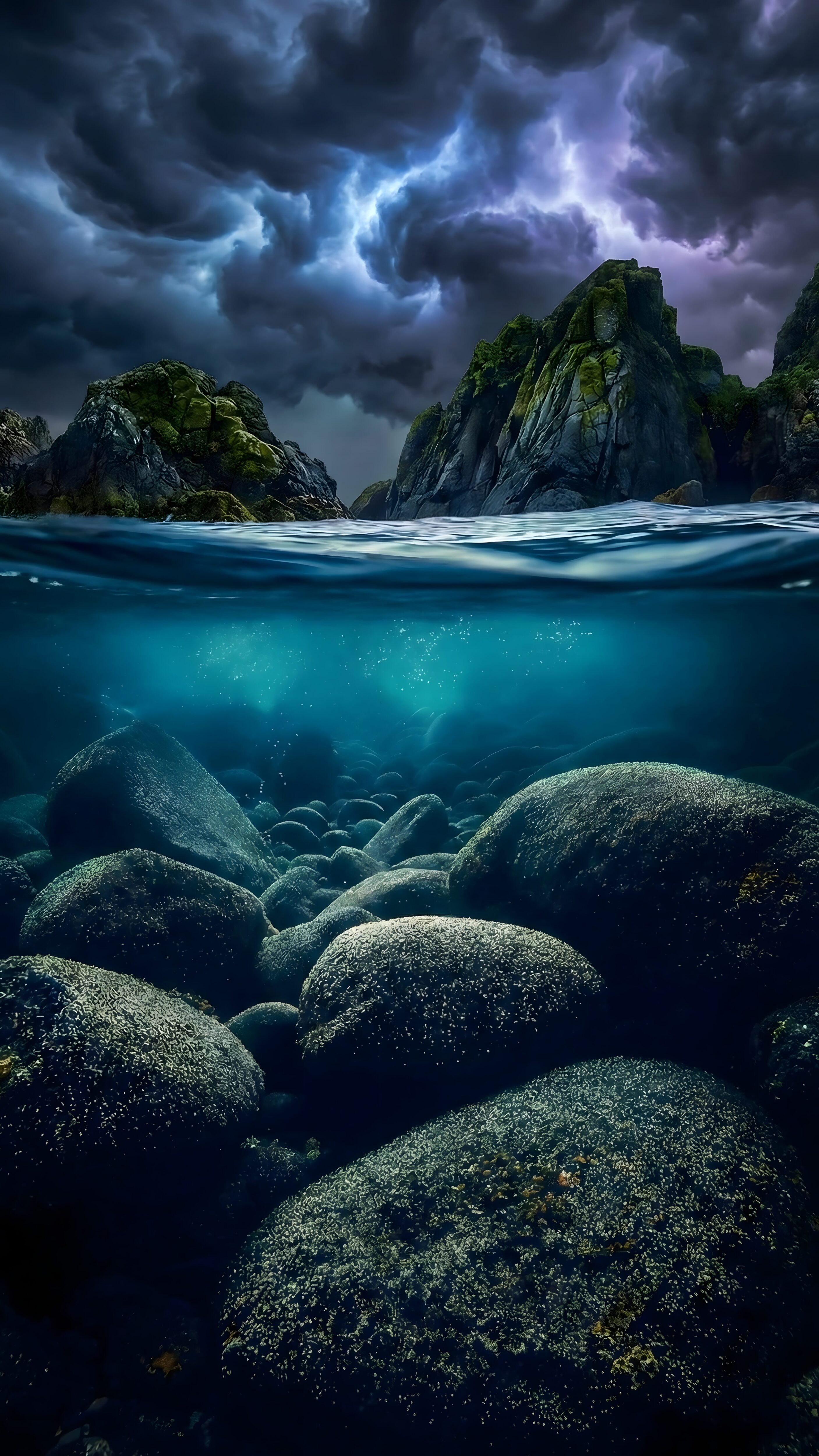
1. The Split-View Stormy Ocean
This Stormy Ocean Split View is a brilliant example of a lock screen masterpiece. The clear separation between the dark underwater view and the stormy surface gives your phone’s processor a perfect edge to overlap the clock, creating a stunning 3D water effect.
2. Tropical Sunset & Palm Silhouettes
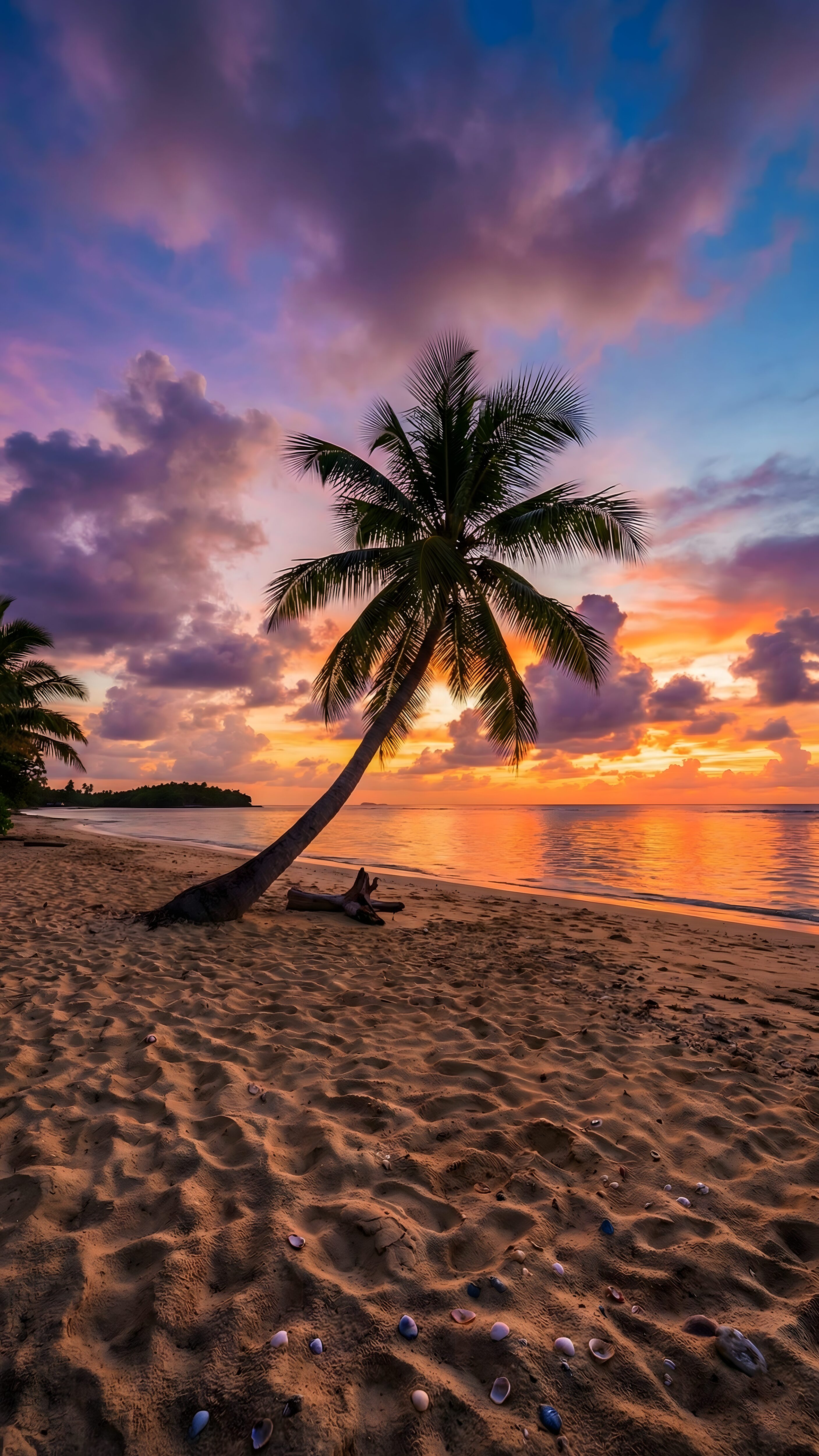
If you prefer a warm, aesthetic vibe, our Tropical Beach Sunset works flawlessly. The sharp silhouette of the palm tree leaves against the bright, clean sunset sky provides the exact high-contrast edge needed for the depth effect to kick in instantly.
3. Winter Mountain Cabin at Night
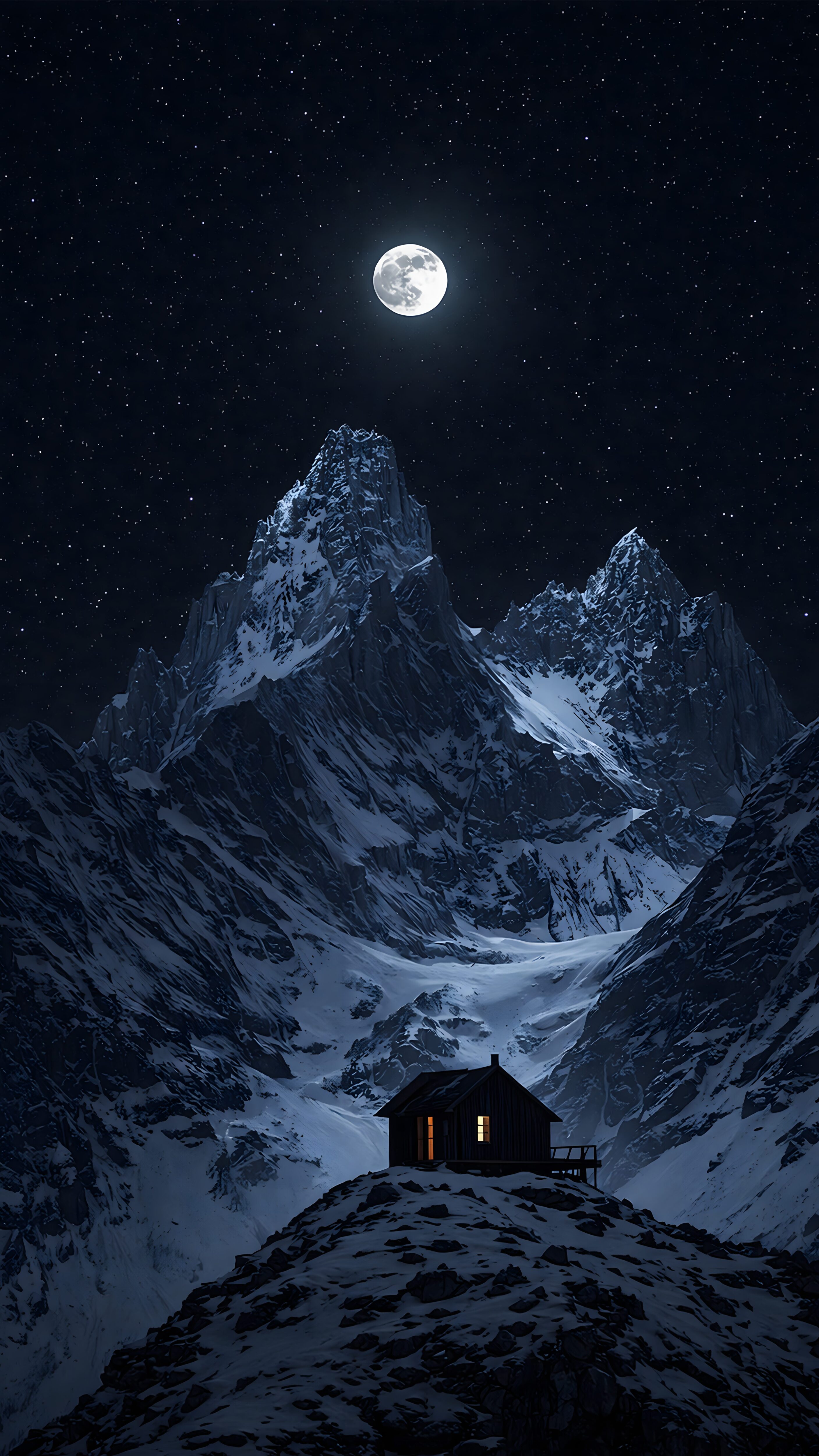
Dark mode lovers, this one is for you. The Winter Mountain Cabin Night wallpaper uses the sharp peaks of the cabin roof and surrounding trees against a deep night sky. It naturally leaves plenty of empty space at the top, ensuring your digital clock is perfectly nestled behind the snowy landscape.
The Big Question: Does the Depth Effect Drain Your Battery?
One of the most common questions we get from our community is whether this 3D lock screen feature is a battery killer. The short answer? Not really, but there is a catch depending on your screen type.
Because the depth effect requires your phone’s built-in neural engine to separate the image layers every time you wake the screen, it does use a tiny fraction of processing power. However, here is the trick: if you are using a dark or true black AMOLED wallpaper (like the Winter Mountain Cabin example above), the battery power saved by those completely turned-off black pixels far outweighs the tiny bit of energy used for the 3D clock overlap. In short, pair the depth effect with a dark 4K wallpaper, and you get a premium, interactive look without constantly reaching for your charger.
FAQ: Troubleshooting Lock Screen Issues
Q: Why is the Depth Effect option totally missing on my iPhone?
A: Make sure you are using iOS 16 or newer. Also, remember that Live Wallpapers and certain default Apple collections do not support this feature.
Q: Can Android users get the Depth Effect?
A: Yes! Brands like Samsung (One UI) and Xiaomi (HyperOS) have introduced similar features in their latest updates. The exact same image rules (clear subject, empty top space) apply to Android smart lock screens as well.
Q: The image has a clear subject, but it still won’t work. Why?
A: Sometimes the file is saved in an unoptimized format or has too much digital noise, confusing the AI. Downloading our manually upscaled 4K images ensures the edges are sharp enough for your phone’s processor to read perfectly.
“A smart screen needs a smart wallpaper. Stop settling for less.”